Book Appointment Now

Top 5 Motherboards For Ryzen 9 9950x3D
Top 5 Motherboards For Ryzen 9 9950x3D
The AMD Ryzen 9 9950X3D stands as the pinnacle of the AM5 platform in 2026, blending 16 high-performance Zen 5 cores with a massive 144MB of L3 cache. To harness this 170W TDP behemoth, choosing a motherboard with a robust VRM (Voltage Regulator Module) and advanced thermal management is non-negotiable. Whether you are building a workstation-grade productivity machine or the ultimate 4K gaming rig, your motherboard must handle extreme power transients while offering the high-speed connectivity required by next-gen GPUs and NVMe storage.
In 2026, the arrival of the X870E and X870 chipsets has standardized features like USB4 and PCIe 5.0 across both graphics and storage. For the 9950X3D, these platforms provide the necessary lane distribution to avoid bandwidth bottlenecks. Enthusiasts looking for maximum memory stability will benefit from the improved trace layouts on these newer boards, pushing DDR5 speeds well beyond the 8000 MT/s mark through AMD EXPO profiles.
Our selection targets various user tiers: from professional overclockers needing 24-phase power delivery to value-conscious builders who want a stable, future-proof foundation without the “enthusiast tax.” We have focused on boards that offer Wi-Fi 7, 5GbE+ networking, and tool-less DIY features to ensure your build experience is as premium as the silicon it supports.
Best Picks at a Glance
- Best Overall: ASRock Phantom Gaming X870E Nova WiFiCheck Price on Amazon
- Best Enthusiast: MSI MEG X870E GODLIKECheck Price on Amazon
- Best Value: MSI MAG X870 Tomahawk WiFiCheck Price on Amazon
BEST OVERALL
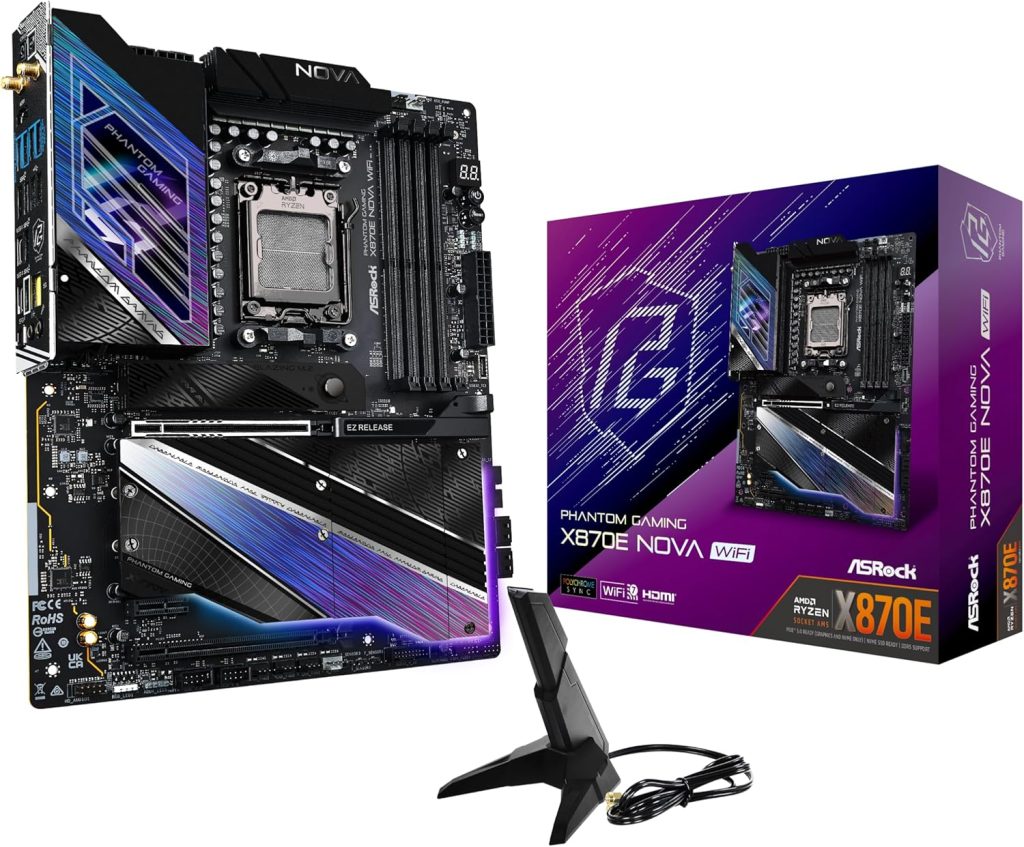
1. ASRock Phantom Gaming X870E Nova WiFi – The Balanced Powerhouse
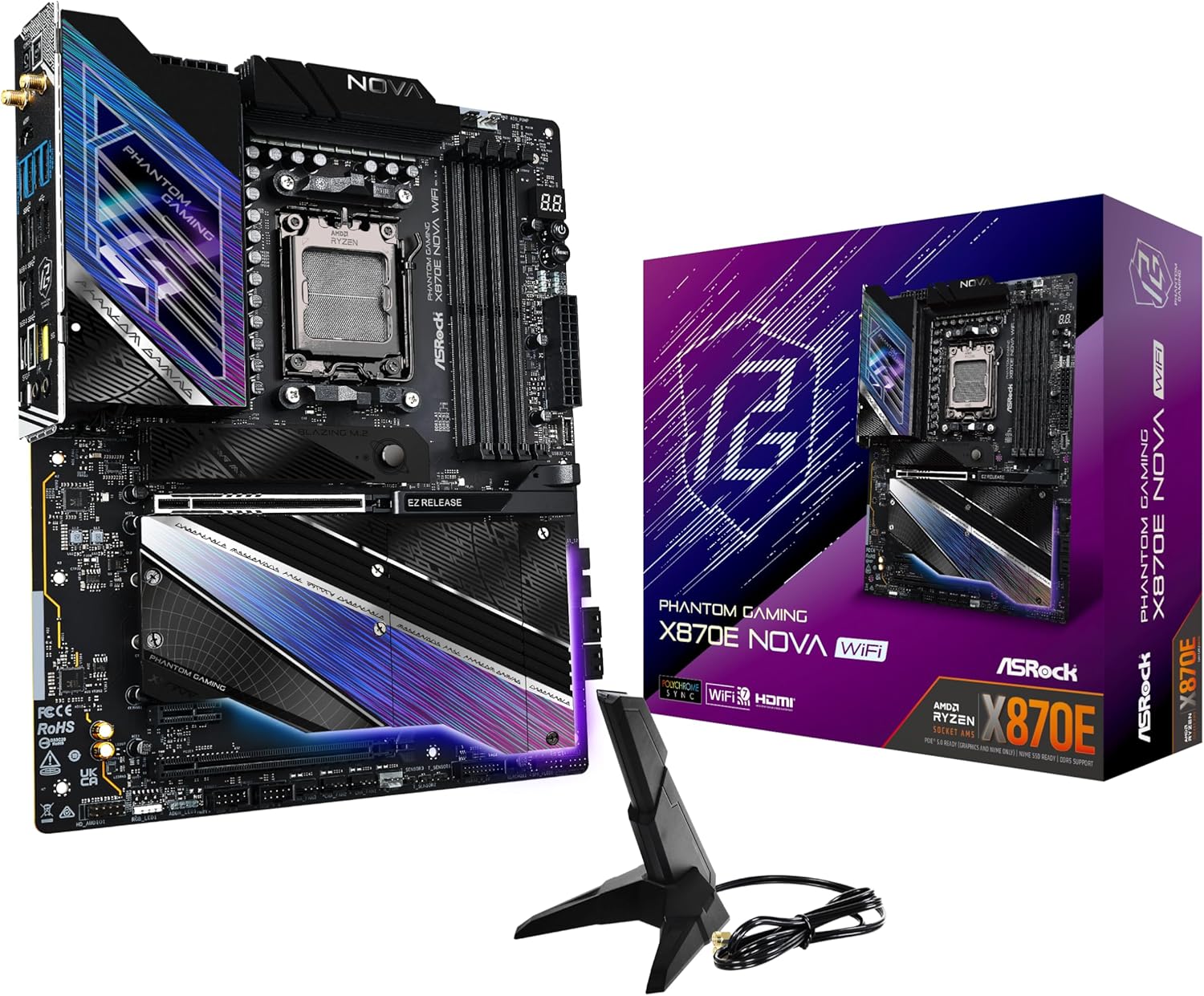
The ASRock X870E Nova WiFi is the definitive “no-compromise” board for most 9950X3D users.
It features a massive 20+2+1 phase VRM capable of delivering 2200A of combined current, ensuring that even under extreme 32-thread workloads, the power delivery remains cool and stable. With five M.2 slots (one PCIe 5.0) and native Wi-Fi 7, it covers every modern connectivity requirement while undercutting the price of premium flagship models.
| Chipset | AMD X870E |
| VRM | 20+2+1 Phase (110A SPS) |
| Memory | DDR5-8200+ (OC) |
| Networking | 5GbE LAN + Wi-Fi 7 |
Pros: Incredible VRM thermals; Tool-less M.2 heatsinks; 5x M.2 slots.
Cons: M.2 slot 5 shares bandwidth with PCIe lanes.
Buy this if: You want flagship-tier power delivery and storage expansion without paying over $500.
ENTHUSIAST CHOICE
2. MSI MEG X870E GODLIKE – The Pinnacle of AM5
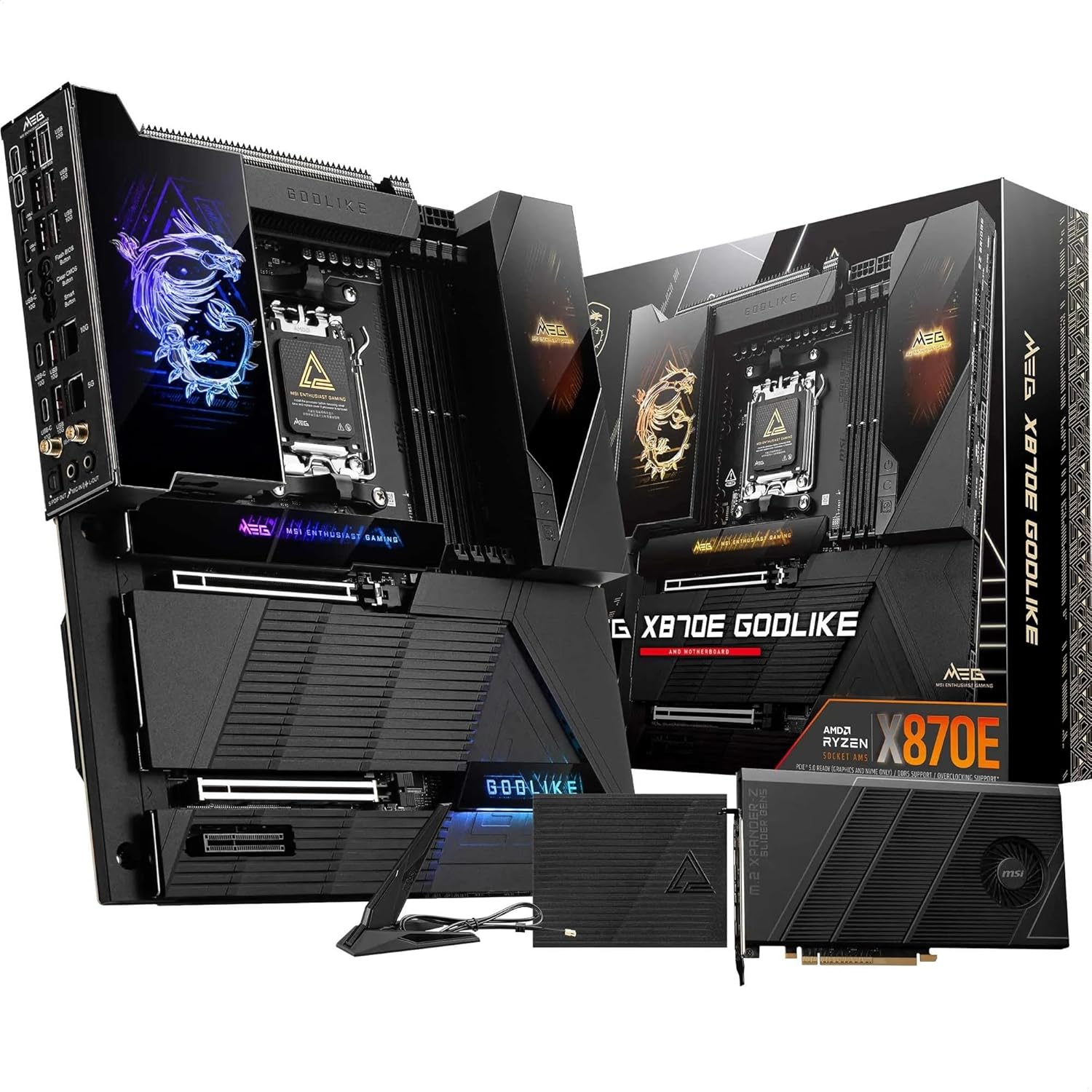
Engineered for record-breaking performance, the GODLIKE is built for those who push the 9950X3D to its absolute limits.
With a 24+2+1 phase power design and the M-Vision Dashboard for real-time monitoring, this board is a workstation and overclocking beast. It includes a PCIe 5.0 expansion card for additional NVMe drives and features dual 10GbE + 5GbE LAN for ultra-high-speed networking environments.
| Chipset | AMD X870E |
| VRM | 24+2+1 Phase (110A SPS) |
| Memory | DDR5-9000+ (OC) |
| Networking | 10GbE + 5GbE + Wi-Fi 7 |
Pros: Unrivaled power delivery; 10GbE Networking; Dedicated hardware monitor.
Cons: Extremely expensive; E-ATX form factor requires a large case.
Buy this if: Money is no object and you need the absolute best VRM and connectivity suite available.
BEST VALUE
3. MSI MAG X870 Tomahawk WiFi – Reliable Performance
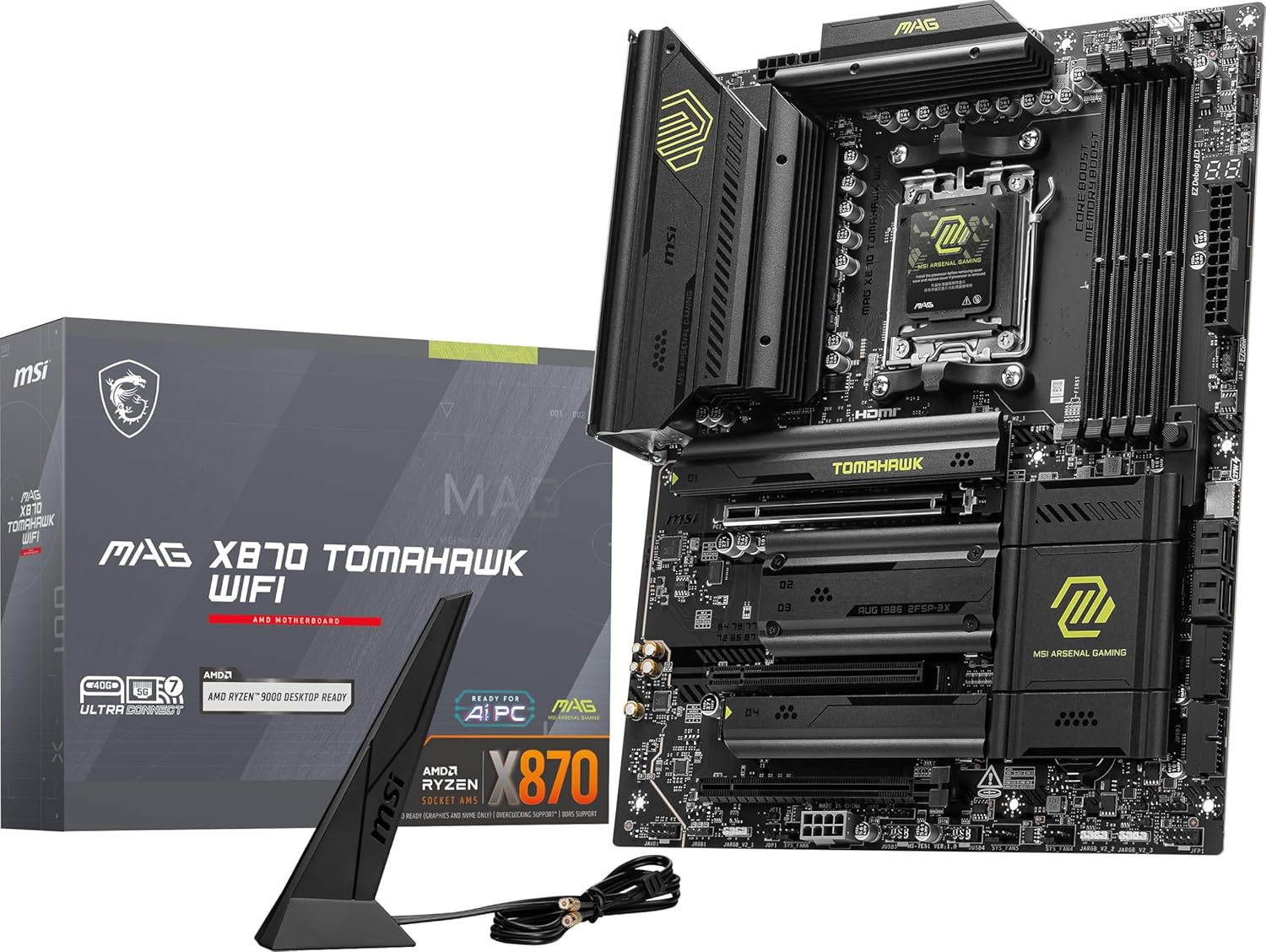
The Tomahawk series continues its legacy of providing exactly what you need with zero fluff.
While it moves to the single-chip X870 chipset, it retains a high-quality 14+2+1 power stage design that comfortably handles the 9950X3D at stock or with PBO enabled. It offers a clean, all-black aesthetic and simplified DIY features like the EZ PCIe release and tool-less M.2 Shield Frozr.
| Chipset | AMD X870 |
| VRM | 14+2+1 Phase (80A) |
| Memory | DDR5-8400 (OC) |
| Networking | 5GbE LAN + Wi-Fi 7 |
Pros: Excellent price-to-performance; 5GbE LAN; Clean aesthetics.
Cons: Fewer PCIe 5.0 lanes than X870E models.
Buy this if: You want a reliable, high-performance board for gaming and work without enthusiast-tier pricing.
BEST FOR CREATORS
4. ASUS ProArt X870E-Creator WiFi – The Professional Choice
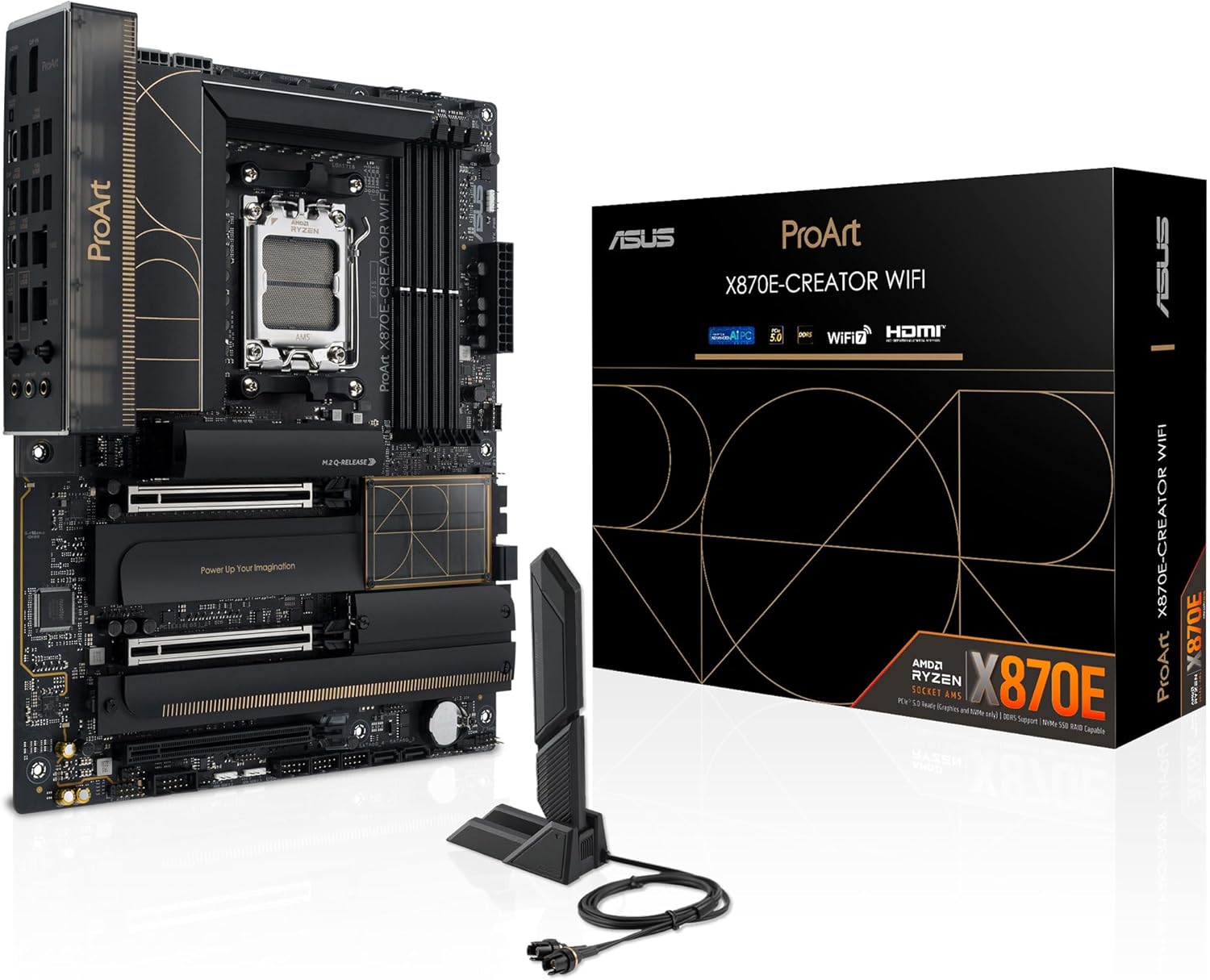
For developers and video editors, the ProArt X870E-Creator is the ultimate workstation foundation.
It stands out with dual USB4 ports and 10GbE + 2.5GbE networking, specifically designed for fast data transfers to NAS systems or external RAID arrays. The 16+2+2 power stage design ensures the 9950X3D stays stable during long rendering marathons.
| Chipset | AMD X870E |
| VRM | 16+2+2 Phase (110A) |
| Memory | DDR5-8000+ (OC) |
| Networking | 10GbE + 2.5GbE + Wi-Fi 7 |
Pros: Dual USB4 / Thunderbolt 4; 10GbE Networking; Professional aesthetic.
Cons: No onboard RGB (a pro for some, con for others).
Buy this if: Your workflow involves massive file transfers and you need workstation-grade networking.
BEST WHITE BUILD
5. ASUS ROG Strix X870-A Gaming WiFi – High Style, High Power
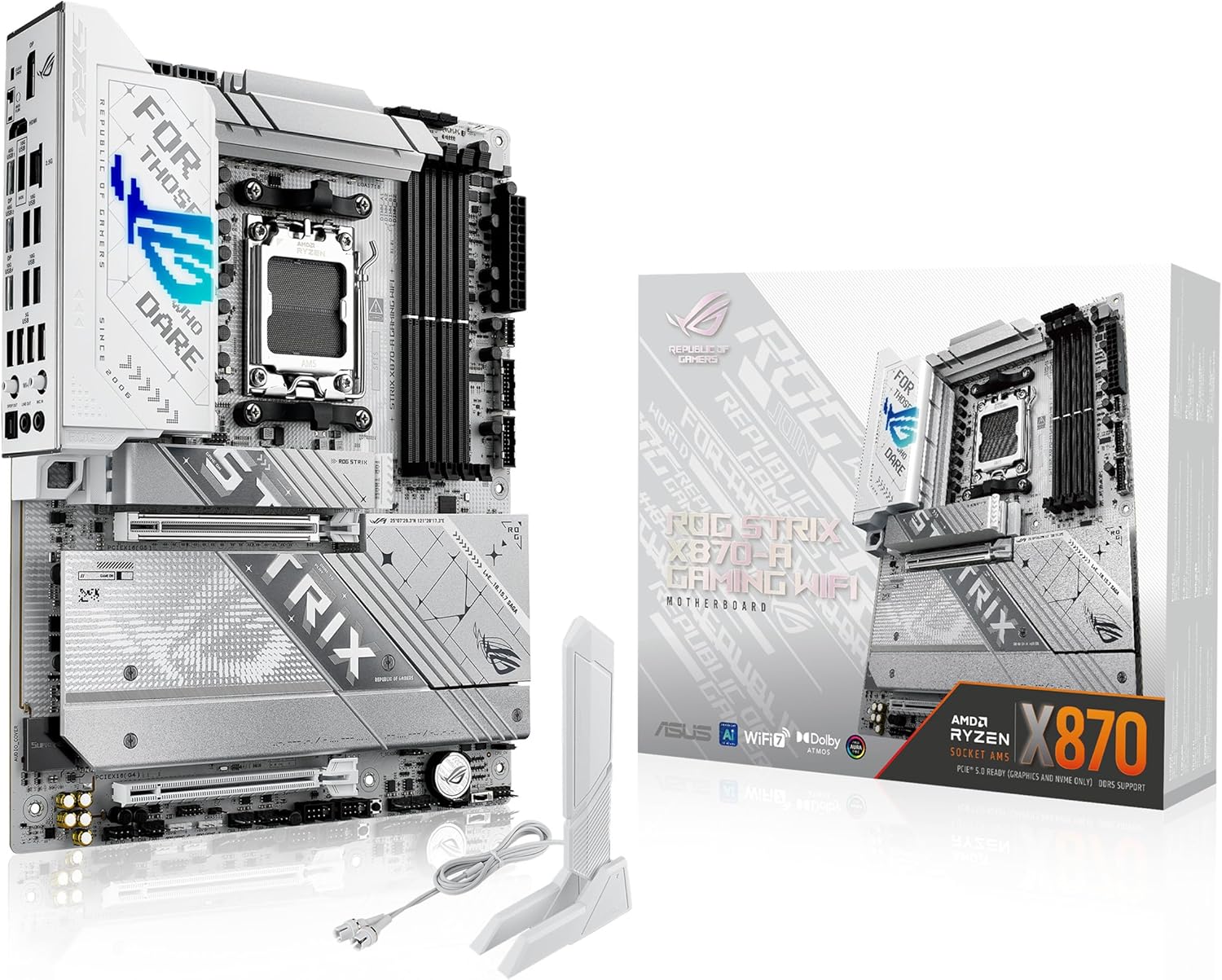
Combining the striking white-and-silver aesthetic with ROG-tier performance, the Strix X870-A is a beauty.
Under the silver heatsinks lies a potent power delivery system optimized for the 9950X3D. It includes ASUS-exclusive features like AI Overclocking and AI Networking II to squeeze every bit of performance out of your CPU and internet connection with minimal manual tuning.
| Chipset | AMD X870 |
| VRM | 16+2+1 Phase (90A) |
| Memory | DDR5-8200 (OC) |
| Networking | 2.5GbE + Wi-Fi 7 |
Pros: Stunning white design; ROG software suite; Excellent BIOS.
Cons: Premium price for aesthetics.
Buy this if: You are building a high-end white-themed gaming rig and want the ROG ecosystem.
Buying Guide: Choosing the Right Board for the 9950X3D
The Ryzen 9 9950X3D is a dual-CCD processor with 3D V-Cache on one chiplet. This architecture makes it sensitive to power delivery and thermal fluctuations. When selecting a motherboard, prioritize these three factors:
- VRM Quality: Look for at least a 14-phase design with 80A or higher Power Stages to ensure the CPU can maintain its 5.7 GHz boost clock without thermal throttling on the motherboard side.
- PCIe 5.0 Implementation: Ensure the board offers at least one Gen 5 M.2 slot and one Gen 5 x16 slot for future-proofing against next-gen GPUs.
- USB4 Connectivity: As of 2026, USB4 (40Gbps) is standard on X870/X870E. This is vital for high-speed external storage and docked workstation setups.
Pro Tip: When using the 9950X3D, ensure your BIOS is updated to the latest AGESA version. 2026 updates have significantly improved the core-parking logic, which is crucial for the 3D V-Cache to function correctly across dual-CCD processors.
Warning: High-end X870E boards often share PCIe lanes between the primary GPU slot and secondary M.2 slots. Always check the manual; installing an SSD in specific slots may drop your GPU to x8 mode.
Final Verdict
For the absolute best balance of technical specifications and value, the ASRock X870E Nova WiFi is our top recommendation for the Ryzen 9 9950X3D. It provides the thermal headroom of boards twice its price. If you are a professional creator needing 10GbE and USB4, the ASUS ProArt X870E-Creator is the specialized tool for the job. Finally, for those on a strict budget who still want the latest 800-series features, the MSI MAG X870 Tomahawk remains the gold standard for reliable gaming builds.
[Watch this breakdown of X870 vs X870E motherboards](https://www.youtube.com/watch?v=CAn2uAmP2z8)
This video provides a direct comparison of the top X870 and X870E motherboards specifically for the Ryzen 9 9950X3D, helping you decide if the extra “E” features are worth the investment for your specific build.

Jaeden Higgins is a tech review writer associated with DigitalUpbeat. He contributes content focused on PC hardware, laptops, graphics cards, and related tech topics, helping readers understand products through clear, practical reviews and buying advice.