Book Appointment Now


Best Video Capture Device for Live Streaming and Recording
Best Video Capture Device for Live Streaming and Recording
A capture card is essential if you aspire to live stream your gaming sessions on platforms like Twitch, or if you intend to record gameplay for uploading to YouTube. These devices provide seamless recording capabilities without negatively impacting your gaming experience. Imagine capturing the intense firefights in *Call of Duty: Warzone*, the emotional depth of *The Last of Us: Part II’s* narrative, or the chaotic fun of navigating the obstacle courses in *Fall Guys: Ultimate Knockout*.
Building a professional live broadcast involves numerous elements. Beyond a camera, a chosen online video platform, and encoders, other crucial pieces of streaming equipment are often overlooked. A video capture device is one of these indispensable tools.
This article delves into everything you need to know about video capture devices for live streaming. We’ll explore their function, guide you on selecting the right one, and provide instructions on integrating it into your streaming setup.
The top video capture devices in 2021 deliver exceptional picture quality, supporting HD video up to 1080p at 30 frames per second. They all feature HDMI pass-through, meaning they have both HDMI input and output. This allows you to play your game or stream live while simultaneously recording the gameplay using a single device.
Furthermore, these capture cards come with user-friendly software that simplifies controlling your stream or recording, including features for editing, saving, and posting videos, eliminating the need for expensive video-editing software. Capture cards are ideal for both professional gamers looking to elevate their live streaming setup and aspiring YouTubers eager to launch their next exciting Let’s Play series.
What to Watch Out For
While Sony and Microsoft’s consoles offer streaming capabilities, they lack the power of a capture card. Depending on the specifications of your capture card, it can output at resolutions ranging from 1080p to 4K.
A capture card not only provides for seamless recording, but it also allows streamers to be more creative with their streams or recordings, such as by employing overlays on live Twitch feeds and video effects. There is also excellent editing software available, like as Open Broadcast Software (OBS), that may assist any streamer in getting started.
How We Made Our Decisions
We based our decision on research from a range of media, as well as our own expertise of the products and consumer reviews. We looked into each device’s capture quality, form factor, and hardware, as well as its price and compatibility with other gaming systems.
Top List Video Capture Device For Live Streaming and Recording
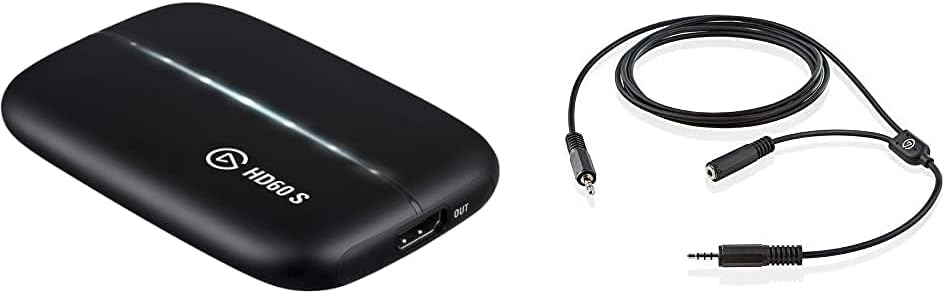
#1. Elgato HD60 S – Our Top Pick
Features:
[amazon box=”B07KNKWQLQ” template=”horizontal” ]
The Elgato Game Capture HD series remains a cornerstone in the video game capture card market, and for good reason. The HD60 S, in particular, is a standout device. This capture card allows you to record stunning high-definition 1080p content at 60 frames per second directly from your Xbox, PlayStation, or even Nintendo Switch consoles. The beauty of the HD60 S is its simplicity; installation is a breeze, typically involving connecting the console’s HDMI output to the card and then connecting the card to your display and computer.
The included Elgato software is intuitive and handles all capture card operations with ease. Fine-tuning your recordings is straightforward; you can effortlessly adjust video quality settings, such as bitrate and resolution, to optimize file sizes or prioritize visual fidelity. Audio controls are equally accessible, allowing you to quickly modify audio levels and even add commentary.
Beyond recording, the HD60 S excels at live broadcasting. Built-in integration with streaming platforms like Twitch and YouTube makes it easy to share your gameplay with the world. You can incorporate webcams, custom overlays, and other visual elements using the bundled software, creating a professional-looking stream. The Elgato HD60 S consistently receives positive customer reviews and is competitively priced, making it an accessible option for both aspiring and experienced streamers. Considering its features and performance, there are few capture cards that rival the value and capabilities of the Elgato HD60 S.
Check Price On Amazon
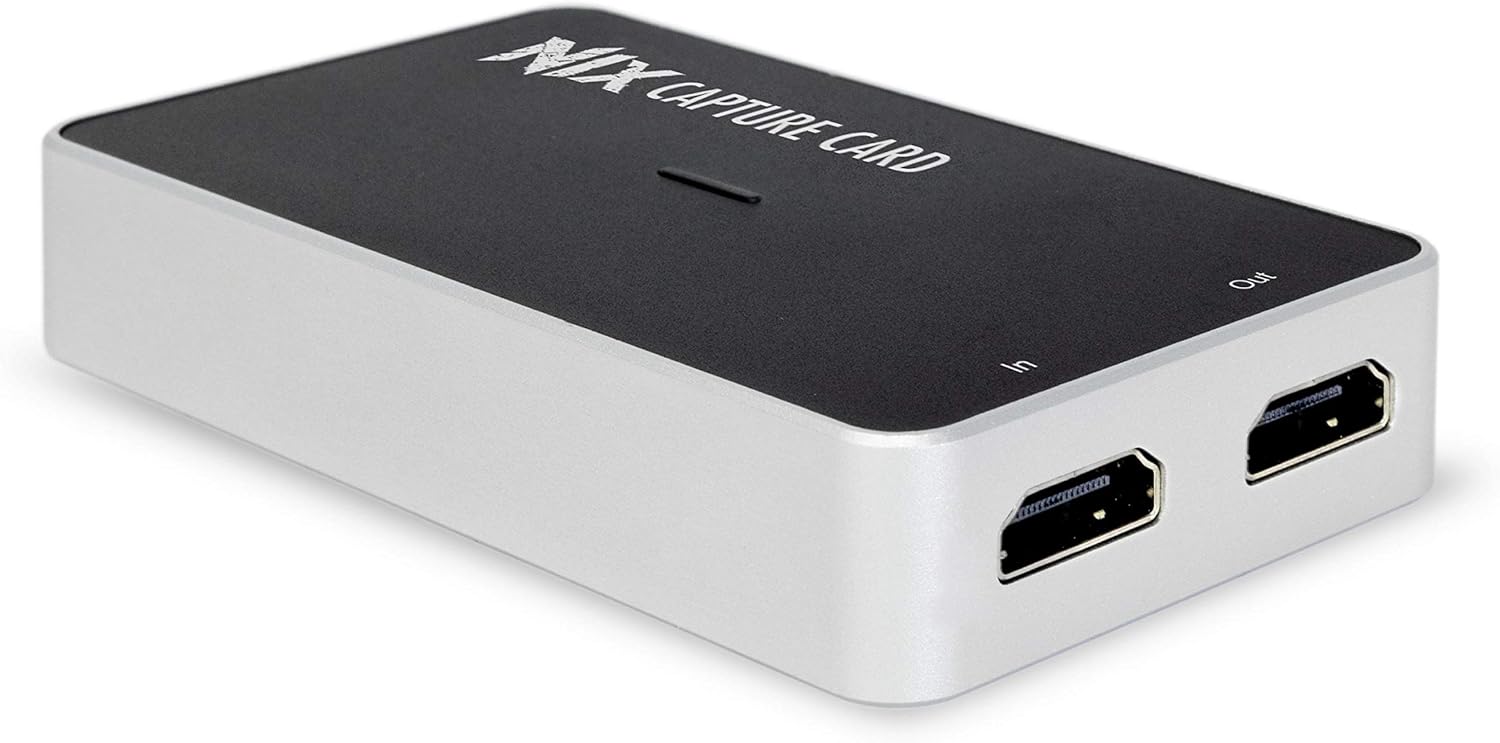
#2. Plugable Performance NIX – Runner-Up Pick
Check Price On Amazon
Features:
[amazon box=”B07JLCJF96″ template=”horizontal” ]
The Plugable Performance NIX 1080P 60FPS Capture Card with USB stands out as an appealing option for streamers, thanks to its combination of affordability and robust features. This capture card is specifically engineered for high-definition gaming and streaming needs.
The Plugable Performance NIX boasts broad compatibility, supporting various consoles like the PlayStation 5, Xbox Series X, and Nintendo Switch, as well as PCs. It allows recordings at a smooth 60 frames per second, ensuring fluid gameplay capture, and supports 1080p streaming for crisp visuals. Additionally, this capture card is compatible with popular streaming software, including Xsplit and Open Broadcaster Software (OBS). For example, a streamer can easily set up their gameplay capture using OBS, add overlays, and manage their stream directly. This ease of use makes it a user-friendly choice for both novice and experienced streamers.
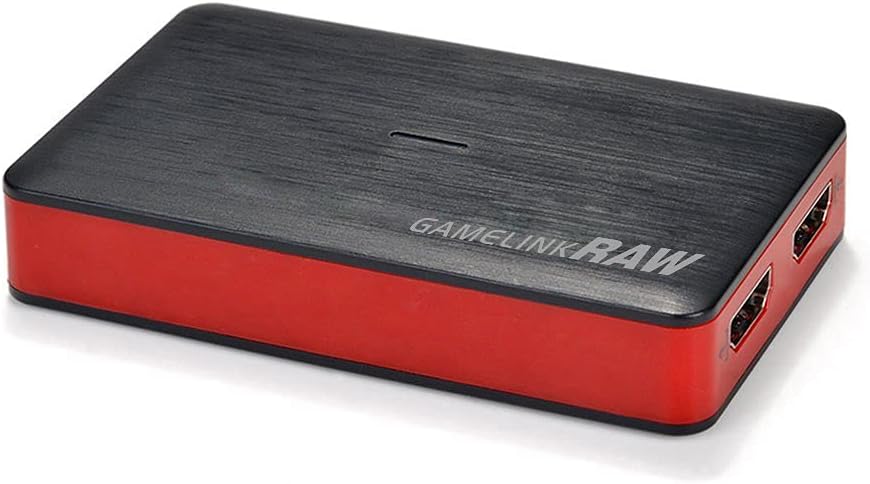
#3. Y&H Capture Card – Budget Capture Card
Check Price On Amazon
Features:
[amazon box=”B073WJ2XTZ” template=”horizontal” ]
The Y&H HDMI Game Capture Card stands out as an excellent choice for streamers due to its compelling features. One of its most attractive aspects is its affordability, making it accessible to a wide range of users, especially those just starting out.
Despite its budget-friendly price, the card offers a wealth of functionalities. Users can easily share their screens, broadcast live streams to platforms like Twitch or YouTube, and record gameplay in crisp 1080p resolution. Setup is incredibly simple; there’s no need to install drivers or worry about frequent updates.
The card leverages USB 3.0 technology, ensuring rapid data transfer speeds for smooth recording and streaming experiences. Furthermore, it boasts broad compatibility with popular streaming software like OBS Studio, XSplit, and VLC Media Player, allowing for seamless integration into existing setups. This combination of affordability, functionality, and ease of use makes the Y&H capture card a compelling option.
#4. MiraBox Capture Card

Check Price On Amazon
Features:
[amazon box=”B07C6KCBYB” template=”horizontal” ]
The MiraBox Capture Card, USB 3.0 HDMI Game Capture Card Device now has increased support, allowing users to stream in 1080p at 60 frames per second directly to their favorite streaming sites. This capture card is a plug-and-play device that requires no additional drivers. Streaming is now more accessible than ever before thanks to improved compatibility with a number of the world’s most popular gaming consoles.
This game capture device can benefit from an HDMI Loop out wire to remove latency, allowing for real-time streaming of all steel while maintaining high-quality video and audio. MiraBox is a well-known brand in the capture card sector, with many customers praising the MiraBox capture card’s design. At this pricing point, the card is also fairly reasonable, making it one of the better budget options currently available on the market.
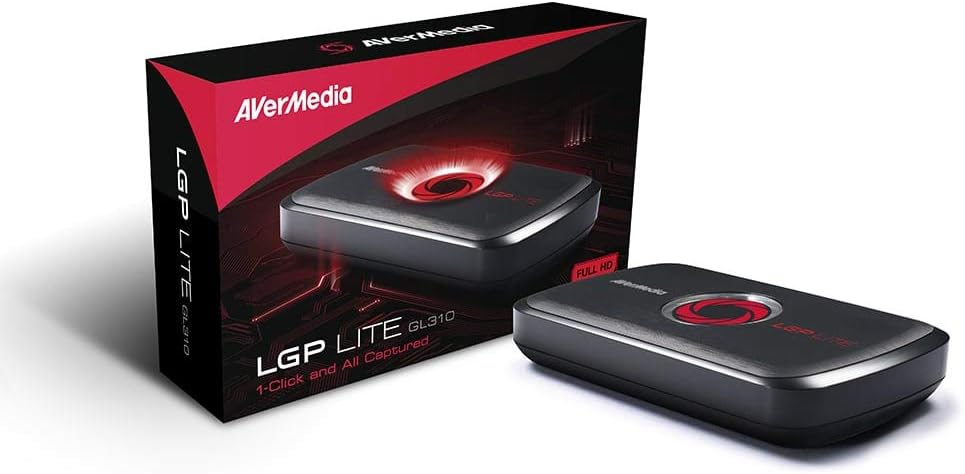
#5. AVerMedia AVerCapture HD
Check Price On Amazon
Features:
[amazon box=”B00I0QZMPE” template=”horizontal” ]
The AVerMedia AVerCapture HD allows users to stream in high definition quality up to 1080p from their Xbox and PlayStation. This capture card is capable of broadcasting and recording with ultra-low latency.
Users may stream and publish directly to YouTube and Twitch, which is a useful feature for those who want to start streaming on their favorite social media networks quickly. After registering on the AVerMedia website, the manufacturer offers a 2-year warranty.
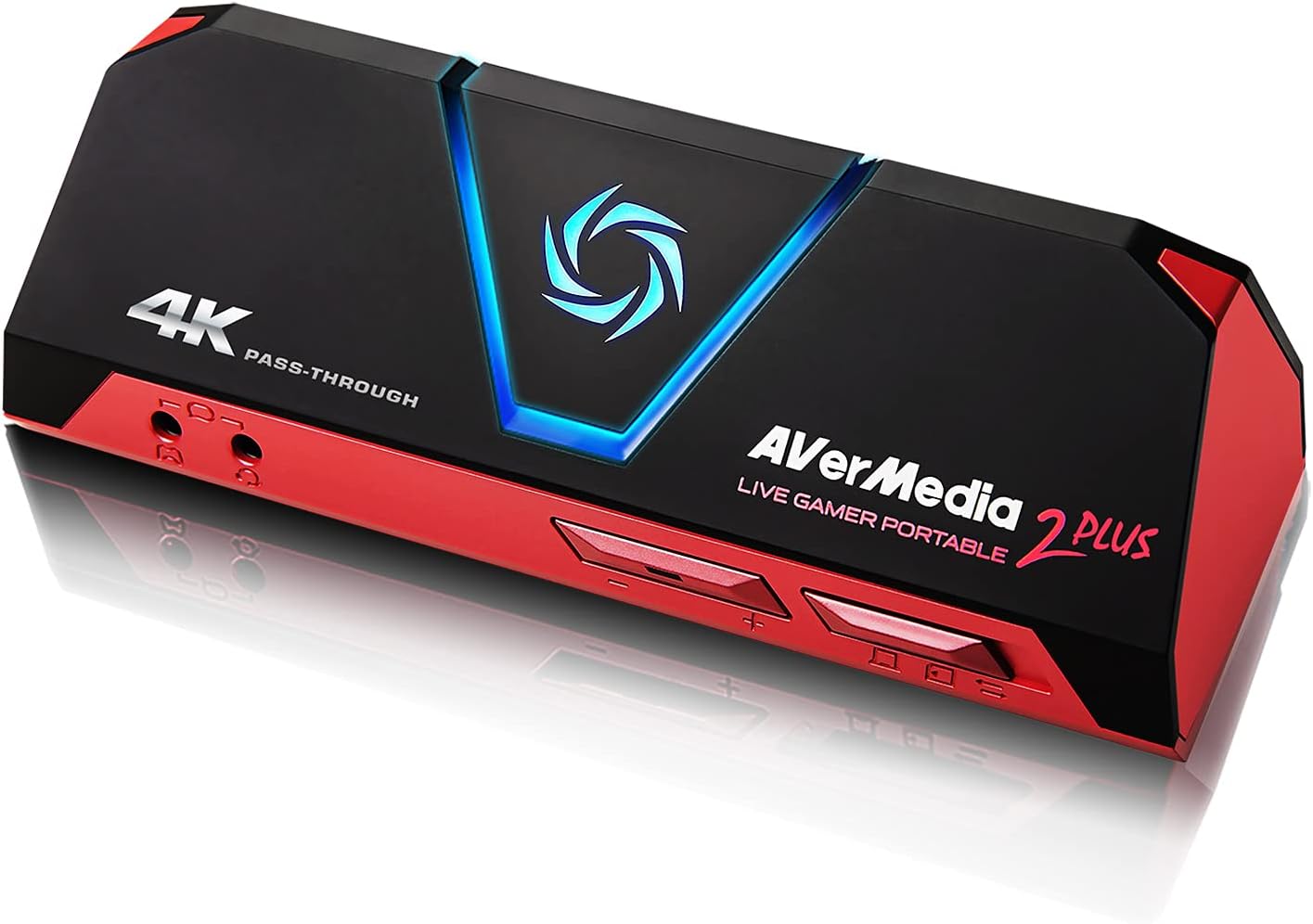
#6. AVerMedia Live Gamer Portable Video Capture Device
Check Price On Amazon
Features:
[amazon box=”B0763TFZWT” template=”horizontal” ]
With both HDMI and analog input connections, this is a superb all-around alternative that supports a wide range of input and output resolutions and devices. This device supports video capture up to 1080p at 30 frames per second, as well as push-button recording and pass-through functionality for streaming and recording.
It also comes with excellent tools for video and audio editing and broadcasting. This model has an SD card port that you may use to record and save video to an SD card, which allows you to use it without a computer.
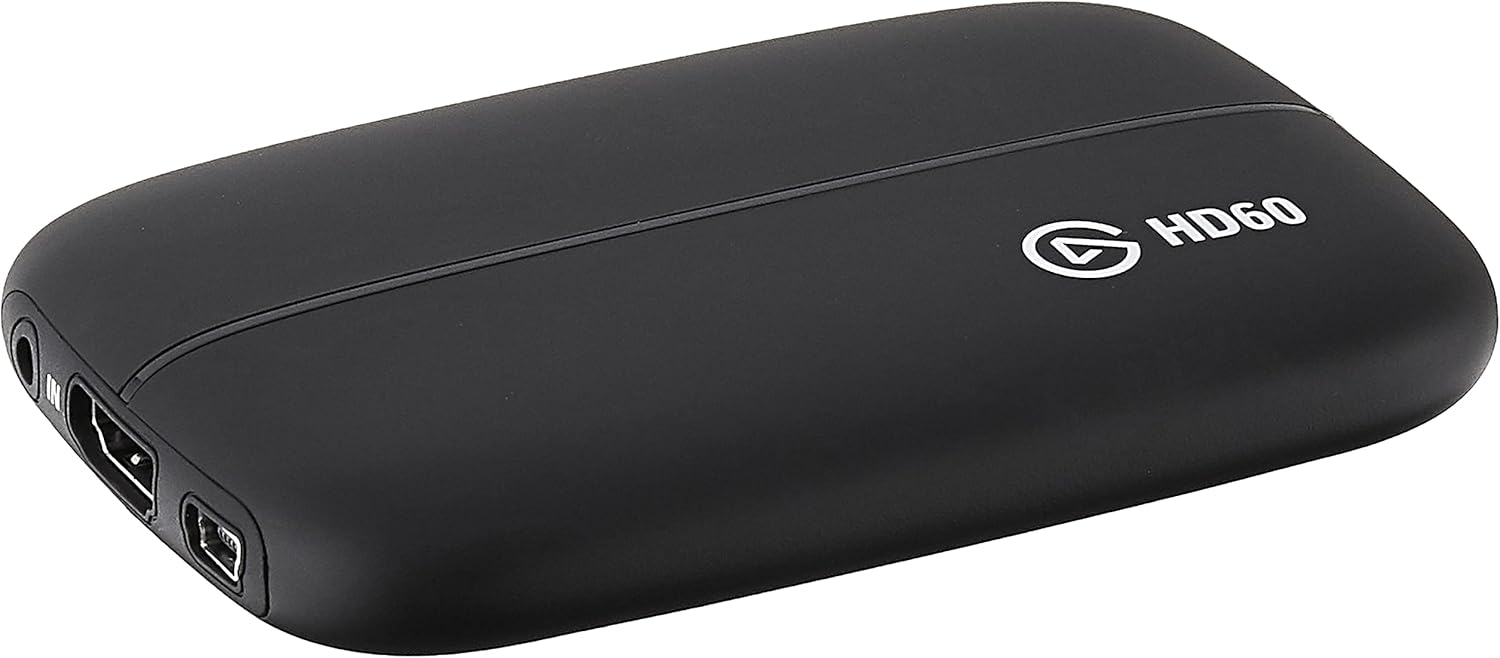
#7. Elgato Game Video Capture Device
Check Price On Amazon
Features:
[amazon box=”B00MIQ40JQ” template=”horizontal” ]
If you want the highest possible picture quality, this is an excellent option that just cannot be beaten. This gadget can record up to 1080p 60 fps HD video and has pass-through HDMI connections, allowing you to broadcast live gaming while recording. One of the most appealing aspects of this model is the ability to stream video at one resolution while recording at a different one.
This means you can record at 1080p 60 fps while streaming at a lower resolution for improved bit rates. Another notable feature is Flashback Recording, which allows you to go back into the software on your computer and begin recording even if you haven’t done so yet. Keep in mind that because this model only has an HDMI input, it will not operate with older systems that requires an analog input. The included software, on the other hand, makes it simple to record, edit, and share videos, as well as live stream information.
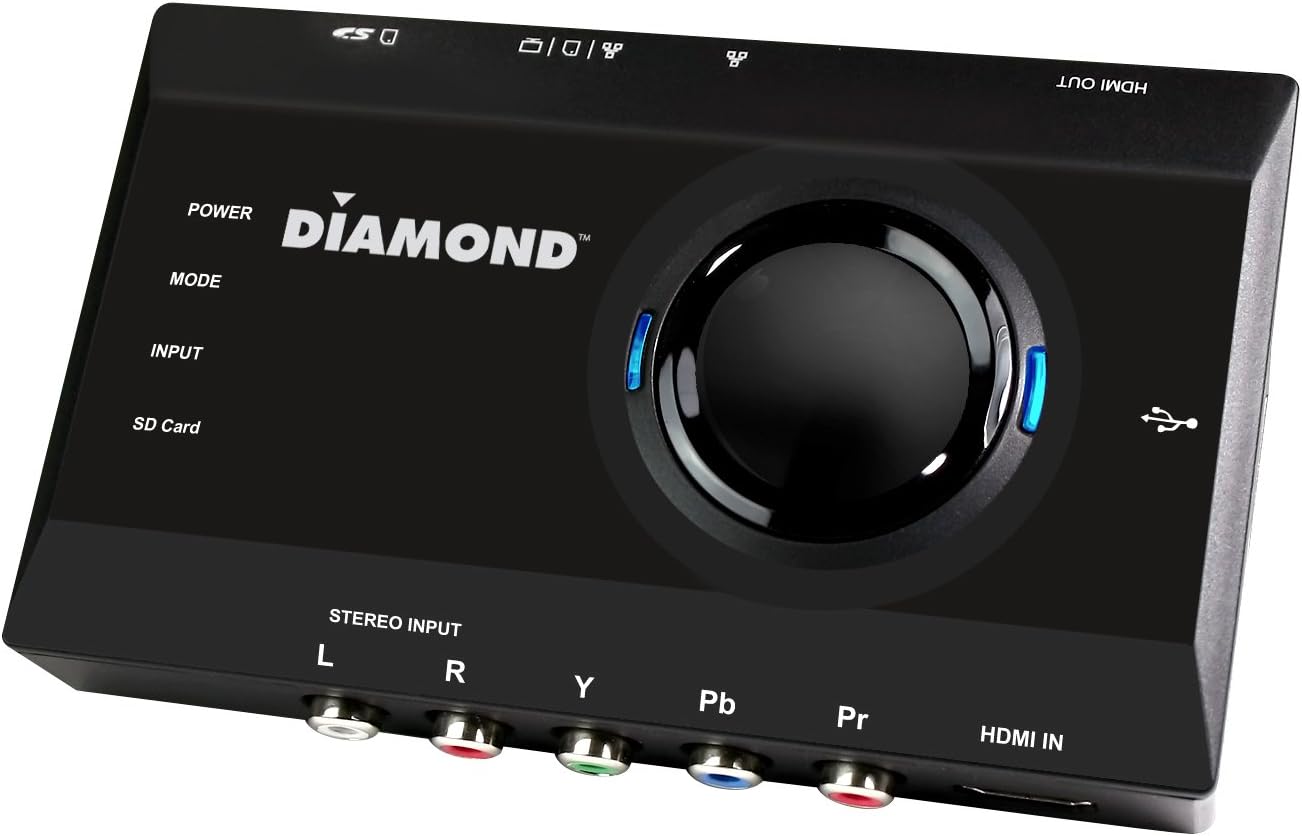
#8. Diamond Game Caster Video Capture Device
Check Price On Amazon
Features:
[amazon box=”B00ZIGRNS8″ template=”horizontal” ]
This is an excellent gadget for capturing 1080p 30 fps HD video without the need for a huge system array. The HDMI and analog video/audio inputs, as well as an HDMI output and USB connection for pass-through performance and streaming, make it simple to set up.
This can be used to record video from your computer, but it also works well with external devices like a video game console or a video cassette player. It’s simple to start recording content at any moment thanks to a simple push-button record function. You can also use the integrated card slot to record directly to an SD card, which makes it suitable for usage with or without a computer.
#9 . Hauppauge High-Def Personal Video Capture Device

Check Price On Amazon
Features:
[amazon box=”B00BA4ILX8″ template=”horizontal” ]
This video capture device has a lot to offer, including 1080p HD video capture and a record button for easily starting and stopping recording. You can even go backwards in time while streaming or playing a game, or start recording later if you miss something important.
While it has HDMI input and output (along with a USB cable), many devices, such as the Playstation 3, only have a single AV input. Individual analog video and audio connections, on the other hand, would be more beneficial for a wider range of applications. Overall, this is an excellent choice, but it is not the greatest option for every video capture arrangement.
#10. Roxio Game Capture HD Pro

Check Price On Amazon
Features:
[amazon box=”B008YTAGGW” template=”horizontal” ]
Despite its size, this video capture device is simple to connect to a variety of PCs and other platforms. This device can capture 1080p 30 fps HD video and comes with software to stream and record video quickly. This model supports a wide range of file formats, making it perfect for applications that require a wide range of input and output.
Hotkey support for start and stop capturing, the ability to add voice commentary or background music to recordings, and a USB cable for power are all included. Because there is no physical record button or SD card, you must use this pick with a computer, however it does have HDMI and component input ports. Keep in mind that this option is only available for Windows.
F.A.Q – Video Capture Device For Live Streaming and Recording
What is a Video Capture Device, and how does it work?
A video capture device, sometimes known as a “video capture card,” is a hardware component that connects your live streaming camera to your computer. Video capture devices are most commonly associated with PCs, but they can also be utilized with laptops equipped with the necessary connectors.
Video capture devices are used by broadcasters to link their external stream sources to the video streaming platform running on their PC.
Video Capture Devices: What Are They and How Do They Work?
Video capturing devices are divided into two categories. USB devices that require their own software and PCI Express (PCIe) devices that offer plug-and-play are examples.
The latter is preferable because it is less complicated to use and does not require the assistance of drivers. They commonly connect to a desktop or rack system via a PCIe adapter slot.
There’s also the Mini PCIe version or the newer M.2 standard, which has a smaller form size. These cards have the advantage of being directly connected to the system, allowing for higher performance. This improved performance also enables the use of several input channels on the same device.
Which Capture Card Should You Use?
This buyer’s guide to capture cards compares seven of the top capture cards currently available on the market. For users who want to record high-quality gaming, each of these capture cards has something unique to offer. There are minor variances between each of these capture cards, making it difficult to select the best one for your requirements.
It’s critical to consider your budget and the particular values of each capture card to make sure you’re getting the most bang for your money.
What is the best way to use a capture card?
It’s not difficult to use a capture card. It lies between your system and your screen, stealing a duplicate of whatever is being sent to your screen. In most situations, this entails connecting your console or PC to the capture card, and then connecting the capture card to your TV or monitor using another HDMI connection.
The capture card is then connected to your computer through a USB wire. Once everything is connected and started up, you can use streaming/capturing software like OBS Studio to add the capture card as an input device.
How do you pick a capture card?
It’s actually quite simple to choose a capture card if you know what to look for. The most significant spec is the capture card’s maximum resolution and frame rate. It’s especially crucial if you’re using a PS5 or Xbox Series X to get a capture card that can give the full resolution and frame rate of your console. You can get away with a lesser quality if you’re only streaming gaming rather than capturing it (streaming at 4K consistently is still a few years off).
Then there’s the technique of connection. Five of the seven alternatives listed above use a USB connection, while others use a PCIe connection. PCIe capture cards go into an open slot in your computer and, despite their differences in appearance, serve the same job. PCIe capture cards, on the other hand, have higher bandwidth than USB, making them suitable for capturing lossless or near-lossless gameplay.
Finally, take into account the passthrough. Depending on what the passthrough supports, your capture card may limit the quality and frame rate of your games. For example, the Elgato Game Capture HD60 S+ enables 4K passthrough at 60 frames per second, allowing you to stream or record at the full resolution of a PS5 or Xbox Series X.
Is a capture card required?
While both the PlayStation 5 and Xbox Series X boast built-in capture features, leveraging a dedicated capture card is highly recommended for a superior recording and streaming experience. These cards offer significant advantages beyond the consoles’ internal solutions. A capture card unlocks a world of customization for your broadcasts, granting access to powerful software like XSplit and OBS. These programs enable you to personalize your stream with overlays, alerts, and multiple camera angles, crafting a professional and engaging presentation for your viewers.
The primary benefit lies in enhanced video quality. Recording gameplay internally puts substantial strain on the console’s processor, often leading to lower-quality encoding. This can manifest as visual artifacts, compression issues, and reduced overall clarity, even if you’re recording at high resolutions. For example, a console might allow 4K recording, but the internal encoder struggles, resulting in a compromised final product. This also limits the duration of your recordings.
A capture card alleviates this burden. It offloads the video encoding process to its dedicated hardware, freeing up your console to focus on running the game smoothly. This allows you to fine-tune recording quality, achieve longer recording durations, and capture gameplay at higher resolutions without significant performance degradation. This is particularly crucial for streamers aiming to deliver a high-quality viewing experience. A capture card ensures you can enjoy the game’s full visual fidelity while the card handles the complexities of streaming, allowing for a seamless and visually stunning broadcast.

A passionate tech enthusiast with a deep focus on PC hardware, gaming rigs, and performance tuning, Bertine Gaynor has spent years exploring the latest innovations in processors, GPUs, and custom builds. On DigitalUpbeat.com, he shares hands-on reviews, performance breakdowns, and expert insights to help readers make smart hardware choices. When not testing components, he’s often optimizing setups for peak efficiency or diving into the latest tech trends shaping the future of computing.