Book Appointment Now

How to Choose the Right CPU and GPU Combo for Gaming
How to Choose the Right CPU and GPU Combo for Gaming in 2026
A strategic guide to building a balanced, future-proof gaming rig without burning cash.

Building a gaming PC in 2026 feels like walking through a minefield. Between the AI-driven RAM crisis, the debate over 8GB GPUs being “crippled,” and new generations of processors, finding the perfect pair has turned into a puzzle [citation:1]. This guide will teach you how to diagnose your needs, understand the 2026 market, and select a CPU and GPU combo that works in harmony—eliminating bottlenecks and delivering the frames you paid for.
📋 Summary: The Golden Rules of Pairing
- ✅ 1080p/Competitive: CPU heavy. Prioritize single-core speed (e.g., X3D chips).
- ✅ 1440p/4K AAA: GPU heavy. VRAM (16GB+) is king.
- ✅ The 8GB Warning: Avoid 8GB GPUs in 2026 for new AAA titles [citation:1].
- ✅ Diagnose First: Use tools like MSI Afterburner to find your actual bottleneck [citation:5].
- ✅ Platform Longevity: AMD’s AM5 socket is supported longer; Intel’s LGA1851 is a new socket [citation:7].
🛠️ The Engine and the Artist: CPU vs. GPU
Before diving into specific combos, you must understand what each component does. The CPU (Central Processing Unit) handles the game logic, AI, physics, and system instructions. It’s the brains of the operation. The GPU (Graphics Processing Unit) renders the frames, lighting, textures, and effects. It’s the artist [citation:3].
A mismatch here creates a bottleneck. A super-fast artist (GPU) waiting for a slow brain (CPU) to tell it what to paint results in idle GPU time and lower FPS. Conversely, a fast brain with a slow artist means you can’t turn up the visual dials.
| Aspect | CPU (Central Processing Unit) | GPU (Graphics Processing Unit) |
|---|---|---|
| Core Function | Control, logic, sequential tasks | Massive parallel workloads, rendering |
| Core Count | Up to 128 (server), 8-16 for gaming | Thousands of smaller cores |
| Design Goal | Low latency, fast decisions | High throughput, parallel processing |
| Gaming Role | Game logic, physics, draw calls | Rasterization, ray tracing, upscaling |
🔍 Diagnosing Your Bottleneck: The “Smart Upgrade” Method
Upgrading blindly is how you waste money. You need to find out which part is actually holding your system back. Use free tools like MSI Afterburner with RivaTuner or the Windows Task Manager [citation:5].
✅ You are GPU Bound
Symptoms: GPU usage is at 95-99%, while CPU usage hovers below 70-80%.
Diagnosis: Crank up resolution or graphics settings. If FPS drops, your GPU is the star and the limiter.
Action: Upgrade your graphics card first. Your CPU is keeping up just fine.
⚠️ You are CPU Bound
Symptoms: One or two CPU cores are pegged at 100%, while GPU usage is < 90% [citation:5].
Diagnosis: Lowering resolution doesn’t improve FPS. You see stuttering and frametime spikes.
Action: Upgrade your CPU. A faster GPU will just sit idle waiting for instructions.
⚖️ Balanced System
Symptoms: Both CPU and GPU are well utilized. Usage fluctuates naturally.
Diagnosis: Your system is harmonized. Upgrading one part will shift the bottleneck elsewhere.
Action: Save your money, or upgrade both simultaneously for a significant leap.
📈 2026 Market Reality: VRAM Wars and Platform Choices
The biggest trap in 2026 is buying a GPU with insufficient VRAM. Tech experts and outlets like VGTimes point out that NVIDIA’s 8GB cards (like the RTX 5050/5060) are being crippled by modern AAA titles, while AMD and Intel offer cards with 12GB, 16GB, or more at similar price points [citation:1]. For 1080p, 8GB is the absolute floor and offers zero future-proofing. For 1440p, aim for 16GB.
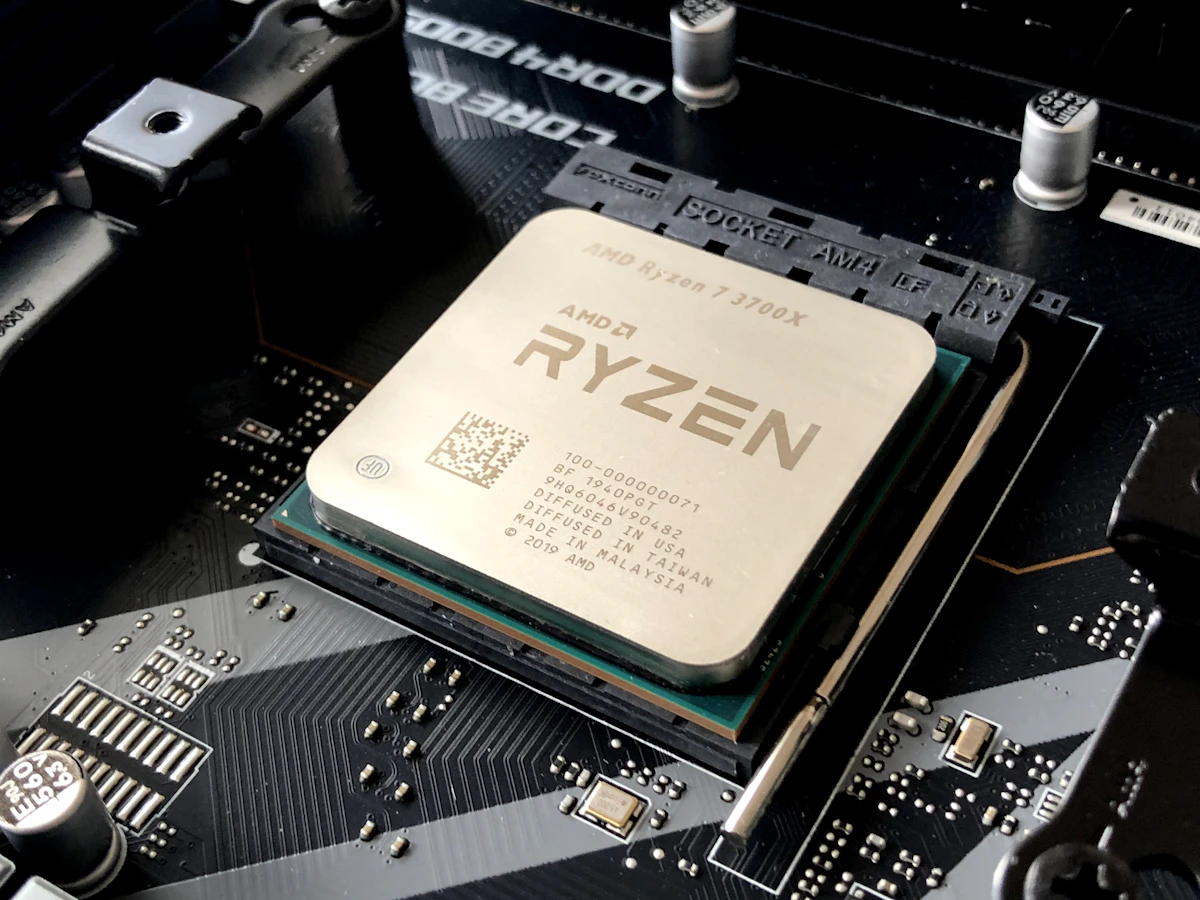
On the CPU side, the platform matters. Intel’s new LGA1851 socket (for Core Ultra 200 series) is a fresh start, but it’s likely a dead-end for future upgrades. AMD’s AM5 socket, on the other hand, is promised to be supported for years, making it the smarter choice if you like to upgrade your CPU without swapping your motherboard [citation:7].
🎯 The Best CPU & GPU Combos for 2026
Based on the latest benchmarks and pricing (as of early 2026), here are the most balanced combinations for different gaming targets. Note: Prices are estimates and fluctuate due to the ongoing memory market volatility [citation:4].
| Target & Resolution | Recommended CPU | Recommended GPU | Why This Pair Works |
|---|---|---|---|
| Budget 1080p (eSports & older titles) |
AMD Ryzen 5 5600 / 7500F [citation:7] or Intel Core i5-12400F [citation:2] | Intel Arc B580 (12GB) / Radeon RX 6600 [citation:2][citation:7] | The B580 offers a massive 12GB VRAM buffer at an entry price, saving you from the 8GB trap. |
| Mainstream 1080p/1440p (High settings, 60-100+ FPS) |
AMD Ryzen 5 9600X / 9500F [citation:1][citation:6] or Intel Core Ultra 5 245K [citation:1] | Radeon RX 9060 XT 16GB [citation:6] or RTX 5060 Ti 16GB [citation:7] | The 16GB VRAM on these GPUs is crucial for 1440p textures. The 6-core CPUs provide ample speed without bottleneck [citation:6]. |
| Enthusiast 1440p (Ultra settings, Ray Tracing) |
AMD Ryzen 7 7800X3D / 9800X3D [citation:1][citation:4] | Radeon RX 9070 XT (16GB) [citation:7] or RTX 5070 (12GB) | The X3D cache is a beast for gaming, feeding even the fastest GPUs. The 9070 XT offers incredible value and FSR4 [citation:1]. |
| 4K & High-End (Path Tracing, 100+ FPS) |
AMD Ryzen 9 9950X3D [citation:7] or Intel Core Ultra 9 285K [citation:1] | NVIDIA RTX 5080/5090 [citation:1] or Radeon RX 9070 XT (for raster) | At 4K, the GPU does almost all the work. Pair the best you can afford with a strong 8+ core CPU to avoid any micro-stutter. |
🧠 Smart Decisions: RAM, Cooling, and Future Upgrades
💾 The RAM Apocalypse
DRAM prices have exploded due to AI data center demand [citation:4]. 32GB of DDR5 is now a luxury. For gaming, 16GB is still the baseline, but if you’re building a high-end rig, you may need to splurge on 32GB to prevent stuttering in modded or heavy titles [citation:2][citation:8]. If building a budget PC in 2026, some builders are even temporarily using a single 16GB stick (sacrificing dual-channel speed) to save money, planning to add a second stick later [citation:6].
❄️ Don’t Forget the Cooler
A powerful CPU is useless if it thermal-throttles. Before you decide your CPU is “slow,” run Cinebench and watch your clock speeds. If they drop due to heat, your cooler is the bottleneck [citation:5]. A simple dual-tower air cooler (like the SK700) is often enough for most Ryzen 5/7 chips, saving you money for that GPU upgrade [citation:4].
❓ Frequently Asked Questions
Is 8GB of VRAM enough for gaming in 2026?
For new AAA titles at 1080p, 8GB is the absolute minimum and is already causing issues in textures-heavy games. For 1440p, it is generally not enough. Look for 12GB (Intel Arc) or 16GB (AMD Radeon) for a future-proof build [citation:1].
Should I buy an Intel or AMD CPU for gaming right now?
AMD currently holds the edge for pure gaming performance, especially with their X3D chips (7800X3D, 9800X3D). They also offer a longer upgrade path on the AM5 socket. Intel’s Core Ultra 200 series are competitive, but the LGA1851 socket is new and may not support next-gen CPUs [citation:7].
How do I know if I need to upgrade my CPU or GPU first?
Use a monitoring tool like MSI Afterburner. If your GPU usage is 95-100% while gaming, you’re GPU-limited—upgrade your graphics card. If your GPU usage is low (e.g., 60-80%) and a specific CPU core is pegged at 100%, you’re CPU-limited [citation:5].
Is it a bad time to build a PC due to RAM prices?
It’s a challenging time, but not impossible. RAM prices are high, making 32GB builds expensive. However, CPU and GPU pricing (especially from AMD and Intel) is competitive. You can build a system with 16GB now and plan to upgrade RAM later when (or if) prices drop [citation:4][citation:6].
Ready to Build Your Dream Rig?
Use our diagnostic tips to pick the perfect pair and avoid the 8GB trap.
Check Latest Prices on Amazon→
*Affiliate links help support our content.
🏁 The Bottom Line
Choosing the right CPU and GPU combo in 2026 is less about chasing the highest numbers and more about balance and awareness. Avoid the temptation of a cheap 8GB GPU, invest in a platform with a future (AM5), and always diagnose your actual bottleneck before spending your hard-earned money. A perfectly balanced mid-range PC will almost always beat a lopsided high-end one in real-world gaming smoothness.
Sources & Further Reading:
GamersNexus |
Newegg Insider |
XDA Developers |
PC Games Hardware |
RedSwitches

Jaeden Higgins is a tech review writer associated with DigitalUpbeat. He contributes content focused on PC hardware, laptops, graphics cards, and related tech topics, helping readers understand products through clear, practical reviews and buying advice.