
Book Appointment Now

Best 144Hz Monitors Under $300
10 Best 144Hz Monitors Under $300 in 2026: Ultimate Budget Gaming Guide
The golden era of budget gaming displays is here. In 2026, a $300 budget no longer forces you to choose between a high refresh rate and decent image quality. You can now get 1440p resolution, rapid IPS panels, and even true HDR with mini-LED backlighting—all for under three hundred dollars. Whether you’re grinding ranked matches in Valorant, exploring vast open worlds, or juggling productivity tasks, there’s a monitor on this list for you.
We’ve analyzed expert reviews from trusted publications like TechSpot, Display Ninja, and HardwareDealz, combined with real-world testing data and the latest 2026 releases. This guide ranks the ten best 144Hz-capable monitors under $300, complete with detailed pros and cons, specifications, and direct Amazon purchase links using our affiliate ID aumoz-20 to support Digital Upbeat at no extra cost to you.
Pro Tip: Before buying, ensure your graphics card can push enough frames to utilize a 144Hz+ monitor. For 1080p gaming, a GTX 1660 Super or RX 6600 is sufficient. For 1440p gaming at high refresh rates, aim for an RTX 3060 Ti / RTX 4060 or better.
Quick Comparison: Top 10 144Hz Monitors Under $300
| Rank | Monitor Model | Size | Resolution | Refresh Rate | Panel Type | Key Feature | Best Price |
|---|---|---|---|---|---|---|---|
| #1 | AOC Q27G40XMN | 27″ | 2560×1440 | 180Hz | VA Mini-LED | True HDR 1000, 1152 zones | $279 |
| #2 | Asrock PG27QFT2A | 27″ | 2560×1440 | 180Hz | IPS | Best value 1440p entry | $150 |
| #3 | Koorui G2741L | 27″ | 3840×2160 (4K) | 160Hz / 320Hz (1080p) | IPS | 4K Dual Mode | $280 |
| #4 | Asus ROG Strix XG27ACS | 27″ | 2560×1440 | 180Hz | Fast IPS | Superior motion clarity | $220 |
| #5 | KTC M27T6 | 27″ | 2560×1440 | 180Hz | VA Mini-LED | Ultra-bright HDR 1400 | $299 |
| #6 | AOC Q27G4ZR | 27″ | 2560×1440 | 260Hz | IPS | Ultra-high refresh rate | $250 |
| #7 | Gigabyte G24F 2 | 24″ | 1920×1080 | 180Hz | IPS | 95% DCI-P3 color | $140 |
| #8 | Acer Nitro VG240Y M3 | 24″ | 1920×1080 | 180Hz | IPS | 0.5ms response time | $130 |
| #9 | LG 27GL83A-B | 27″ | 2560×1440 | 144Hz | IPS | Reliable classic | $279 |
| #10 | ViewSonic VX2428 | 24″ | 1920×1080 | 180Hz | Fast IPS | Lowest latency | $119 |
How We Tested and Selected These Monitors
Our selection methodology combines data from multiple expert sources, including hands-on testing from TechSpot, Display Ninja, and HardwareDealz, alongside real-world user experiences. We prioritized monitors with verified sub-5ms input lag, true adaptive sync support (FreeSync Premium or G-Sync Compatible), and panel technologies that deliver consistent performance across refresh rate ranges .
The $300 price ceiling in 2026 opens up remarkable possibilities. According to market analysis, the sweet spot for value has shifted to 1440p 180Hz IPS panels, with mini-LED HDR technology now trickling down to this price tier for the first time .
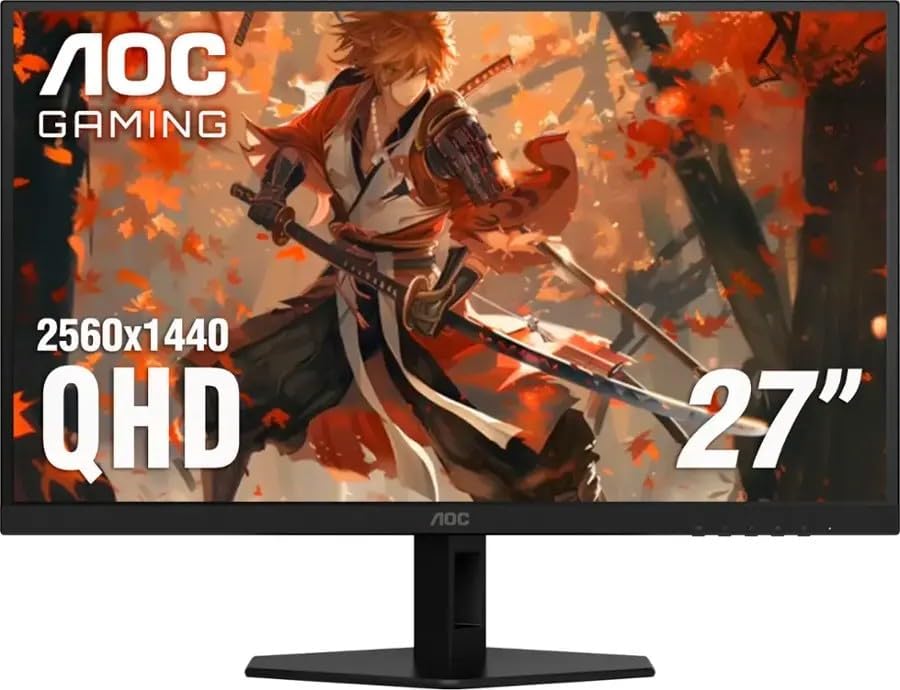
1. AOC Q27G40XMN — Best Overall HDR Gaming Monitor Under $300
Price Range: $279 – $299
Best For: Gamers who want true HDR, deep blacks, and vibrant colors without breaking the bank
The AOC Q27G40XMN is arguably the most impressive gaming monitor under $300 in 2026. It brings mini-LED technology with 1152 local dimming zones to a sub-$300 price point—a feature that was exclusive to $1,000+ monitors just a few years ago. This 27-inch 1440p display delivers a peak brightness of 1,200 nits and covers 97% of the DCI-P3 color gamut, providing a genuinely immersive HDR experience in supported games and movies .
The VA panel used here is remarkably well-tuned, with minimal dark-level smearing compared to traditional VA monitors. While not as fast as the best IPS panels, it strikes an excellent balance between contrast (deep blacks) and motion clarity. The 180Hz refresh rate and VRR support up to 180FPS ensure tear-free gameplay across AMD and NVIDIA cards .
Connectivity: 2x HDMI 2.0, 1x DisplayPort 1.4, headphone jack
Pro Tip: To get the best HDR experience, enable HDR in Windows Settings and set the monitor to “HDR Mode” in the OSD. For SDR gaming, use the standard preset with local dimming set to “Medium” for the best balance of contrast and blooming control.
Pros & Cons
| ✅ True HDR 1000 with 1152 dimming zones | ❌ Tilt-only stand (VESA mount compatible) |
| ✅ 1,200 nits peak brightness | ❌ Minor ghosting in dark scenes |
| ✅ 97% DCI-P3 color gamut | ❌ VRR brightness flicker in some games |
| ✅ Excellent value for HDR gaming | ❌ VA viewing angle limitations |
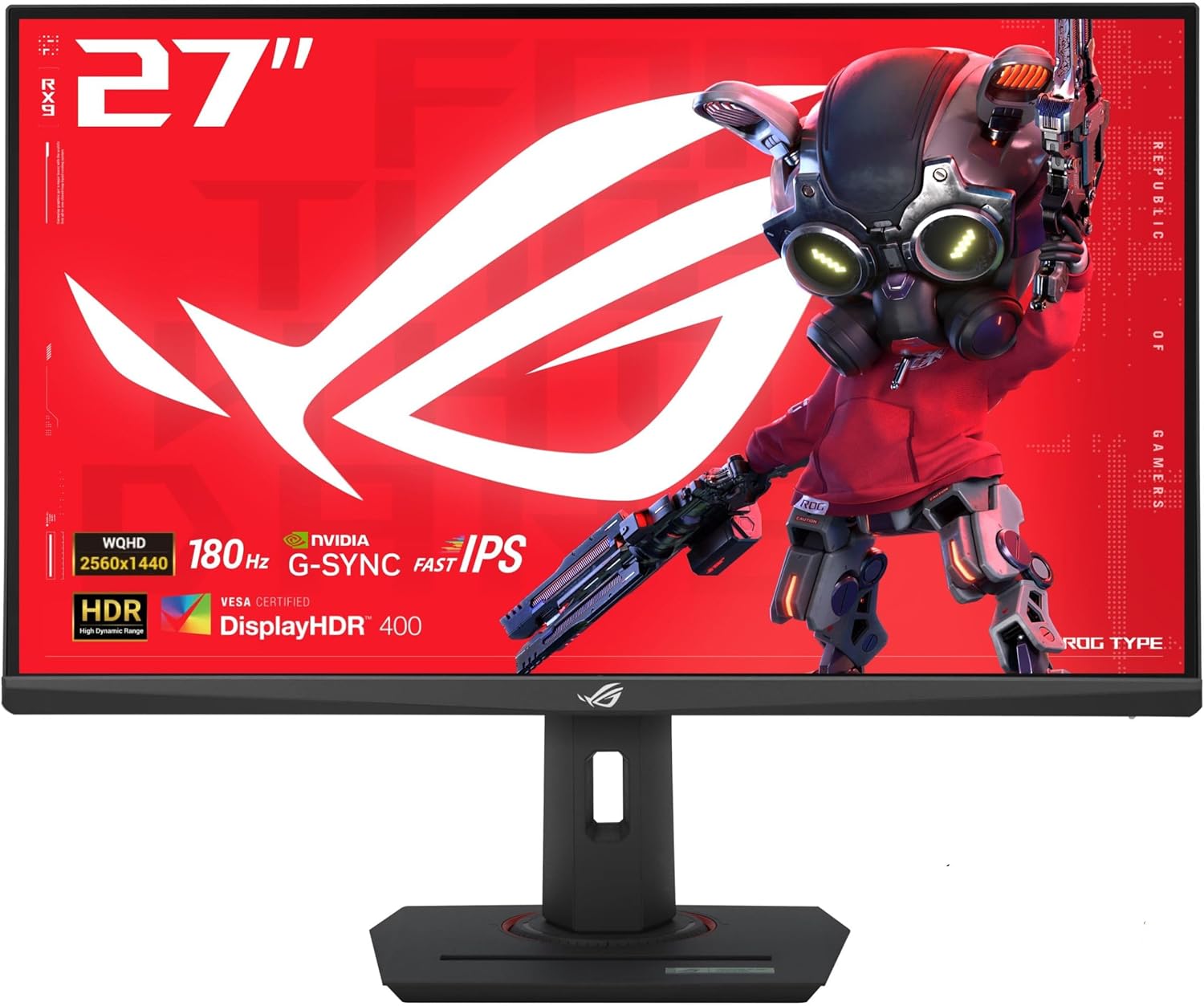
2. Asrock — Best Entry-Level 1440p 144Hz Monitor
Price Range: $150 – $180
Best For: Budget-conscious gamers upgrading from 1080p to 1440p
TechSpot named the Asrock one of the best entry-level gaming monitors of 2026, and it’s easy to see why. At just $150, this 27-inch 1440p IPS display offers a native 180Hz refresh rate with no major deal-breaking flaws. It’s a significant step up from budget VA panels, offering wide viewing angles and the absence of dark-level smearing that plagues cheaper displays .
The panel’s contrast ratio is excellent for an IPS display, and input lag measures consistently low. While response time performance isn’t class-leading—to be expected at this price—it’s perfectly usable for gaming and significantly better than budget LCDs from just a few years ago. Factory calibration is decent, though color enthusiasts may want to tweak settings .
Connectivity: DisplayPort, HDMI ports (exact count varies by region)
Pros & Cons
| ✅ Unbeatable price for 1440p 180Hz IPS | ❌ Response time not class-leading |
| ✅ Wide viewing angles, no VA smearing | ❌ Factory calibration could be better |
| ✅ Solid contrast for IPS | ❌ Basic stand adjustments |
| ✅ Low input lag for gaming | ❌ Plastic build quality |
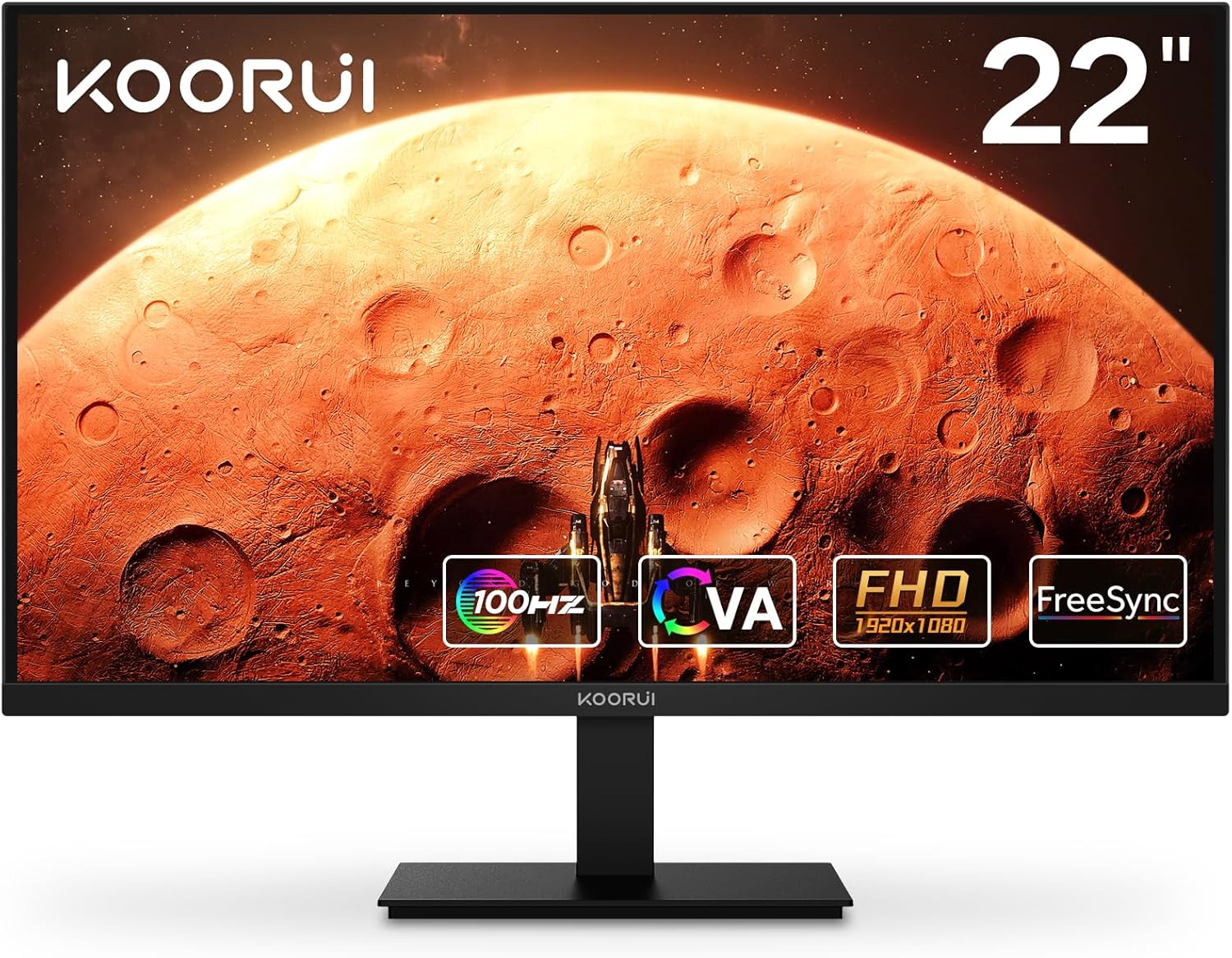
3. Koorui G2741L — Best 4K Dual Mode Monitor Under $300
Price Range: $280 – $299
Best For: Gamers who want 4K sharpness for productivity and 320Hz speed for competitive gaming
The Koorui G2741L is a unique offering in the sub-$300 category. This 27-inch monitor features a 4K UHD resolution (3840×2160) at 160Hz for stunning image clarity, plus a dual-mode 1080p 320Hz option for competitive gaming. You get the best of both worlds: incredible pixel density (163 PPI) for work and media consumption, and esports-grade refresh rates for shooters .
The IPS panel covers 95% of the DCI-P3 color gamut with a strong 400-nit peak brightness. Response times are quick enough for fast-paced gaming, and VRR support works across both resolution modes. The fully ergonomic stand offers height, tilt, and swivel adjustments—a rarity at this price point .
Connectivity: 2x HDMI 2.1, 1x DisplayPort 1.4, headphone jack
Pros & Cons
| ✅ 4K 160Hz + 1080p 320Hz dual mode | ❌ IPS glow and 1000:1 contrast (expected) |
| ✅ Fully ergonomic stand with height adjustment | ❌ 1080p mode loses sharpness |
| ✅ 95% DCI-P3 color gamut | ❌ No USB-C connectivity |
| ✅ HDMI 2.1 for console gaming | ❌ HDR performance is basic |
4. Asus ROG Strix XG27ACS — Best 1440p IPS for Motion Clarity
Price Range: $200 – $220 (when on sale)
Best For: Competitive gamers who prioritize motion clarity and responsiveness
The Asus ROG Strix XG27ACS is a step-up option for those willing to spend a bit more for superior motion performance. TechSpot notes that it delivers 50% better motion performance at 180Hz compared to entry-level 1440p monitors, thanks to its higher-quality panel and excellent variable overdrive tuning .
Factory calibration is significantly better than budget alternatives, providing accurate colors straight out of the box. The wide color gamut makes games and media pop, while the variable overdrive ensures consistent performance across varying refresh rates—crucial for VRR gaming where frame rates fluctuate .
Connectivity: DisplayPort 1.4, HDMI 2.0, USB hub
Warning: The XG27ACS frequently cycles between $180 and $290. Set a price alert and buy when it drops below $220. Paying full retail price puts you in range of mini-LED alternatives that offer better HDR.
Pros & Cons
| ✅ Exceptional motion clarity at 180Hz | ❌ Price fluctuates significantly |
| ✅ Excellent factory calibration | ❌ Basic HDR performance |
| ✅ Variable overdrive for consistent VRR | ❌ No height adjustment on some variants |
| ✅ Wide color gamut coverage | ❌ Premium price for IPS category |
5. KTC M27T6 — Brightest HDR Monitor Under $300
Price Range: $289 – $299
Best For: Users who prioritize maximum HDR brightness over color accuracy
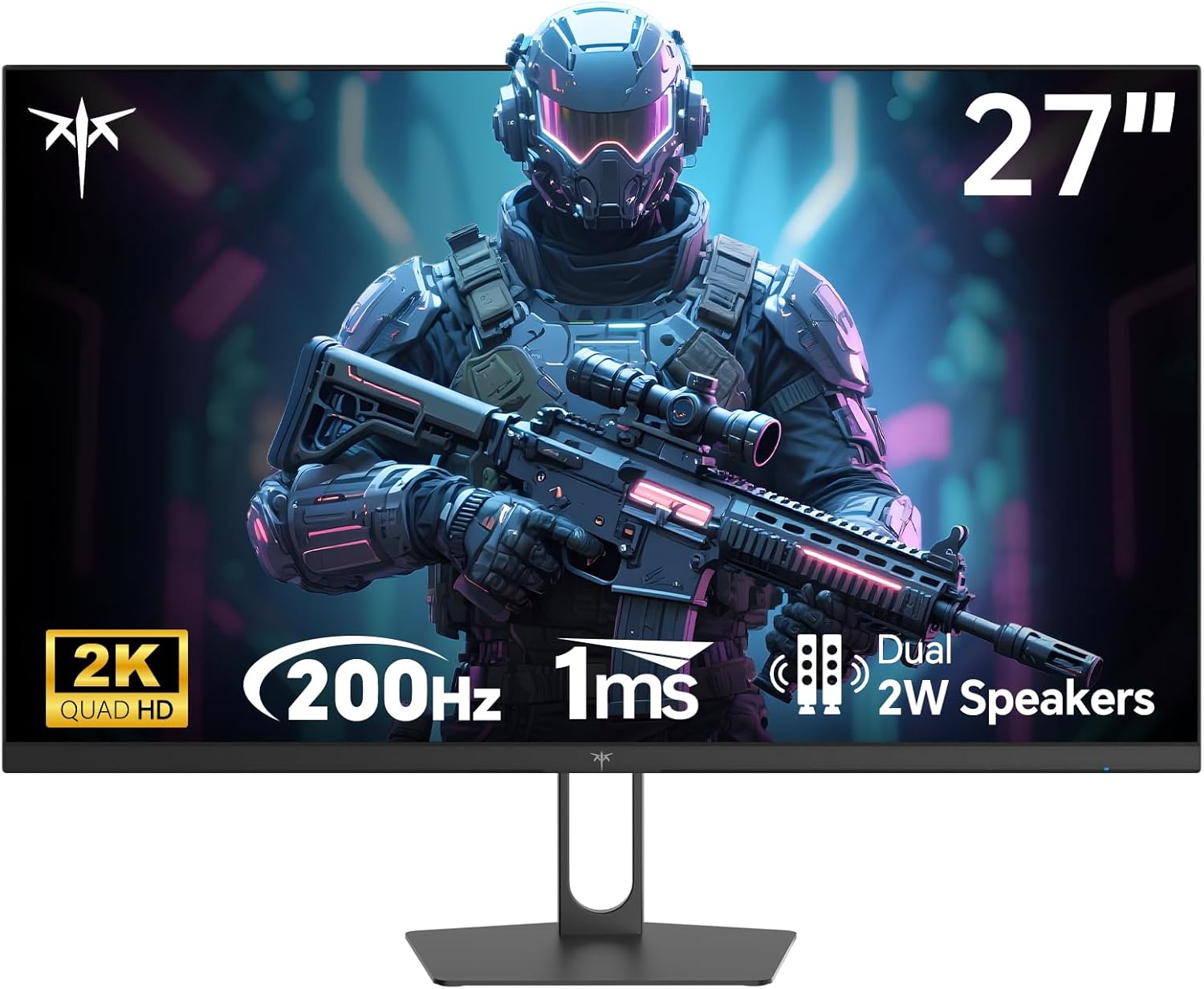
The KTC M27T6 is the AOC Q27G40XMN’s brighter sibling. It shares the same 1152-zone mini-LED backlight but pushes peak brightness to 1,800 nits, earning DisplayHDR 1400 certification. This makes it one of the brightest HDR monitors available at any price, let alone under $300 .
The trade-off is accuracy: its EOTF (Electro-Optical Transfer Function) tracking is slightly elevated, meaning mid-tones appear brighter than intended. For users who value sheer brightness and impact over perfect accuracy, this is a fantastic choice. The 180Hz refresh rate and VA panel deliver deep blacks, though minor ghosting persists in dark scenes .
Connectivity: 2x HDMI 2.0, DisplayPort 1.4, USB for firmware updates
Pros & Cons
| ✅ 1,800 nits peak brightness, HDR 1400 | ❌ Elevated EOTF tracking impacts accuracy |
| ✅ 1152 mini-LED dimming zones | ❌ Minor ghosting in dark scenes |
| ✅ Fully ergonomic stand | ❌ VRR brightness flicker potential |
| ✅ 96% DCI-P3 coverage | ❌ Less established warranty support |
6. AOC Q27G4ZR — Best High Refresh Rate 1440p Monitor Under $300
Price Range: $240 – $260
Best For: Competitive players who want the highest possible refresh rate at 1440p
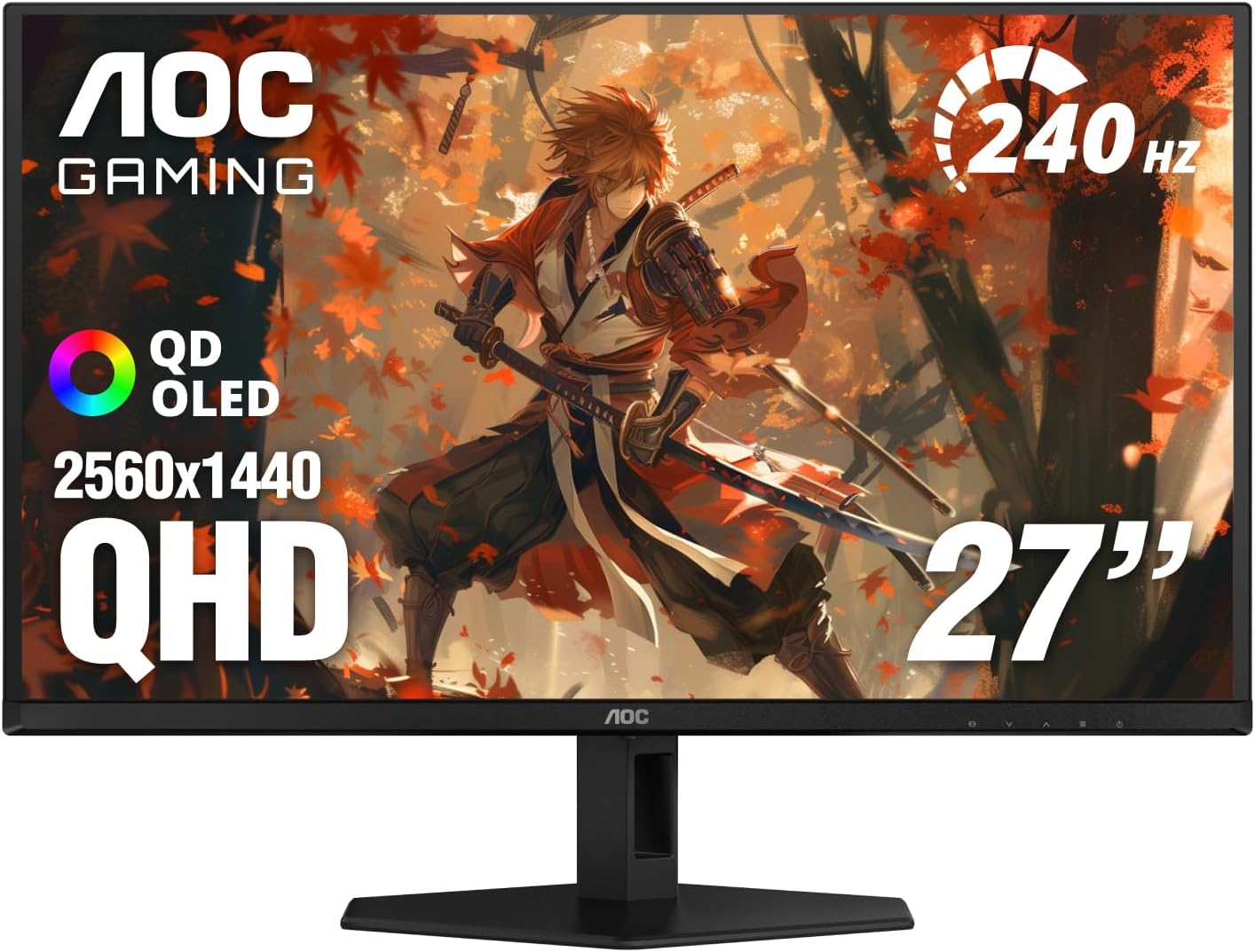
HardwareDealz highlighted the AOC Q27G4ZR as a “real bargain” in 2026, offering 260Hz refresh rate on a 27-inch 1440p IPS panel for under $250. This is an exceptional value for competitive gamers who want both resolution and extreme smoothness .
The panel covers 100% sRGB with solid color accuracy, and input lag measured just 5.4ms in testing—excellent for fast-paced shooters. The slim bezels make it ideal for multi-monitor setups, and ergonomic adjustments are included. While HDR performance is basic (no local dimming), the core gaming performance is outstanding .
Connectivity: DisplayPort 1.4, HDMI 2.0 ports
Pros & Cons
| ✅ 260Hz refresh rate at 1440p | ❌ Basic HDR performance |
| ✅ Very low 5.4ms input lag | ❌ No local dimming |
| ✅ 100% sRGB coverage | ❌ Stand may lack height adjustment on some SKUs |
| ✅ Excellent price-to-performance ratio | ❌ Requires DP for max refresh rate |
7. Gigabyte G24F 2 — Best 1080p Monitor for Color Accuracy
Price Range: $135 – $150
Best For: Gamers who want vibrant colors and content creation capabilities on a budget
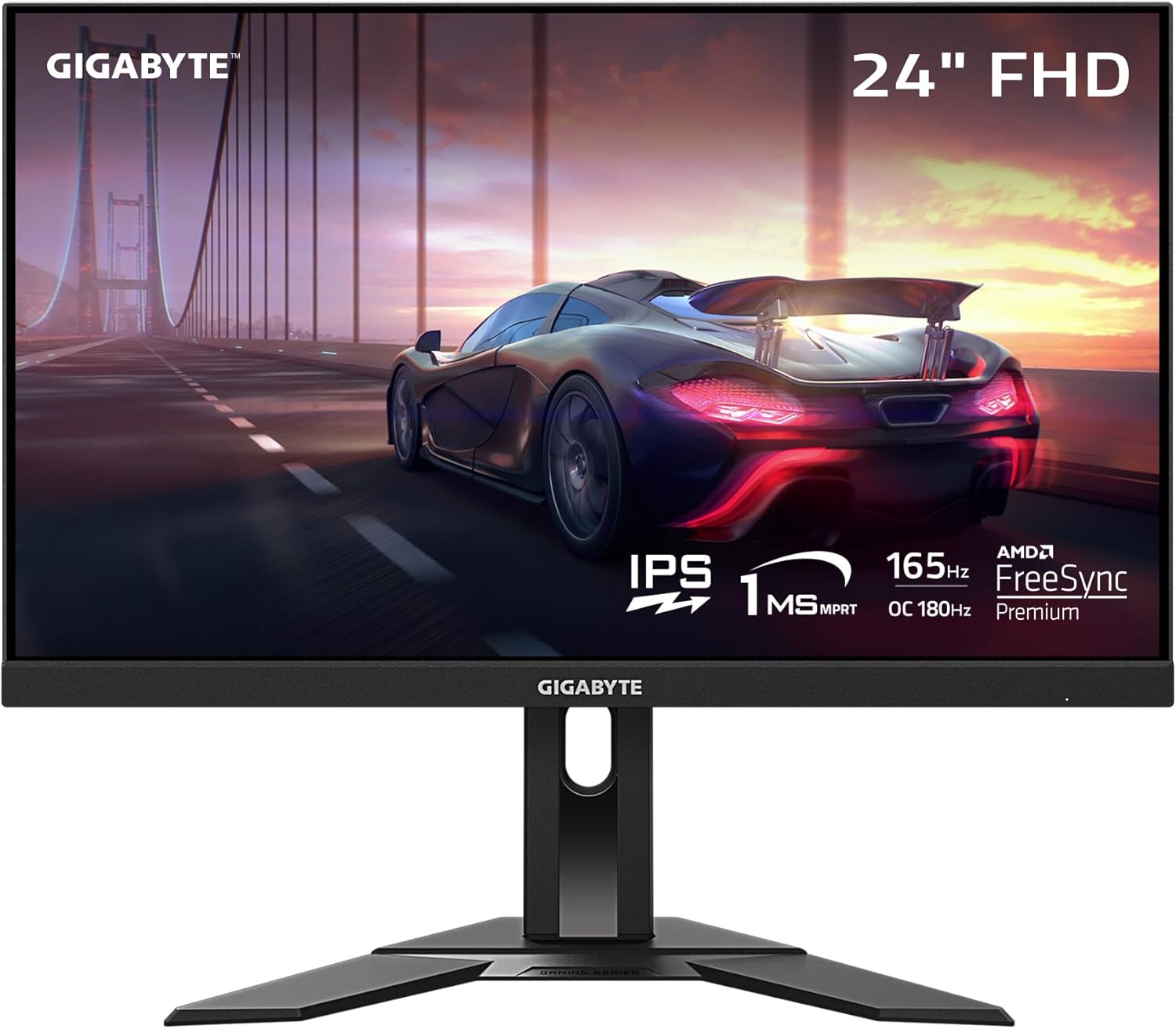
The Gigabyte G24F 2 has earned a reputation as one of the strongest 1080p gaming monitors in the budget segment. Its 24-inch IPS panel covers 95% of the DCI-P3 color gamut, making it suitable not just for gaming but also for casual content creation. The 165Hz refresh rate can be overclocked to 180Hz for extra smoothness .
Adaptive sync works flawlessly across AMD and NVIDIA cards, and the on-screen display offers granular control over color profiles and overdrive settings. The slim bezels and minimal design fit well in multi-monitor setups or professional environments .
Connectivity: 2x HDMI, 1x DisplayPort, USB ports, audio out
Pros & Cons
| ✅ 95% DCI-P3 color coverage | ❌ 1080p only (not 1440p) |
| ✅ 165Hz (180Hz overclock) | ❌ Basic stand with tilt only |
| ✅ USB hub included | ❌ Requires overclock for 180Hz |
| ✅ Great for work and gaming | ❌ No HDR to speak of |
8. Acer Nitro VG240Y M3 — Best Value 1080p 180Hz Monitor
Price Range: $120 – $140
Best For: Pure competitive gaming on a tight budget
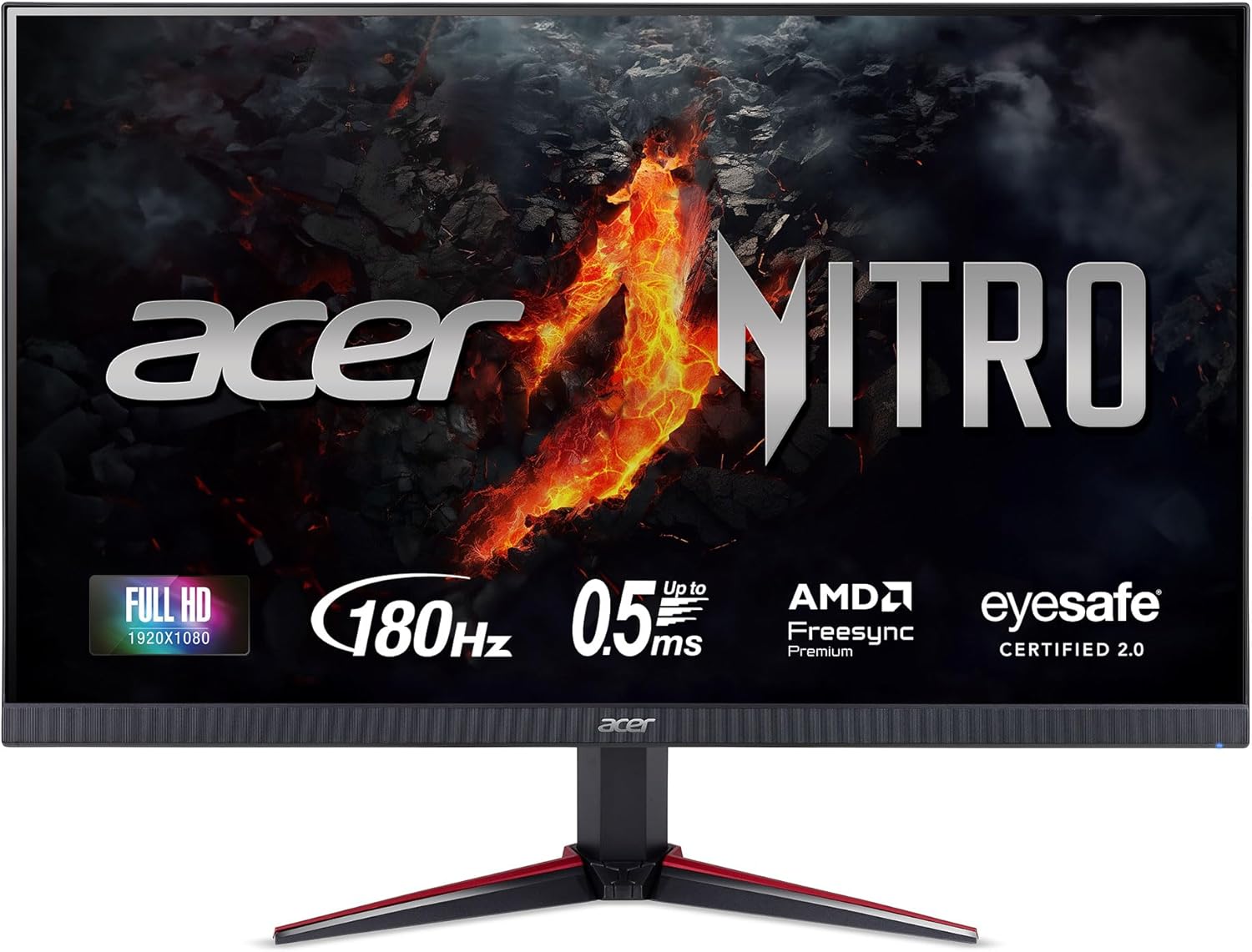
The Acer Nitro VG240Y M3 delivers a 180Hz refresh rate on a 24-inch IPS panel at an incredibly accessible price. It’s often priced significantly lower than competitors, especially during sales, making it one of the best values in the 1080p gaming category .
The monitor keeps its cost focused on panel performance rather than external features—the stand is basic, and the design is simple. But for competitive gamers who care about smooth motion and low input lag, this is an excellent choice. The 0.5ms advertised response time (MPRT) ensures minimal motion blur in fast-paced titles .
Connectivity: HDMI, DisplayPort
Pros & Cons
| ✅ Excellent 180Hz IPS performance | ❌ Basic stand with no height adjustment |
| ✅ Very affordable pricing | ❌ Basic HDR only |
| ✅ 0.5ms MPRT response time | ❌ No USB ports |
| ✅ FreeSync support | ❌ Plastic build quality |
9. LG 27GL83A-B — The Reliable Classic
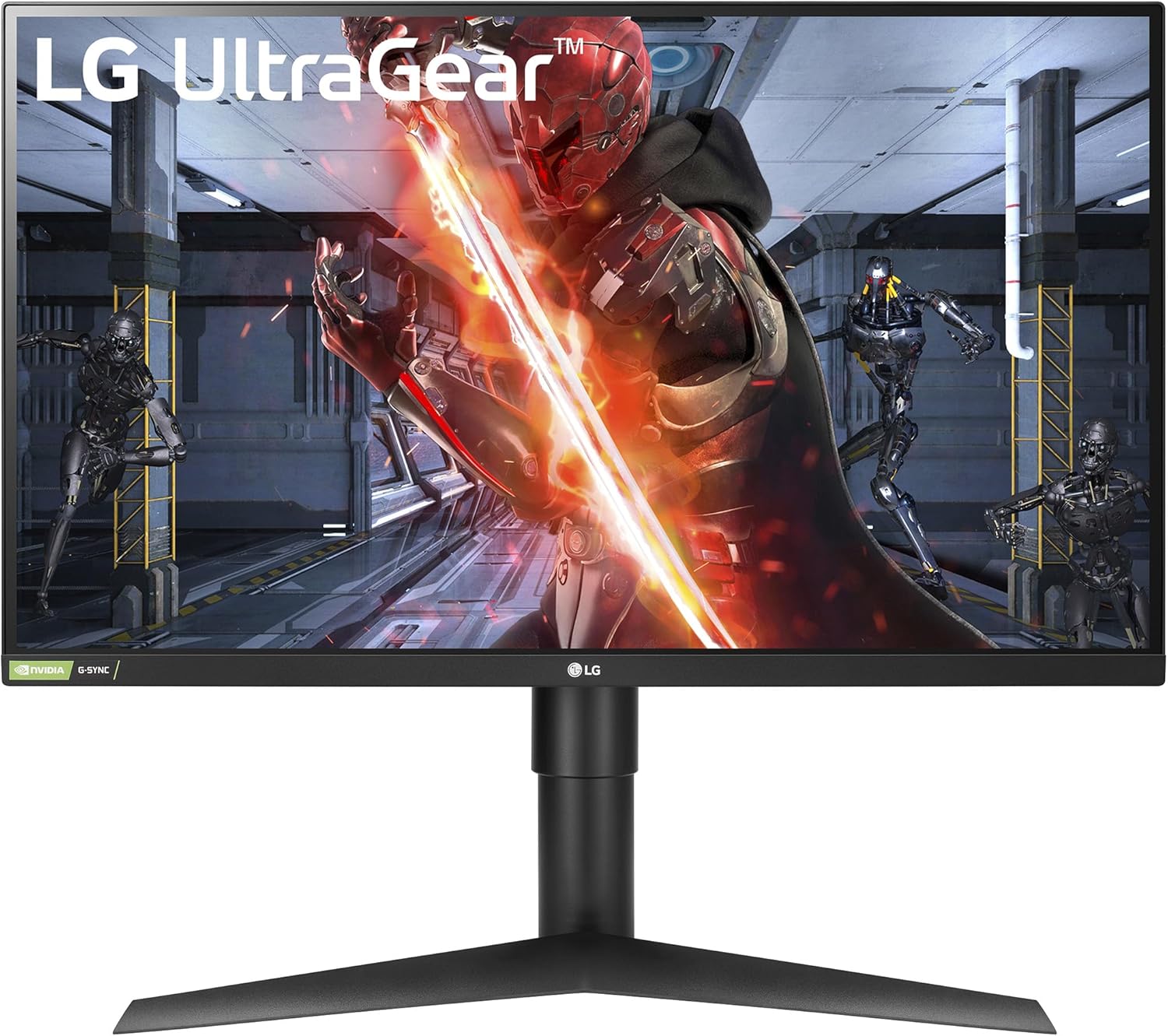
Price Range: $269 – $279
Best For: Users who prioritize reliability and proven performance
The LG 27GL83A-B has been a staple recommendation for years, and it remains relevant in 2026. This 27-inch 1440p IPS monitor offers a 144Hz refresh rate with excellent response time tuning and consistent performance. While newer monitors offer higher refresh rates or HDR, the GL83A-B remains a reliable, well-tested option with a strong track record .
The stand offers full ergonomic adjustments, and the panel’s color accuracy is solid out of the box. Input lag is consistently low, and FreeSync/G-Sync compatibility works flawlessly. It’s the monitor you buy when you want something that “just works” without surprises .
Connectivity: DisplayPort, HDMI, headphone out
Pros & Cons
| ✅ Proven reliability and track record | ✅ Lower 144Hz refresh rate vs 180Hz competitors |
| ✅ Full ergonomic stand | ✅ Basic HDR performance |
| ✅ Consistent low input lag | ✅ No USB-C connectivity |
| ✅ Strong warranty support | ✅ Older model vs 2026 releases |
10. ViewSonic VX2428 — Lowest Latency 1080p Monitor
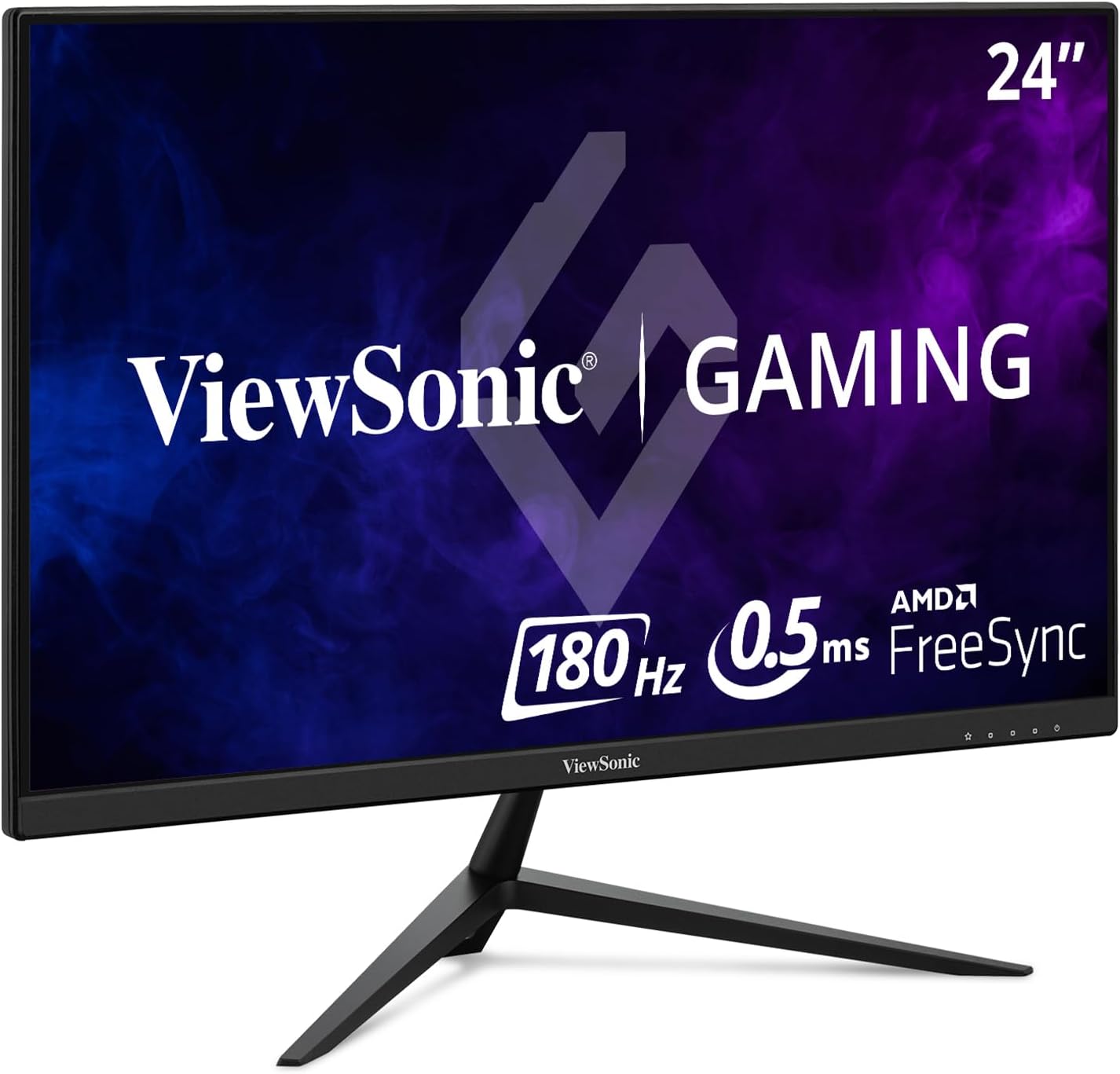
Price Range: $115 – $125
Best For: Esports competitors who want the absolute lowest latency
The ViewSonic VX2428 is a no-nonsense gaming monitor that prioritizes pure performance over features. It uses a fast IPS panel with a 180Hz refresh rate and is tuned specifically for motion clarity rather than heavy image processing, which keeps latency exceptionally low .
Frequently undercutting competitors during sales, this model offers excellent value for competitive players who don’t need HDR or extensive adjustability. The lightweight chassis makes it easy to pair with aftermarket monitor arms, and the simple design keeps the focus on gaming .
Connectivity: HDMI, DisplayPort
Pros & Cons
| ✅ Excellent value, often under $120 | ✅ Basic stand, no height adjustment |
| ✅ 180Hz Fast IPS panel | ✅ No HDR capability |
| ✅ Very low input lag | ✅ Plastic build |
| ✅ Lightweight for monitor arms | ✅ Sparse connectivity |
What to Look for in a 144Hz Monitor Under $300
Before making your final decision, consider these key factors that separate great monitors from mediocre ones :
Panel Type: IPS vs VA vs TN
- IPS (In-Plane Switching): Best all-around choice. Excellent viewing angles, accurate colors, and good response times. The majority of our recommendations use IPS panels.
- VA (Vertical Alignment): Superior contrast ratios (deeper blacks) but can suffer from ghosting in dark scenes. The mini-LED models (AOC Q27G40XMN, KTC M27T6) use VA panels with improved response times.
- TN (Twisted Nematic): Fastest response times but poor viewing angles and color reproduction. Rarely recommended in 2026 except for extreme budget cases.
Resolution: 1080p vs 1440p
- 1080p (1920×1080): Easier to drive high frame rates, ideal for competitive gaming. Best on 24-inch screens for optimal pixel density.
- 1440p (2560×1440): Sharper image, better for productivity and immersion. Requires a stronger GPU (RTX 3060/4060 or better). The sweet spot for most gamers in 2026.
Adaptive Sync: FreeSync vs G-Sync
All monitors on this list support AMD FreeSync or FreeSync Premium. Most also work with NVIDIA cards via “G-Sync Compatible” mode. Avoid monitors that only list basic FreeSync without “Premium” certification, as they may have limited VRR ranges .
Response Time & Input Lag
For competitive gaming, look for monitors with ≤5ms GTG response time and verified input lag under 10ms. Marketing claims like “0.5ms MPRT” are often achieved with backlight strobing, which can reduce brightness .
Pro Tip: When setting up your new monitor, always connect via DisplayPort for full refresh rate support. Enable FreeSync in both the monitor OSD and GPU control panel, then confirm in Windows Display Settings that the refresh rate is set to the maximum supported value.
Frequently Asked Questions (FAQ)
Is 144Hz worth it for casual gaming?
Absolutely. Even if you’re not a competitive esports player, the difference between 60Hz and 144Hz is immediately noticeable. Motion feels smoother, desktop navigation is more fluid, and everyday use feels more responsive. Most users find they can’t go back to 60Hz after experiencing 144Hz .
Can my GPU handle 1440p 144Hz gaming?
For esports titles like Valorant, CS2, and Overwatch 2, a mid-range GPU like an RTX 3060 or RX 6600 can easily push 144+ FPS at 1440p. For AAA games, you may need to lower settings or use DLSS/FSR to maintain high frame rates. An RTX 4070 or better is recommended for 1440p 144Hz in demanding titles .
What’s the difference between 144Hz, 165Hz, and 180Hz?
The difference between 144Hz and 180Hz is noticeable but subtle—about 1.4ms faster frame delivery. Most gamers will appreciate the improvement, but the jump from 60Hz to 144Hz is far more transformative. Many 165Hz and 180Hz monitors are simply 144Hz panels with mild overclocking .
Do I need HDMI 2.1 for 144Hz gaming?
No. For 1080p 144Hz, HDMI 2.0 is sufficient. For 1440p 144Hz, HDMI 2.0 works but may have limitations; DisplayPort 1.4 is the preferred connection for PC gaming. HDMI 2.1 is only necessary for 4K 120Hz+ or console gaming on PS5/Xbox Series X .
Are curved monitors worth it under $300?
Curved VA panels in this price range often suffer from noticeable ghosting and smearing. For competitive gaming, flat IPS panels generally provide better motion clarity. If you prioritize immersion for single-player games, a curved VA monitor like the KTC H32S25E (32″ 1440p 240Hz) can be a good choice, but ensure you check reviews for response time performance .
What’s the best size for a 144Hz gaming monitor?
24 inches is ideal for 1080p gaming, providing sharp pixel density and optimal competitive viewing. 27 inches is the sweet spot for 1440p, balancing immersion with pixel density. 32 inches is generally too large for 1080p (pixelated) and may be large for competitive play unless you have a deep desk .
Summary
In 2026, the sub-$300 monitor market offers unprecedented value. You no longer have to choose between high refresh rates and good image quality—you can have both, and then some.
The AOC Q27G40XMN stands out as the overall best pick, delivering true HDR with 1152 mini-LED dimming zones at a price that was unthinkable just a few years ago. If you’re on a strict budget, the Asrock PG27QFT2A offers 1440p 180Hz IPS performance for just $150—an incredible value. For competitive gamers who want the absolute highest refresh rates, the AOC Q27G4ZR pushes 260Hz at 1440p, while the Koorui G2741L offers a unique 4K/320Hz dual-mode experience.
1080p gamers aren’t left behind either. The Gigabyte G24F 2 delivers exceptional color accuracy for content creators on a budget, while the Acer Nitro VG240Y M3 and ViewSonic VX2428 provide lightning-fast 180Hz performance at wallet-friendly prices.
Whichever monitor you choose, remember that proper setup is key: use DisplayPort for maximum refresh rates, enable FreeSync/G-Sync, and take time to calibrate brightness and color settings for your environment. With any of these 10 monitors, you’re getting excellent value that will serve you well for years to come.

Jaeden Higgins is a tech review writer associated with DigitalUpbeat. He contributes content focused on PC hardware, laptops, graphics cards, and related tech topics, helping readers understand products through clear, practical reviews and buying advice.


