Book Appointment Now
Best Laptops for Teachers 2026: 8 Top Picks Reviewed
The best laptops for teachers are not the most powerful laptops you can buy. They are the ones that disappear into a school day: quick to wake between classes, light enough to carry from classroom to staff room to home, with a keyboard that survives thousands of graded essays and a battery that outlasts the last period. A teacher’s laptop juggles lesson plans, a gradebook, a dozen browser tabs, slides and a video call — all at once — and the machine that does that well is rarely the one with the biggest spec sheet.
We compared the laptops teachers actually buy in 2026 — the models that keep showing up in classroom roundups, school IT recommendations and teacher forums — and picked eight that cover every classroom situation: the best overall, the best Windows machine, the best keyboard for heavy grading, the best value, the best budget pick, the lightest carry, the best Chromebook for Google schools, and the best premium Windows laptop. Every pick below is a current 2026 model with at least 8GB of RAM, a full HD screen or better, and a webcam good enough for live lessons.
If you are short on time, the answer is simple: most teachers should buy the MacBook Air with the M5 chip. It is silent, light, lasts all day, and its camera is the best in this list for online lessons. If your school runs Windows-only software, buy the Asus Zenbook 14 OLED instead. And if your school lives in Google Classroom, the Lenovo Chromebook Plus 2-in-1 is the honest budget answer. The rest of this guide explains why — and which pick fits your classroom.
Best Laptops for Teachers in 2026: At a Glance
| Laptop | Best For | Processor | RAM | Screen |
|---|---|---|---|---|
| Apple MacBook Air 13 (M5) | Best overall | Apple M5 | 16GB | 13.6″ Liquid Retina |
| Asus Zenbook 14 OLED | Best Windows | Intel Core Ultra 7 | 16GB | 14″ OLED touchscreen |
| Lenovo ThinkPad T14s Gen 7 | Best keyboard & durability | Intel Core Ultra 7 | 32GB | 14″ 500-nit touchscreen |
| Lenovo IdeaPad Slim 5 (16″) | Best value | AMD Ryzen AI | 16GB | 16″ 1200p |
| Acer Aspire 5 (15″) | Best budget | Intel Core i5-1335U | 8GB | 15.6″ Full HD |
| HP Pavilion Aero 13 | Best lightweight | AMD Ryzen 7 8840U | 16GB | 13.3″ 1200p |
| Lenovo Chromebook Plus 2-in-1 Gen 10 | Best Chromebook | Intel Core i5 | 8GB | 14″ touchscreen |
| Dell XPS 14 (2026) | Best premium Windows | Intel Core Ultra 7 | 16GB | 14.5″ display |
1. Apple MacBook Air 13 (M5) — Best Overall Laptop for Teachers
The MacBook Air with the M5 chip is the best laptop for teachers in 2026 because it is the best at the things a teaching day actually demands: it wakes instantly, runs silently with no fan, lasts a full school day on battery, and its 12MP Center Stage camera keeps you framed and in focus on video calls. At around 2.7 pounds it disappears into a bag, and the 13.6-inch Liquid Retina display is sharp enough to read student work from the back of a room when you mirror it to a projector.
The M5 chip handles a teacher’s workload without breaking a sweat — a browser full of tabs, your learning-management system, slides, a gradebook and a Zoom call running together. The 16GB of unified memory in the standard configuration is the right amount for 2026, and the 1TB SSD option gives you room for years of lesson files and recorded lessons. macOS also brings something teachers undervalue until they have it: everything just works with AirPlay to classroom Apple TVs and with the iPads many schools already own.
Why teachers love it: silent fanless design, all-day battery, the best webcam in this list, light carry, and a keyboard and trackpad that are genuinely pleasant for hours of grading.
Watch out for: if your school requires Windows-only software — some gradebook clients, exam software and older district tools — the Mac is the wrong choice no matter how good it is. Check with your IT department first. The 13.6-inch screen is also on the small side for side-by-side grading; pair it with a cheap external monitor at your desk if you grade at home.
Best for: teachers who can work in macOS, online tutors, and anyone who carries their laptop all day.
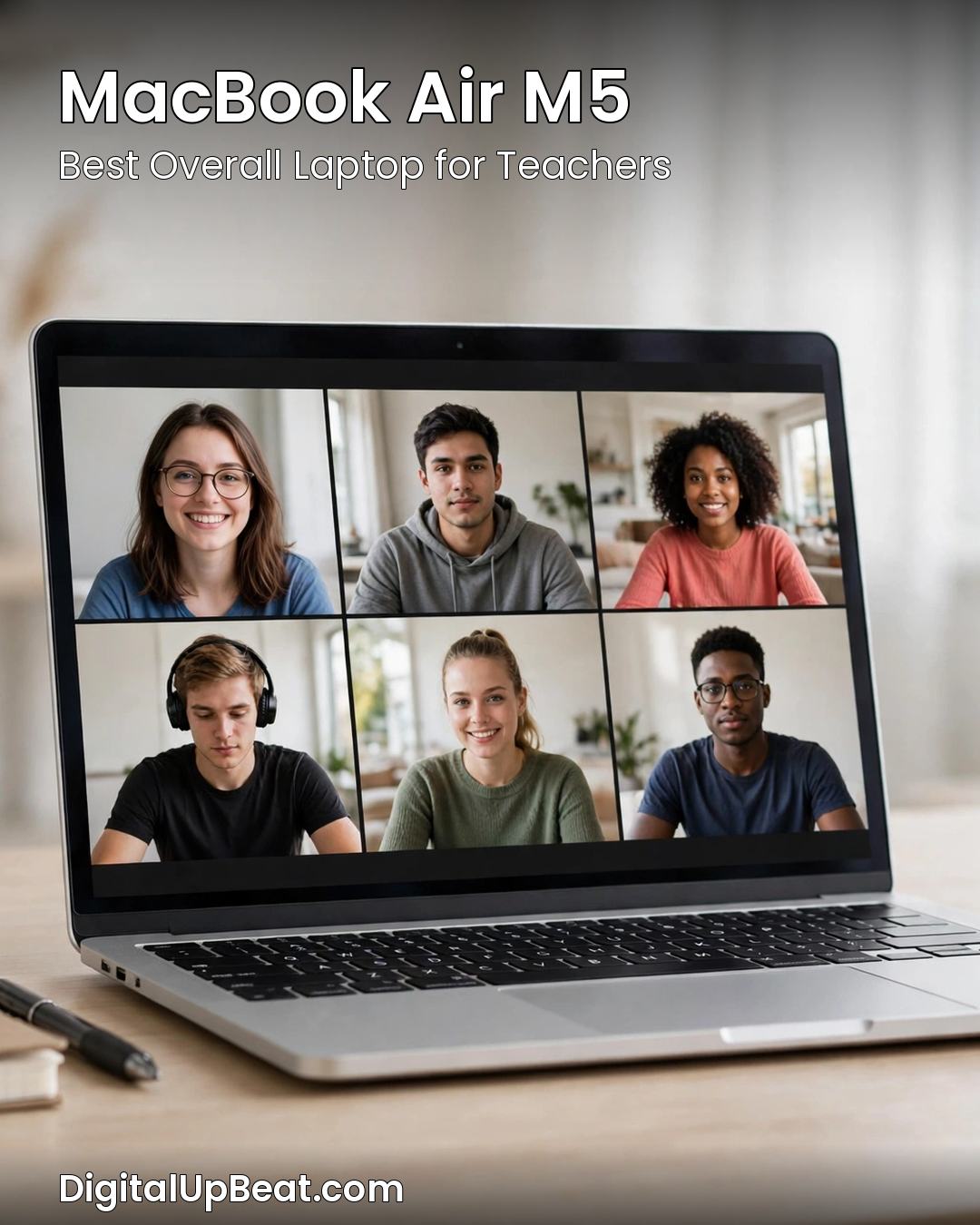
2. Asus Zenbook 14 OLED — Best Windows Laptop for Teachers
The Zenbook 14 OLED is the best Windows laptop for teachers because it pairs a gorgeous 14-inch OLED touchscreen with nearly 16 hours of battery life in a chassis that weighs about 3 pounds. The OLED panel is the difference you notice every day: deep blacks, vivid colour, and text that stays crisp when you share slides or mark up a PDF with the touchscreen. It runs on an Intel Core Ultra 7 processor with 16GB of RAM and a 1TB SSD, which is more than enough for any teaching workload.
The keyboard is the other reason this laptop keeps winning teacher roundups: full-size keys with good travel, backlit for dim classrooms, and comfortable through long grading sessions. The 1080p webcam is a genuine step up from the 720p cameras still fitted to many budget laptops, so you look sharp on video calls without buying an external camera.
Why teachers love it: the OLED touchscreen, the long battery, the great keyboard, and a premium aluminium build at a mid-range price.
Watch out for: OLED screens can show glare in very bright classrooms, and the 14-inch screen is best for presenting — if you grade with two documents side by side, the 16-inch IdeaPad Slim 5 below gives you more room. Battery figures are for light use; a day of live video calls will cut them down, as it does on every laptop.
Best for: teachers in Windows schools who want the best screen and keyboard in the class.
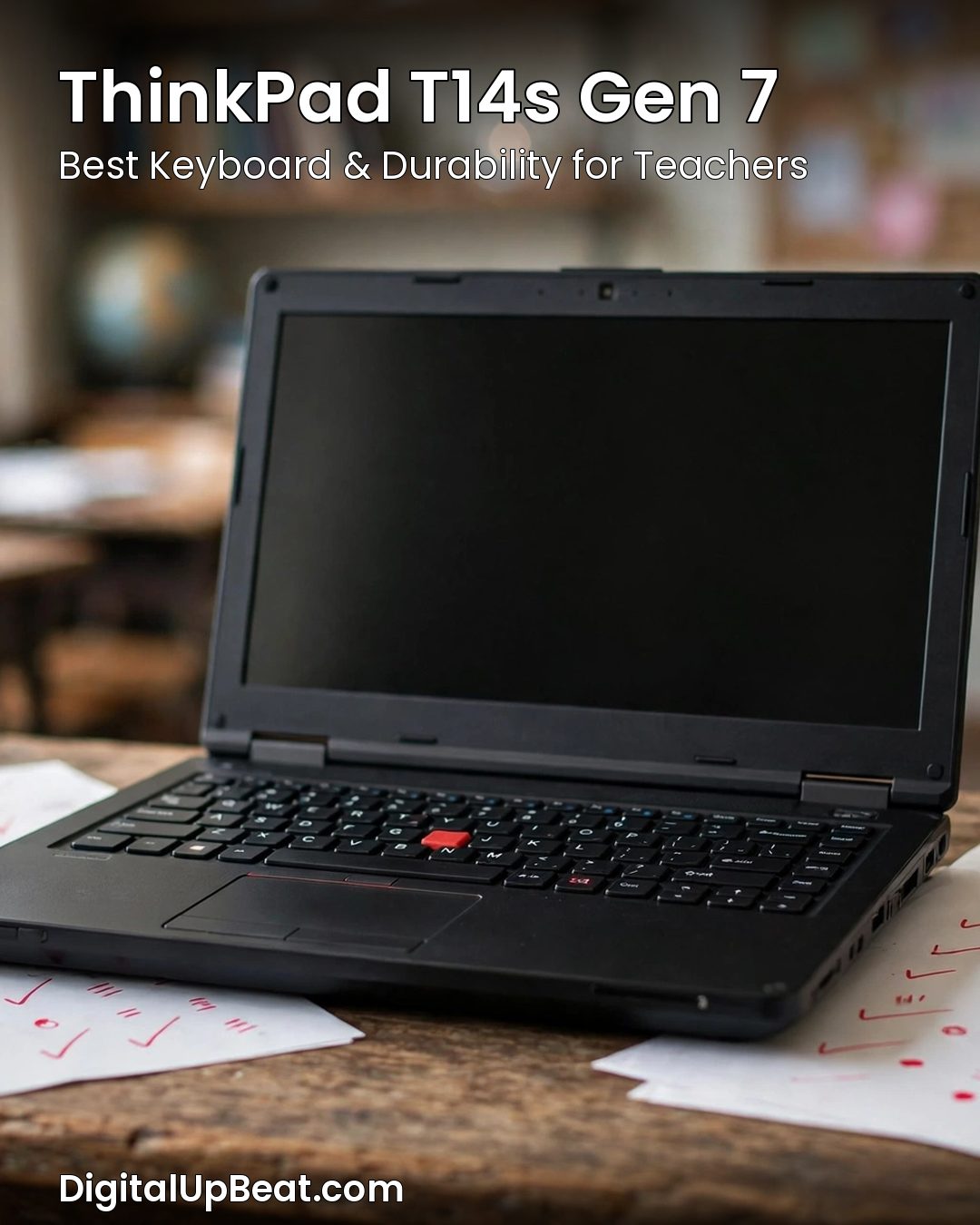
3. Lenovo ThinkPad T14s Gen 7 — Best Keyboard and Durability for Teachers
If you grade more than you present, buy the ThinkPad. The T14s Gen 7 has the best keyboard on any laptop in this list — deep, springy keys with a layout that forgivingly takes thousands of keystrokes a day — and a 14-inch 500-nit anti-glare touchscreen that stays readable under harsh classroom fluorescents. It is built to the MIL-STD-810H durability standard, which matters when a laptop gets knocked off a desk, stuffed into a crowded bag, or handed to a student to hold for a moment.
The standard configuration pairs an Intel Core Ultra 7 processor with 32GB of memory, which is more than most teachers need but means the machine will still feel fast in four or five years. The 1080p webcam, dual microphones and the TrackPoint nub are all aimed at professional use, and the port selection — including full-size HDMI for the classroom projector — means you rarely need a dongle.
Why teachers love it: the keyboard, the bright anti-glare screen, the tank-like build, and a full-size HDMI port that plugs straight into the projector.
Watch out for: it costs more than the value picks below, and it is heavier than the MacBook Air or the Pavilion Aero. The 32GB configuration is overkill for most teaching — buy it for the keyboard and the durability, not the memory.
Best for: heavy graders, professors, and teachers who want one laptop to last five years.
4. Lenovo IdeaPad Slim 5 (16″) — Best Value Laptop for Teachers
The IdeaPad Slim 5 is the best value laptop for teachers because it gives you the two things that matter most for grading — a big 16-inch screen and 16GB of RAM — at a price well below the premium picks. The 16-inch 1200p display with a taller 16:10 shape shows more of a document at once, so you can keep a rubric and a student’s essay visible side by side without constant scrolling. The AMD Ryzen AI processor handles multitasking comfortably, and the 16GB of memory means video calls, slides and a gradebook can all run together without slowing down.
This is the laptop to buy when the budget is real but you refuse to buy a machine that feels slow in year two. The keyboard is full-size with a number pad, which speeds up entering grades, and the build is solid enough for daily classroom use even if it is not as premium as a ThinkPad.
Why teachers love it: the big 16-inch screen, 16GB of RAM at a value price, and a number pad for fast grade entry.
Watch out for: the webcam is adequate rather than great — if you teach online most days, the MacBook Air or the Zenbook is the better call. At 16 inches it is also the largest laptop here, so it needs a bigger bag.
Best for: teachers who grade at a desk and want the most screen and memory for the money.
5. Acer Aspire 5 (15″) — Best Budget Laptop for Teachers
The Acer Aspire 5 is the best budget laptop for teachers because it covers the basics properly: a 15.6-inch Full HD screen, an Intel Core i5 processor, a full-size keyboard with a number pad, and enough ports to connect to a projector without adapters. It handles the core teaching workload — documents, slides, a gradebook, browser tabs and video calls — without drama, at a price that does not sting when you are buying your own equipment.
Be clear-eyed about the compromise: the standard configuration has 8GB of RAM, which is the floor for teaching in 2026, not the target. It works for lighter use — documents and presenting one file at a time — but it can feel sluggish when you multitask during a live lesson. If you can stretch to the 16GB version, do it; it is the single best upgrade on this machine.
Why teachers love it: the big screen, the number pad, the low price, and a straightforward design with no learning curve.
Watch out for: 8GB of RAM is the minimum — buy the 16GB version if you can. The webcam is 720p, so online teachers should budget for a cheap external webcam or pick a different laptop.
Best for: new teachers, substitute teachers, and anyone buying their own laptop on a tight budget.
6. HP Pavilion Aero 13 — Best Lightweight Laptop for Teachers
The Pavilion Aero 13 is the best lightweight laptop for teachers because it weighs under 2.2 pounds while still packing a Ryzen 7 processor and 16GB of RAM. If your day moves between classrooms, the staff room, the library and home, this is the laptop that stops feeling like luggage by third period. The 13.3-inch 1200p display is sharp and bright, the keyboard is comfortable for its size, and the battery lasts a full school day of light use.
It is the closest Windows equivalent to the MacBook Air in this list for pure portability, at a lower price. The trade-off is the screen: 13.3 inches is fine for presenting and light grading, but if you grade with two documents side by side for hours, the bigger screens on the IdeaPad Slim 5 or the Aspire 5 will suit you better.
Why teachers love it: under 2.2 pounds, 16GB of RAM, a sharp screen, and a price well below the premium ultraportables.
Watch out for: the small screen is a poor fit for heavy side-by-side grading, and the speakers are modest — fine for a quiet classroom, less so for playing audio to a room.
Best for: teachers who carry their laptop between classrooms all day.
7. Lenovo Chromebook Plus 2-in-1 Gen 10 — Best Chromebook for Teachers
If your school runs on Google Classroom, Google Docs and Google Drive, a Chromebook is not a compromise — it is the native tool. The Chromebook Plus 2-in-1 Gen 10 is the best Chromebook for teachers because it carries Google’s Chromebook Plus certification, which guarantees a 1080p webcam, at least 8GB of memory, and a processor fast enough for video calls and dozens of tabs. The 14-inch touchscreen folds back into tent mode for presenting, and the convertible design with stylus support turns handwritten grading and annotation into something genuinely pleasant.
ChromeOS boots in seconds, updates itself, and is far harder to break with a bad download than Windows — which is why so many school IT departments prefer it. The battery lasts a full school day, and the machine is light enough to carry everywhere. The limitation is the ecosystem: if your school needs Windows-only software, a Chromebook cannot run it. But if your whole workflow is browser-based, you will never notice.
Why teachers love it: the touchscreen and stylus for handwritten grading, the guaranteed 1080p webcam, all-day battery, and a price that leaves budget for other classroom needs.
Watch out for: it cannot run Windows or Mac software, and local storage is limited — keep lesson files in Google Drive, not on the device. Check your school’s software list before buying.
Best for: teachers in Google schools, and anyone whose whole workflow is Google Workspace.
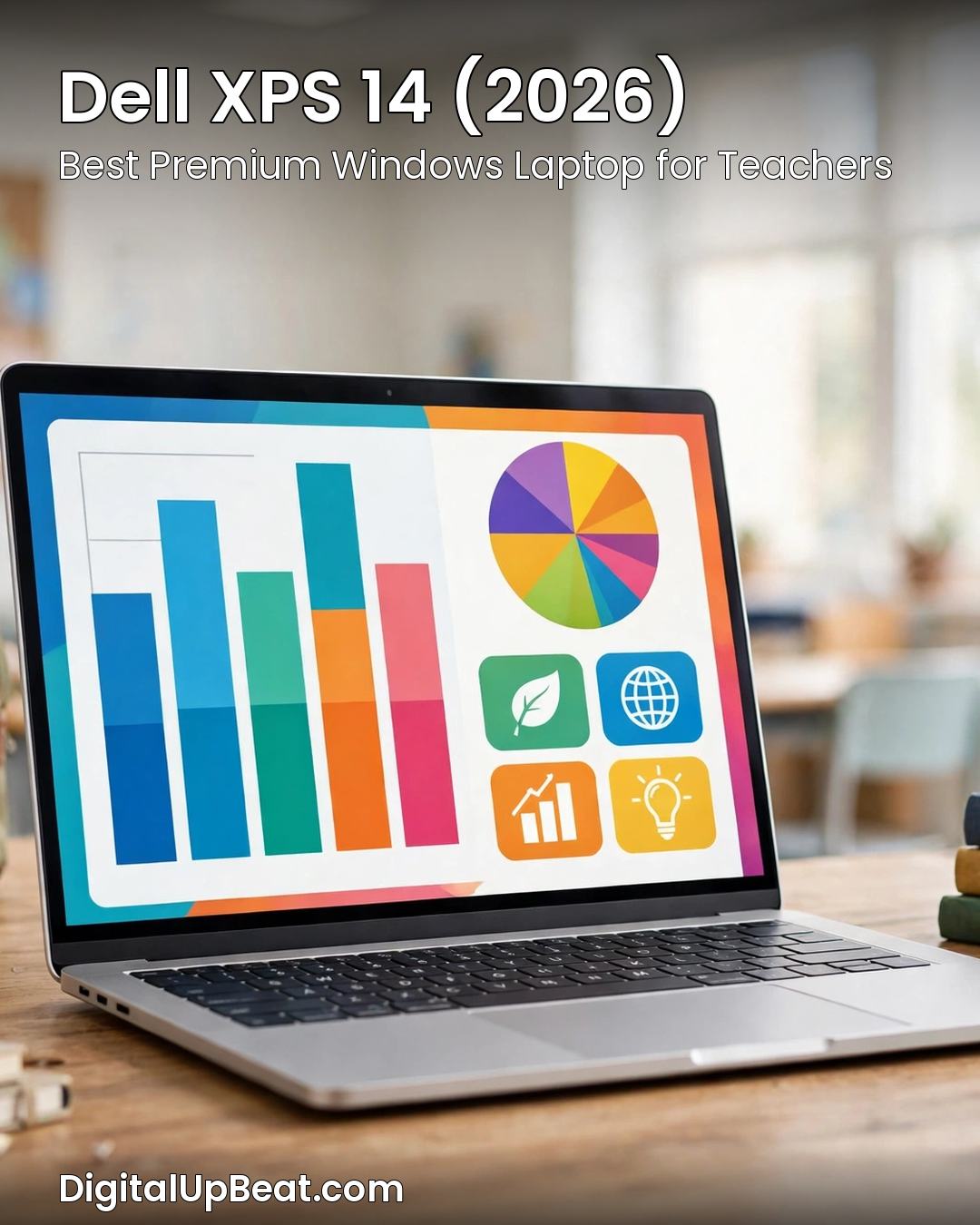
8. Dell XPS 14 (2026) — Best Premium Windows Laptop for Teachers
The Dell XPS 14 is the best premium Windows laptop for teachers because it combines a large, bright 14.5-inch display with a slim aluminium build and the kind of battery life that survives a full day of classes. The standard configuration pairs an Intel Core Ultra 7 processor with 16GB of RAM and a 512GB SSD, which is the right spec for a machine you expect to keep for four or five years. The edge-to-edge display makes slides and student work look superb when mirrored to a classroom screen, and the keyboard and glass trackpad are among the best on a Windows laptop.
This is the pick for the teacher who wants a Windows machine that feels as premium as a MacBook and is willing to pay for it. It is also the most future-proof Windows pick here: the processor’s AI acceleration handles the Copilot+ features Windows is building into Office and Teams, and the build quality holds up to daily classroom use.
Why teachers love it: the big bright display, premium build, long battery, and a spec that will still feel fast in five years.
Watch out for: it is the most expensive Windows laptop in this list, and the port selection is minimal — expect to carry a USB-C hub for older projectors and USB-A devices.
Best for: teachers who want the best Windows laptop money can buy and plan to keep it for years.
How to Choose a Laptop for Teaching in 2026
Buying a laptop for teaching is different from buying one for gaming or video editing. The workload is light but constant: a browser full of tabs, a learning-management system, slides, a gradebook, and video calls that run for hours. The specs that matter are the ones that keep that workload smooth all day — and the spec sheet that sells laptops is not the one teachers live with.
Minimum specs for a teacher laptop
Use this table to check any laptop, including ones not on our list. Teaching involves a lot of multitasking: a video call, slides, a gradebook and a dozen browser tabs at once.
| Part | Minimum | Better |
|---|---|---|
| Memory (RAM) | 8GB | 16GB, so calls and tabs don’t slow down |
| Storage | 256GB SSD | 512GB SSD if you record lessons |
| Screen | 14 inches, Full HD | 14 to 16 inches with a taller 16:10 shape |
| Webcam | 720p | 1080p or better for online lessons |
| Battery | A full school day of light use | Enough to skip the charger at work |
| Keyboard | Backlit, full-size | Backlit with a number pad for grade entry |
| Ports | USB-C + USB-A | Full-size HDMI for the classroom projector |
Prioritise the webcam, microphone and battery
For online teaching, prioritise the camera, microphone and battery over raw processing power. Aim for a 1080p webcam: plenty of budget laptops still ship 720p cameras, which look noticeably soft and cope badly with a backlit room. Video calls are also one of the harshest battery workloads there is — the camera, screen, radios and encoder all run continuously — so treat manufacturer battery figures as a ranking tool rather than a promise, and read them for what they measure: most quote local video playback, which is far gentler than a video call.
16GB of RAM is the target, 8GB is the floor
16GB is the sensible target in 2026; 8GB is the floor. The workload that eats memory is not your teaching software — it is the browser. A video call, slides, a gradebook and a dozen tabs open at once will use 8GB quickly and start slowing down. On most modern thin laptops, and on every Apple silicon Mac, RAM is soldered and cannot be upgraded later, so buy the memory now rather than planning to add it later.
Match the laptop to your school’s system
This is the decision that matters more than any spec. If your school runs Windows-only software — certain gradebook clients, exam software, or district management tools — you need a Windows laptop, and the MacBook Air is the wrong choice no matter how good it is. If your school lives in Google Workspace and Google Classroom, a Chromebook Plus is the honest budget answer and will do everything you need. Ask your IT department which systems are mandatory before you buy anything.
Screen size: 14 inches is the sweet spot
A 13-inch screen is fine if you mostly present; 14 to 15 inches is more comfortable if you keep a class roster, a video grid and your materials visible at once. Full HD (1920×1080) is the practical minimum — below that, shared documents and gradebooks become hard to read. If you grade at a desk, a 16-inch screen with a taller 16:10 shape shows more of a document at once, and a cheap external monitor at home is the best money you will spend on grading comfort.
Mac vs Windows for Teachers
The Mac vs Windows question for teachers is really a school-system question, not a quality question. The MacBook Air M5 is the best laptop in this list overall — silent, light, all-day battery, the best webcam — but it only makes sense if your school’s software runs on macOS or in a browser. The moment your district requires a Windows-only gradebook client or exam tool, the Mac is out, and the Asus Zenbook 14 OLED or the Dell XPS 14 becomes the right answer.
Windows laptops win on compatibility and choice: every school system runs on Windows, the price range is wider, and you can get a full-size HDMI port and a number pad without paying premium prices. Macs win on battery life, silence, the webcam, and how well they work with iPads and Apple TVs that many classrooms already have. If you teach online, the Mac’s camera and microphone give it the edge. If you grade at a desk in a Windows school, a Windows laptop with a big screen is the better tool. For a fuller look at how laptop brands compare overall, see our guide to the best laptop brands, and if you teach online, our best laptops for video conferencing guide covers cameras and microphones in more depth.
What NOT to Buy in 2026
A gaming laptop. Gaming laptops are heavy, loud, and their batteries die fast — the opposite of what a classroom needs. The graphics card you pay for will sit idle while you grade essays. If you also game at home, buy a separate machine or a console; do not carry a gaming laptop to school.
Any laptop with 8GB of RAM as your only option. 8GB is the floor, not the target. If a laptop you like only comes with 8GB and the memory is soldered, skip it — it will feel slow by year two. The one exception is a Chromebook, where ChromeOS is light enough that 8GB is genuinely fine.
A laptop with a 720p webcam if you teach online. A soft, grainy camera makes you look unprofessional on every call, and you cannot fix it in software. Buy a laptop with a 1080p camera, or budget for a cheap external webcam.
End-of-life and clearance models. A laptop that is two generations old may look like a bargain, but it ships with an older processor, a shorter support window, and a battery that has already aged on the shelf. Buy a current 2026 model with a warranty that covers the school year.
A laptop without the ports your classroom needs. If your classroom projector takes HDMI and your laptop only has USB-C, you will be buying a dongle on the first day of term. Check the projector before you buy the laptop.
Frequently Asked Questions
How much RAM does a teacher laptop need?
16GB of RAM is the comfortable choice for most teachers. It lets you run a video call, slides, a gradebook and many browser tabs at once without slowing down. 8GB works for lighter use, such as documents and presenting one file at a time, but it can feel sluggish when you multitask during a live lesson. The one exception is a Chromebook, where ChromeOS is light enough that 8GB is genuinely fine.
What is the best laptop for teachers overall?
The Apple MacBook Air with the M5 chip is the best laptop for teachers overall in 2026: it is silent, light, lasts all day on battery, and has the best webcam in this list for online lessons. If your school requires Windows-only software, the Asus Zenbook 14 OLED is the best Windows alternative. If your school runs on Google Classroom, the Lenovo Chromebook Plus 2-in-1 is the best budget answer.
Do teachers need a powerful laptop?
No. Teaching is a light workload — documents, slides, a gradebook, browser tabs and video calls — and any modern laptop with 16GB of RAM handles it easily. What matters far more is the webcam, the keyboard, the screen, the battery and the weight. A powerful gaming laptop is actually a bad teacher laptop: heavy, loud, and short on battery.
Is a Chromebook good enough for teachers?
Yes, if your school runs on Google Workspace and Google Classroom. A Chromebook Plus model guarantees a 1080p webcam, at least 8GB of memory and a processor fast enough for video calls, and the touchscreen and stylus make handwritten grading genuinely pleasant. It cannot run Windows or Mac software, so check your school’s software list first.
What size laptop is best for teachers?
14 inches is the sweet spot for most teachers: big enough to keep a roster, a video grid and your materials visible at once, small enough to carry between classrooms. A 13-inch laptop is fine if you mostly present, and a 15- or 16-inch screen is better if you grade at a desk with two documents side by side. Full HD resolution is the practical minimum.
How much should a teacher spend on a laptop?
Most teachers should budget for a laptop with 16GB of RAM, a 1080p webcam and a full HD screen — that is the spec that will still feel fast in four or five years. Budget picks cover the basics well, mid-range models add the better screen, keyboard and webcam that you notice every day, and premium models buy you battery life, build quality and longevity. Spend the most on the machine you will carry and grade on every day; it is the tool you use more than any other.
The Bottom Line
The best laptop for teachers in 2026 is the one that fits your school, your classroom and your day. For most teachers, that is the MacBook Air M5 — silent, light, all-day battery and the best camera for online lessons. For Windows schools, the Asus Zenbook 14 OLED is the pick, with the best screen and keyboard in the class. For heavy graders, the ThinkPad T14s is built to last five years. For value, the IdeaPad Slim 5 gives you the biggest screen and 16GB of RAM for the money. For a tight budget, the Acer Aspire 5 covers the basics — buy the 16GB version if you can. For the lightest carry, the HP Pavilion Aero 13 disappears into your bag. For Google schools, the Chromebook Plus 2-in-1 is the honest answer. And for the best premium Windows machine, the Dell XPS 14 is the one to keep for years.
Whatever you buy, check two things before you order: that your school’s mandatory software runs on it, and that it has the ports your classroom projector needs. Get those right, buy 16GB of RAM and a 1080p webcam, and the laptop will serve you well for the whole school year — and several after it. If you record lessons as well as teach them, our laptops for video editing guide covers the extra storage and processing power that recorded video needs.


Jaeden Higgins is a tech review writer associated with DigitalUpbeat. He contributes content focused on PC hardware, laptops, graphics cards, and related tech topics, helping readers understand products through clear, practical reviews and buying advice.