Book Appointment Now
Best Laptops for Music Production 2026: 7 Top Picks for Every Producer
The best laptops for music production are not the ones with the biggest benchmark numbers. They are the ones that keep a session running when your DAW has forty tracks open, a dozen virtual instruments loaded, and a reverb chain on every bus — without a single dropout, click, or spinning wheel. A laptop that stutters during a take or takes a minute to load a sample library costs you the idea, and no amount of raw CPU speed fixes a machine with too little RAM or a fan that roars into your vocal mic.
We compared the seven best laptops for music production in 2026 across the things that actually matter to producers: how much RAM and storage you get, how the CPU handles real-time audio, how quiet the machine stays while recording, how many ports it gives your audio interface and MIDI gear, and how much it costs. Prices below are typical US list prices at the time of writing and move often, so check the current price before you buy. Before anything else, one rule matters more than any spec sheet: check that your DAW, your plug-ins, your license manager, and your audio interface all have a supported path on the exact laptop and operating system you are about to buy. Compatibility beats speed every time.
Best Laptops for Music Production 2026 at a Glance
| Laptop | Best For | RAM | Storage | Display | Price (approx.) |
|---|---|---|---|---|---|
| Apple MacBook Pro 14 (M5 Pro) | Best overall | 24GB | 1TB SSD | 14.2-inch Liquid Retina XDR | ~$1,999 |
| Apple MacBook Air 15 (M5) | Best silent & portable sessions | 16GB | 512GB SSD | 15.3-inch Liquid Retina | ~$1,199 |
| ASUS ProArt P16 | Best Windows workstation | 64GB | 2TB SSD | 16-inch 4K OLED | ~$2,000+ |
| Lenovo ThinkPad P1 Gen 8 | Best ports & upgrades | 32GB | 1TB SSD | 16-inch WQXGA | ~$2,800 |
| Dell XPS 16 | Best premium Windows all-rounder | 32GB | 1TB SSD | 16.3-inch 4K+ OLED | ~$1,900 |
| ASUS V16 (RTX 5060) | Best value for heavy plug-ins | 16GB | 512GB SSD | 16-inch WUXGA 144Hz | ~$1,283 |
| ASUS Vivobook 15 Touch (i7) | Best budget DAW starter | 16GB | 1TB SSD | 15.6-inch FHD touchscreen | ~$424 |
1. Apple MacBook Pro 14 (M5 Pro) — Best Overall Laptop for Music Production
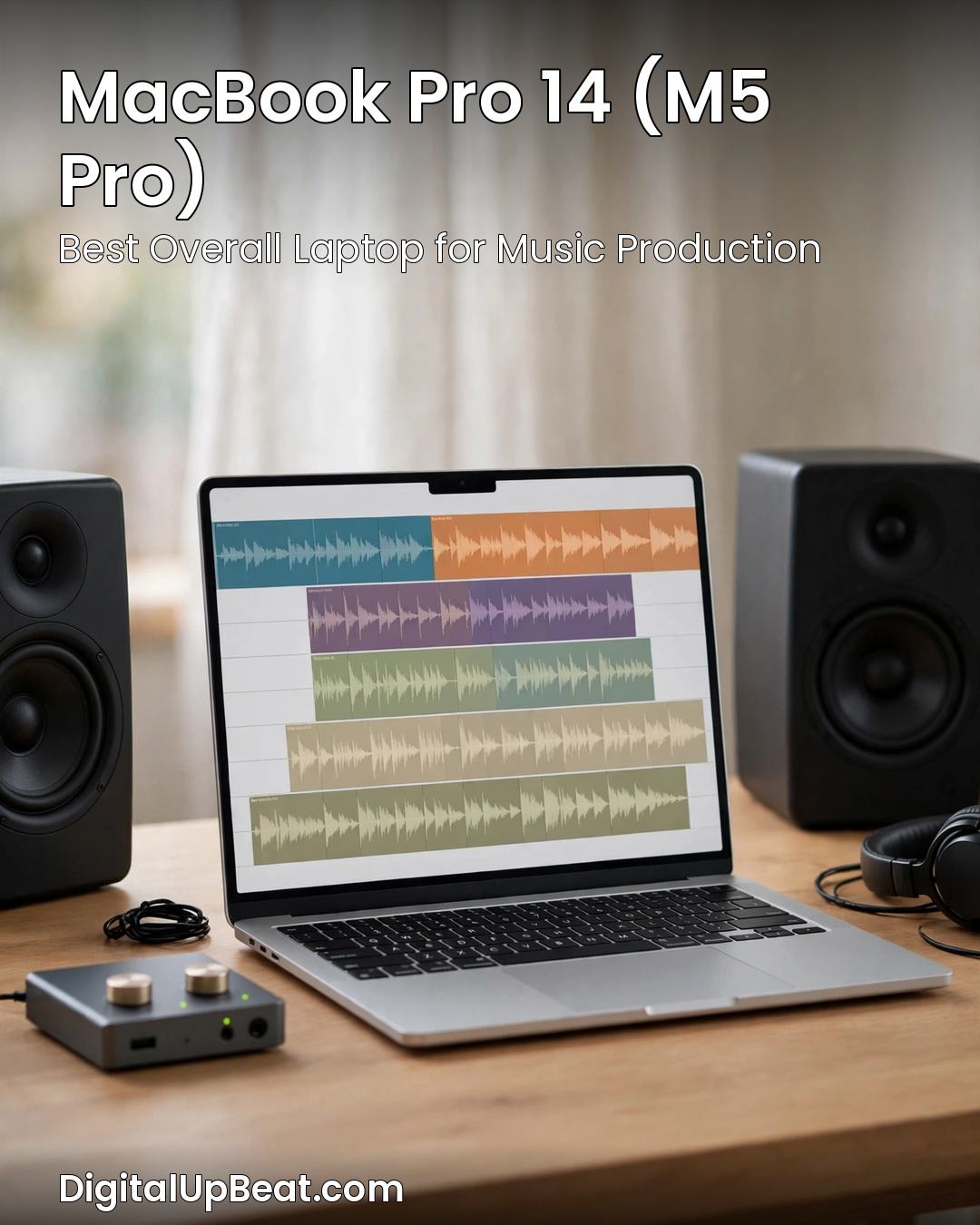
The MacBook Pro 14 with the M5 Pro chip is the strongest default choice for serious music production in 2026, and it is the pick most working producers end up with for a reason. The M5 Pro handles dense sessions — dozens of tracks, stacked virtual instruments, and long plug-in chains — without the buffer underruns that kill a take. The 24GB of unified memory in the base Pro configuration behaves like more than its number suggests in DAW workloads, because the CPU, GPU, and memory share one fast pool instead of copying audio data back and forth. And the machine stays quiet: under a normal mixing load the fans barely spin, which matters when the laptop sits two feet from a condenser microphone.
For DAW compatibility, macOS is the home of Logic Pro, which only runs on Mac, and Core Audio gives Ableton Live, Pro Tools, and Cubase low-latency performance with no extra driver to install. The three Thunderbolt ports connect an audio interface, an external sample-library drive, and a monitor at the same time, and the 1TB SSD in this configuration is the practical minimum once a real sample library starts growing. Battery life is genuinely all-day, so a session in a rehearsal room or on a plane does not end early.
Pros: Fastest real-time audio performance in this roundup; silent under most session loads; Logic Pro and Core Audio built in; excellent battery life; bright, accurate XDR display for video scoring.
Cons: Premium price; RAM and storage are not user-upgradeable, so buy the configuration you will need in two years, not the one you need today; some Windows-only plug-ins and older VSTs have no Mac version.
Best for: Producers who want the safest, quietest, most capable studio laptop and are willing to pay for it.
2. Apple MacBook Air 15 (M5) — Best for Silent and Portable Sessions
The MacBook Air 15 with the M5 chip is the quietest laptop in this roundup, because it has no fan at all. For songwriting, editing, and arranging — the hours when you are building a track rather than rendering it — silence is a feature, not a luxury. The M5 chip is more than fast enough for a typical session of thirty to forty tracks with stock plug-ins, and the 15.3-inch screen finally gives a MacBook Air enough room to show a full arrangement view without an external monitor.
The trade-off is sustained load. On a very long session with heavy sample libraries, the fanless design will throttle sooner than the MacBook Pro, so this is not the machine for a sixty-track orchestral template. But for most producers, most of the time, it is the laptop that disappears: light in a bag, silent on a desk, and with battery life that outlasts a full day of sessions. Choose the 16GB configuration as the floor and the 512GB SSD if you keep any sample library on the machine at all.
Pros: Completely silent — no fan noise in recordings; light and genuinely portable; long battery life; large, bright display for an ultraportable.
Cons: Throttles under very heavy sustained loads; 16GB is the practical ceiling for big sample libraries; only two Thunderbolt ports, so a hub is likely.
Best for: Songwriters, beat-makers, and producers who work on the move and record in the same room as the laptop.
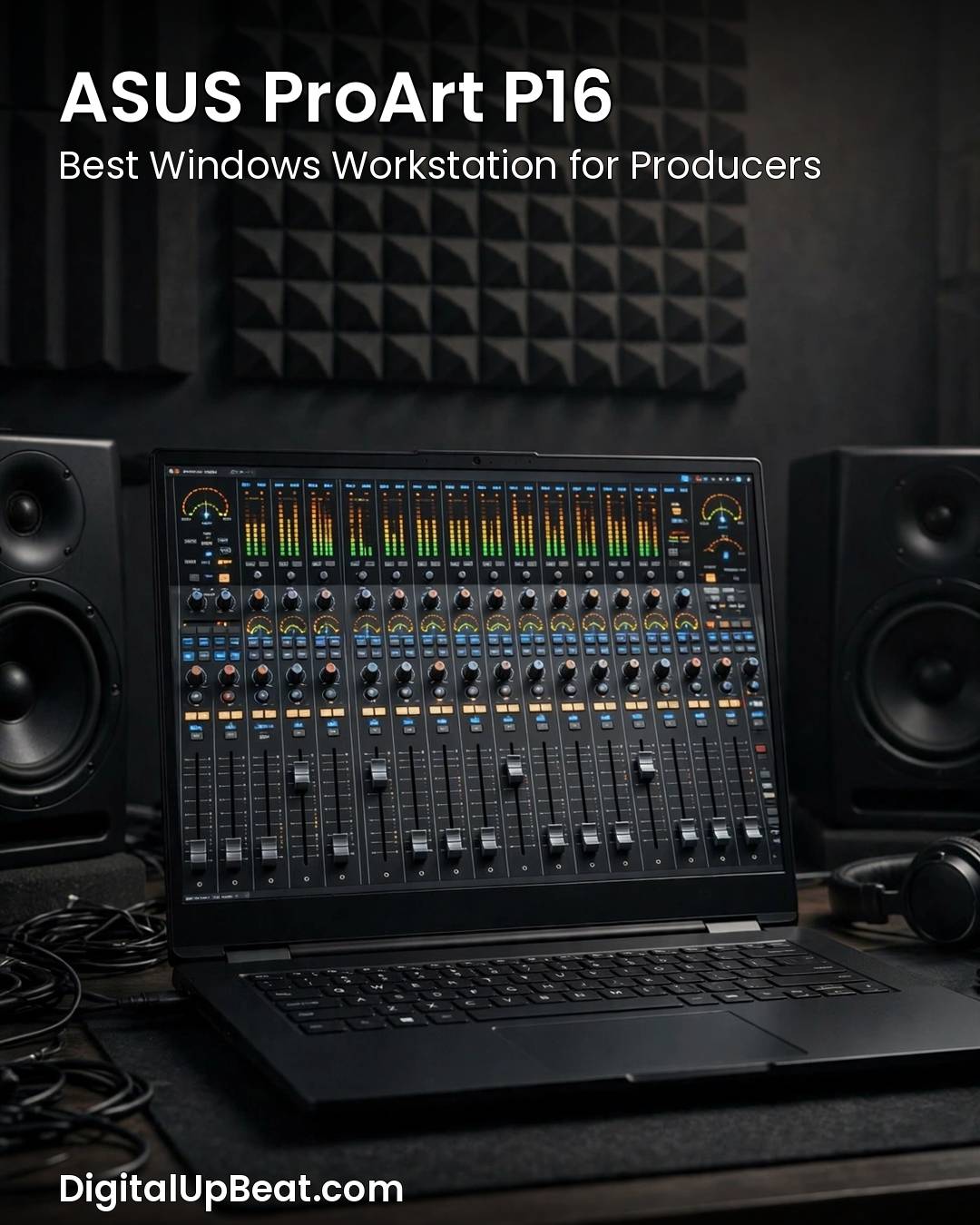
3. ASUS ProArt P16 — Best Windows Workstation for Music Production
If your sessions are big — orchestral templates, film scoring, or projects with hundreds of tracks — the ASUS ProArt P16 is the Windows answer. Its headline number is 64GB of RAM with a second M.2 slot, which means a large sample library can live in memory and on fast local storage at the same time, instead of streaming from a slow external drive. That is the difference between a template that loads in seconds and one that loads in minutes.
The P16 is built as a creator machine, so the 4K OLED display is accurate enough for video work and the port selection covers an audio interface, MIDI controllers, and external drives without a dongle bag. It is a heavier, more expensive machine than the ultrabooks in this list, and its fans will be audible under a full render — but for a Windows producer who needs workstation-class memory in a laptop, nothing else in this roundup comes close on capacity.
Pros: 64GB of RAM and a second M.2 slot — the most headroom in this roundup; accurate 4K OLED display; strong port selection; handles the largest sessions.
Cons: Premium price; heavier than an ultrabook; fans are audible under heavy load, so keep it out of the vocal booth.
Best for: Professional composers and Windows producers running large sample libraries and scoring work.
4. Lenovo ThinkPad P1 Gen 8 — Best for Ports and Upgrades
The ThinkPad P1 Gen 8 is the laptop for producers who hate dongles and hate throwing hardware away. It is a mobile workstation with the ports a studio actually needs — Thunderbolt, USB-A, HDMI, and Ethernet — so an audio interface, a MIDI keyboard, an external drive, and a wired network can all stay plugged in at once. RAM and storage are upgradeable, which means a machine bought with 32GB today can grow with your library instead of being replaced in two years.
ThinkPads have always had the best keyboards in the laptop world, and that matters more than it sounds: a producer spends hours a day on shortcuts, and a keyboard with real travel is less fatiguing than a flat one. The P1 is not the cheapest route to a good session, and it is not the lightest, but it is the most practical machine in this list for a producer who wants a laptop that behaves like a small studio desk.
Pros: Full port selection with no dongles required; upgradeable RAM and storage; excellent keyboard; workstation-grade build.
Cons: Expensive; heavier than ultrabooks; battery life is shorter than the MacBooks under load.
Best for: Producers who want a long-lived, upgradeable studio machine with every port built in.
5. Dell XPS 16 — Best Premium Windows All-Rounder
The Dell XPS 16 is the Windows laptop for the producer who also edits video, designs artwork, or presents to clients. The 16.3-inch 4K+ OLED display is one of the best screens you can get on a laptop, which makes it genuinely useful for scoring to picture and for long arranging sessions where screen space is everything. The Core Ultra processor and 32GB of memory handle large Ableton and FL Studio sessions comfortably, and the 1TB SSD leaves room for a serious sample library.
It is a premium machine at a premium price, and the slim design means the fans work hard under a heavy render. But as a single laptop that covers music production, video editing, and everyday work without compromise, the XPS 16 is the most polished Windows option in this roundup.
Pros: Outstanding 4K+ OLED display; 32GB of RAM and 1TB SSD as standard; premium build; strong all-round performance.
Cons: Premium price; fans are audible under sustained heavy loads; port selection is USB-C only, so plan for a hub.
Best for: Windows producers who also work with video and want the best screen in the roundup.
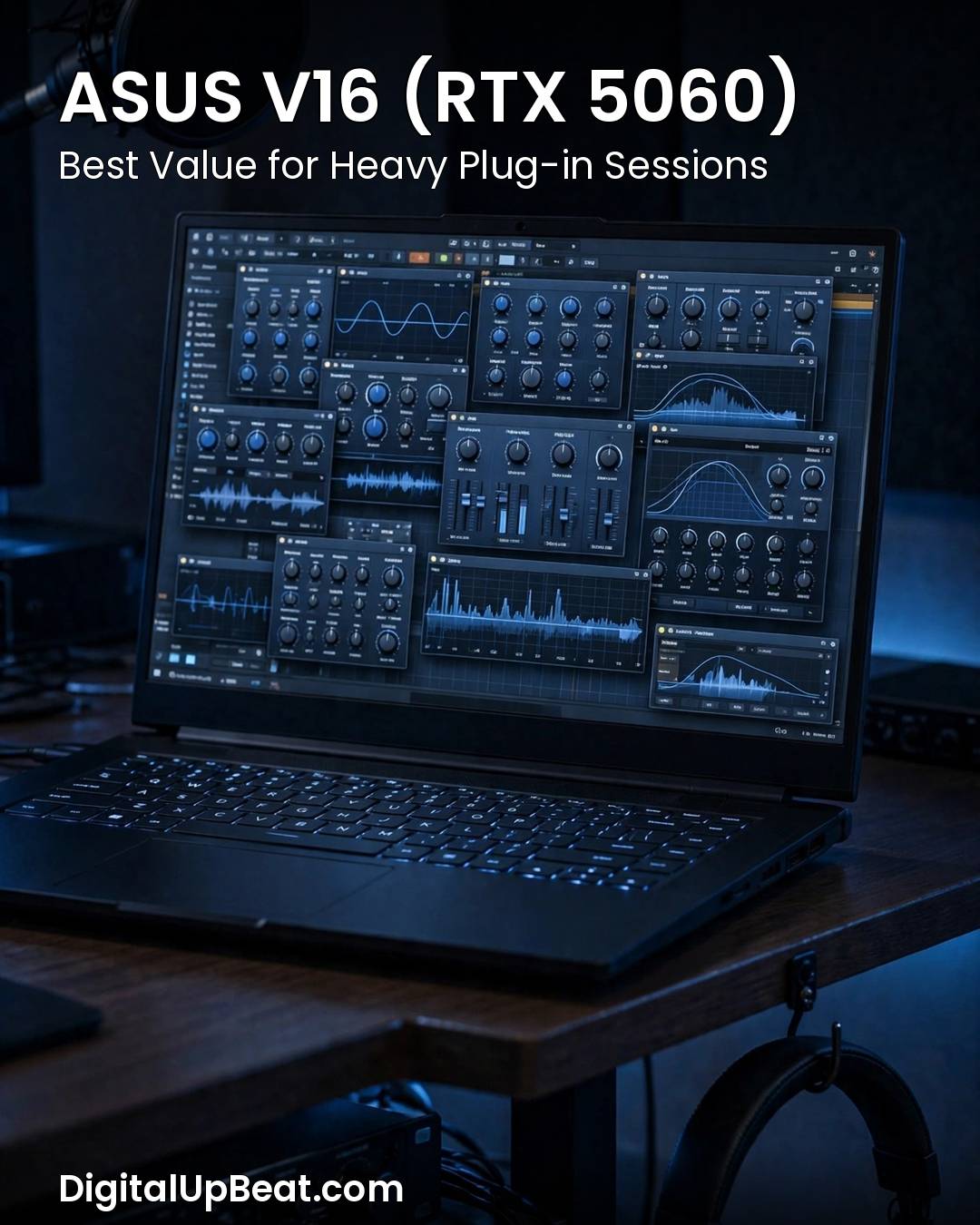
6. ASUS V16 (RTX 5060) — Best Value for Heavy Plug-ins
The ASUS V16 is the value pick for producers whose sessions are plug-in heavy. Its RTX 5060 graphics card is not there for games — it is there because modern DAWs and plug-ins increasingly use the GPU for visual work and for AI-assisted mixing tools, and because a gaming-class laptop brings the CPU and cooling headroom that keeps a dense session running. The Intel Core 7 processor and 16GB of memory handle forty to sixty VST tracks at a low buffer without dropouts, and the 16-inch 144Hz display gives you a full session view.
The trade-off is noise and weight. Gaming laptops have fans that spin up under load, and those fans will be heard in a quiet room — use closed-back headphones for monitoring, or keep the laptop out of the recording space. For the price, though, no other laptop in this list gives you this much raw session headroom.
Pros: Strongest price-to-performance in this roundup; handles heavy plug-in loads and scoring work; large 144Hz display; good connectivity.
Cons: Fan noise is audible under load; heavier than an ultrabook; 512GB SSD fills fast with sample libraries, so budget for external storage.
Best for: Producers who want maximum plug-in headroom per dollar and monitor on headphones.
7. ASUS Vivobook 15 Touch (i7) — Best Budget DAW Starter
You do not need a two-thousand-dollar laptop to make good music. The ASUS Vivobook 15 Touch proves it: an Intel Core i7 processor, 16GB of RAM, and a 1TB SSD for roughly the price of a decent microphone. That combination covers every production workflow short of the largest orchestral templates — a forty-track session in Ableton or FL Studio runs cleanly, and the touchscreen is a genuine bonus, because dragging automation and tweaking plug-in parameters by touch feels more musical than clicking with a mouse.
The compromises are honest ones. The screen is a standard Full HD panel, not a bright OLED; the build is plastic, not aluminium; and the fan profile is aggressive out of the box, so it will spin up sooner than a MacBook. But as a first DAW laptop, or as a second machine for writing on the go, it is the best value in this roundup by a wide margin.
Pros: Remarkable value — i7, 16GB RAM and 1TB SSD for around $424; touchscreen is genuinely useful in a DAW; light enough to carry anywhere.
Cons: Basic Full HD display; plastic build; aggressive fan profile; integrated graphics cap video work at 1080p.
Best for: Beginners, students, and bedroom producers buying their first serious DAW laptop.
How to Choose a Laptop for Music Production
Choosing a laptop for music production comes down to five specs, in this order: CPU, RAM, storage, ports, and noise. Get those five right and the rest is detail.
CPU: single-core speed matters most
DAWs like Ableton Live, FL Studio, and Logic Pro lean hardest on single-core speed for real-time plug-in processing, because a live audio chain cannot be split across cores the way a video render can. A modern Intel Core i7, AMD Ryzen 7, or Apple M-series chip will run forty to sixty VST tracks without buffer underruns; a low-power chip will start choking around track twenty. If you have to choose between more cores and a faster single core, take the faster single core.
RAM: 16GB is the minimum, 32GB is the ideal
Sample libraries load into RAM. An orchestral template with eighty tracks can eat twelve to fourteen gigabytes on its own, before your DAW has even opened. For most producers, 16GB is a workable minimum for software synths, basic recording, and moderate plug-in counts. If you work with large orchestral sample libraries, run multiple Kontakt instances, or produce at a professional level, 32GB is the practical sweet spot. Apple’s unified memory means 24GB on an M-series Mac performs above its number in DAW workloads. Whatever you buy, check whether the RAM is upgradeable — on most thin laptops it is soldered, so the configuration you buy is the configuration you keep.
Storage: fast SSD, 512GB floor, 1TB better
A spinning hard drive will bottleneck your DAW on project load times, so an NVMe SSD is not optional. 512GB is the minimum for a modest sample library; 1TB is better, and 2TB is worth it if your library is large. Sample libraries grow fast — a single orchestral library can be fifty gigabytes — so if the laptop has a second M.2 slot or a Thunderbolt port for a fast external drive, that is real future-proofing.
Ports and audio interface compatibility
Your audio interface is the heart of a recording setup, so the laptop has to connect to it cleanly. Look for USB-C or Thunderbolt for a modern interface, a USB-A port for older MIDI gear, and a 3.5mm audio jack for monitoring. On Windows, your interface needs a working ASIO driver; on macOS, Core Audio handles low latency with no extra driver. Before you buy, confirm your exact interface model has a driver for the laptop’s operating system version — a driver that worked on Windows 10 does not always work on Windows 11, and Apple silicon needs native or Rosetta-supported drivers.
Noise, thermals, and battery
A laptop that sounds like a hairdryer is a problem when the microphone is open. Fanless machines like the MacBook Air are silent by design; workstation laptops are quiet at idle and loud under load. If you record vocals or acoustic instruments in the same room as the laptop, prioritise a quiet machine or plan to keep the laptop outside the recording space. Battery life matters less in a fixed studio and more on the move — but a laptop that dies mid-session is a laptop that loses work, so treat ten hours of real use as a reasonable floor for a portable machine.
Mac vs Windows for Music Production
The Mac versus Windows question is really a DAW question. Logic Pro only runs on macOS, so if Logic is your DAW, the choice is made for you. FL Studio is Windows-first — the macOS version is stable now, but Windows is still its home platform. Ableton Live and Pro Tools run well on both, and Cubase is cross-platform too.
Beyond the DAW, macOS has two practical advantages: Core Audio gives low-latency performance without installing drivers, and Apple silicon Macs are quieter and longer-lived on battery. Windows has two of its own: a much wider choice of laptops at every price, and better compatibility with older plug-ins, gaming hardware, and budget gear. Neither is wrong. Pick the platform your DAW and your plug-ins already live on, and spend the money on RAM and storage instead of switching sides.
What NOT to Buy for Music Production
An 8GB laptop in 2026. Eight gigabytes was a workable minimum five years ago. Today a DAW, a browser full of reference tracks, and a single large sample library will use it all, and the machine will start swapping to disk mid-session. Sixteen gigabytes is the floor.
A 256GB soldered SSD. A quarter-terabyte drive fills up with one sample library and a few projects, and if the storage is soldered you cannot upgrade it later. Buy 512GB at minimum, 1TB if you can.
A renewed 2019 Intel MacBook Pro. Older Intel Macs still appear in budget roundups, but they run hot, their batteries are tired, and Apple is moving on from Intel support. A current Apple silicon machine or a modern Windows laptop is a better buy at a similar price.
A loud gaming laptop as your only machine — if you record in the same room. Gaming laptops are excellent value for plug-in power, but their fans are audible. If you record vocals or acoustic instruments next to the laptop, a quiet ultrabook or a fanless machine is the better tool, even with less raw power.
A laptop you have not checked for DAW compatibility. Before ordering, confirm that your DAW, every plug-in you rely on, your license manager, and your audio interface all have a supported path on the exact operating system and processor architecture you are buying. A laptop that cannot run your tools is not a bargain at any price.
Frequently Asked Questions
How much RAM do I need for music production?
For most producers, 16GB is a workable minimum for software synths, basic recording, and moderate plug-in counts. If you work with large orchestral sample libraries, run multiple Kontakt instances, or produce at a professional level, 32GB is the practical sweet spot. Apple’s unified memory means 24GB on an M-series Mac performs above its number in DAW workloads.
Is a gaming laptop good for music production?
Yes, with one caveat. Gaming laptops offer strong CPU power and plenty of RAM per dollar, which is exactly what a DAW needs for heavy plug-in loads. The trade-off is fan noise and weight: the fans spin up under load and can be heard in a quiet recording room. If you monitor on closed-back headphones or keep the laptop out of the vocal booth, a gaming laptop is excellent value for music production.
Do I need a dedicated GPU for music production?
No. DAWs like Ableton Live, Logic Pro, FL Studio, and Pro Tools are CPU-bound, not GPU-bound, and integrated graphics handle the DAW interface without issue. A dedicated GPU only matters if you also edit video, score to picture, or use GPU-accelerated AI mixing tools — in that case it is a bonus, not a requirement.
Can a budget laptop handle music production?
Yes, for light to moderate sessions. A budget laptop with a modern Core i5 or i7 (or Ryzen equivalent), 16GB of RAM, and an NVMe SSD can run a DAW with thirty to forty tracks and stock plug-ins cleanly. What a budget laptop cannot do is run a sixty-track orchestral template or a large sample library — for that you need 32GB of RAM and a faster CPU. Buy the 16GB configuration, not the 8GB one, and the budget route works well.
Mac or Windows: which is better for music production?
It depends on your DAW. Logic Pro only runs on macOS, FL Studio is Windows-first, and Ableton Live and Pro Tools run well on both. macOS offers driver-free low latency through Core Audio and quieter, longer-lasting hardware; Windows offers a wider choice of laptops at every price and better compatibility with older plug-ins. Pick the platform your DAW and plug-ins already live on.
How much storage do I need for music production?
512GB is the minimum for a modest setup, and 1TB is the practical recommendation once you own any sample libraries. A single orchestral library can be fifty gigabytes, and projects accumulate fast. Buy an NVMe SSD, not a spinning hard drive, and if the laptop has a second M.2 slot or a Thunderbolt port, you can add fast external storage later.
If you also work with video, our guides to the best laptops for video editing and the best laptops for Adobe Creative Cloud cover the machines that handle both audio and video well. If you stream your sessions, see the best laptops for live streaming. And if you are choosing a machine for coding as well as producing, the best laptops for computer science students and best laptops for data science guides cover the same RAM and CPU priorities from a different angle.
The right laptop for music production is the one that matches your DAW, your plug-ins, and the size of your sessions — with enough RAM to grow into. Start from the buying guide above, pick the tier that fits your budget, and check compatibility before you order. Then get back to making music.


Jaeden Higgins is a tech review writer associated with DigitalUpbeat. He contributes content focused on PC hardware, laptops, graphics cards, and related tech topics, helping readers understand products through clear, practical reviews and buying advice.