Book Appointment Now

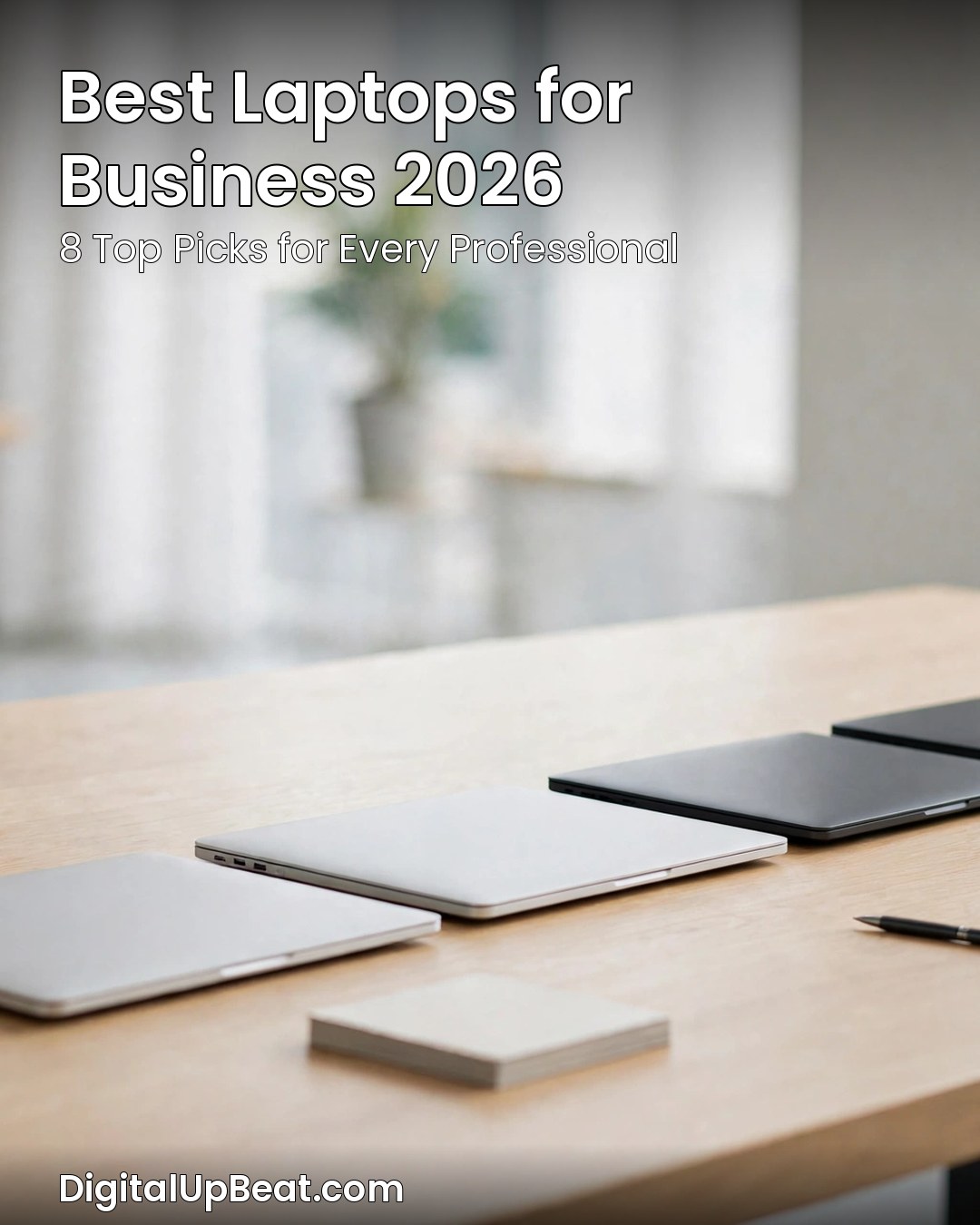
Best Laptops for Business 2026: 8 Top Picks Reviewed
The best laptops for business in 2026 are not chosen on raw speed alone. A laptop that earns its keep has to be light enough to carry between meetings, quiet enough for a video call, secure enough for company data, and reliable enough never to become the reason a deadline slips. That is a different test from the one a gaming or student laptop faces, and it is why “fastest chip wins” roundups are a poor guide for anyone buying for work.
This guide matches each pick to the person who will use it: the executive who wants a thin, silent machine, the remote worker who lives on video calls, the IT manager rolling out a fleet, and the small-business owner who needs real business features on a tight budget. Every pick is a current 2026 model with a genuine business line, a proper warranty path, and the manageability features that separate a business laptop from a consumer one. Prices are starting prices and move with configuration. If you already know the broad landscape, our guide to the best laptop brands is a useful companion read.
Best Laptops for Business 2026 at a Glance
| Model | Best for | Starting price | Standout feature |
|---|---|---|---|
| Apple MacBook Air M5 | Best overall / most businesses | From $1,299 | Silent, fanless design with all-day battery |
| Lenovo ThinkPad X1 Carbon Gen 14 | Best Windows business laptop | From $2,249 | Featherweight carbon-fibre build and superb keyboard |
| Dell XPS 14 (2026) | Best battery life | From $1,999.99 | Long battery life in a premium aluminium chassis |
| Lenovo ThinkPad E14 Gen 7 | Best budget business laptop | From $964 | Real ThinkPad keyboard and durability at a low price |
| Dell Latitude 5550 | Best for enterprise / remote IT | Configuration-dependent | Thunderbolt 4 docking and enterprise manageability |
| HP EliteBook 840 G11 | Best value HP | From $1,249 | Strong security features with a 3-year warranty |
| Microsoft Surface Laptop for Business (8th Edition) | Best for Microsoft-managed fleets | Configuration-dependent | Deep Windows 11 and Microsoft 365 integration |
| ASUS ExpertBook P5 G2 | Best feature value | From $2,629.99 | Full business feature set with AI-ready hardware |
Prices are starting prices and change frequently — verify configuration, OS edition, and warranty before buying.
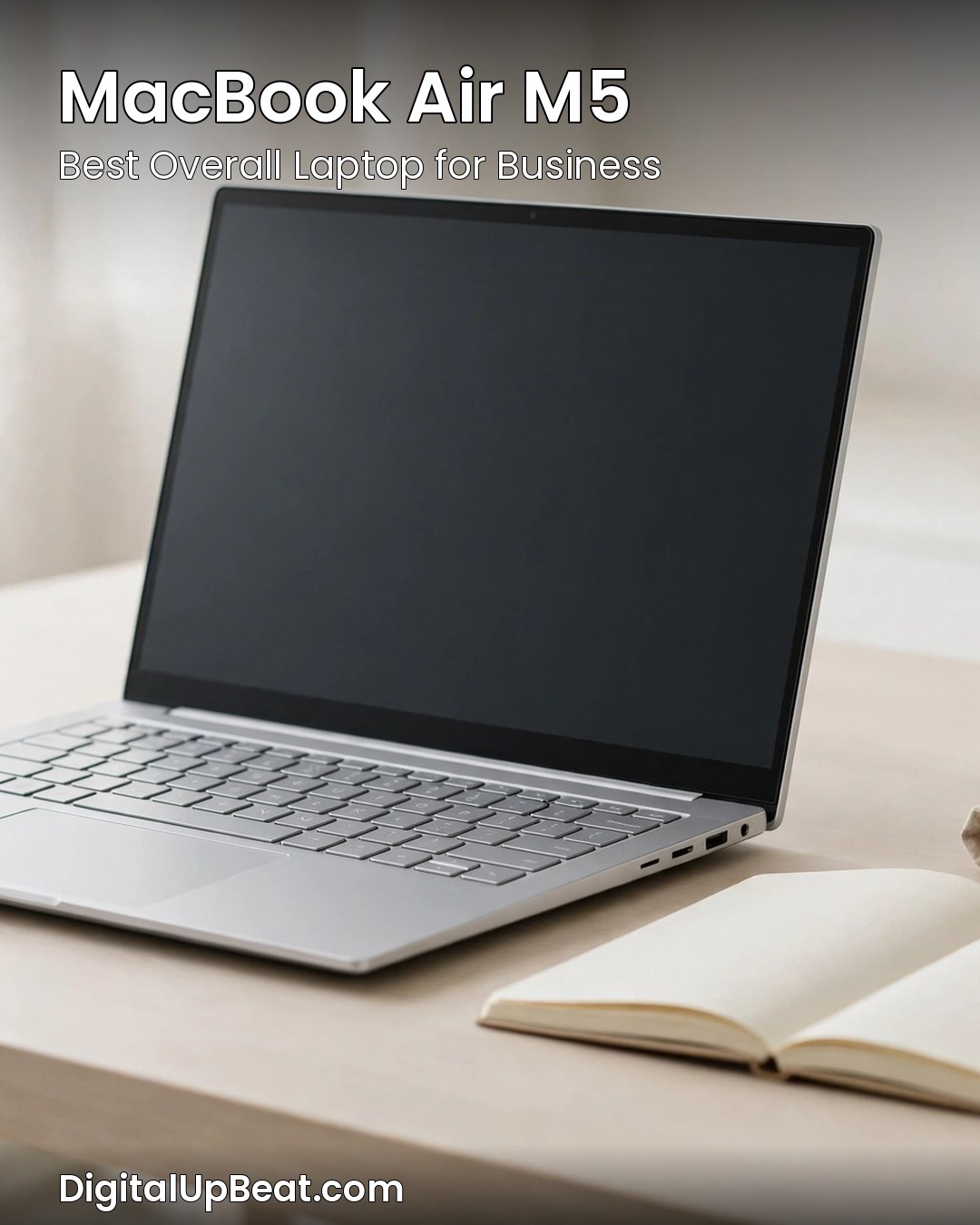
1. Apple MacBook Air M5 — Best Overall Laptop for Business
The MacBook Air M5 is the easiest recommendation in this guide, and that is why it leads it. For most businesses — small teams, consultants, founders, anyone whose work is email, documents, spreadsheets, browsers, and video calls — it does everything that matters, without drama. The M5 chip handles ordinary workloads with room to spare, the machine runs silently with no fan, and the battery lasts a full working day.
It wakes instantly, carries lightly, and its bright screen suits long documents. iPhone and iPad users gain AirDrop and a shared clipboard. The one constraint is software: Windows-only programs need a Windows pick below. At $1,299 to start it is mid-priced, but strong resale value and no moving parts make the total cost lower than the sticker suggests.
Who it is for: Executives, consultants, and small teams who want a light, silent, dependable laptop without Windows-only software.
Pros:
- Silent, fanless design with all-day battery life
- Light and thin enough to carry everywhere without noticing it
- Fast, responsive performance for everyday business work
Cons:
- macOS does not run Windows-only business software natively
- Port selection is limited, so most desk setups need a hub or dock
- Upgrades after purchase are limited — choose RAM and storage up front
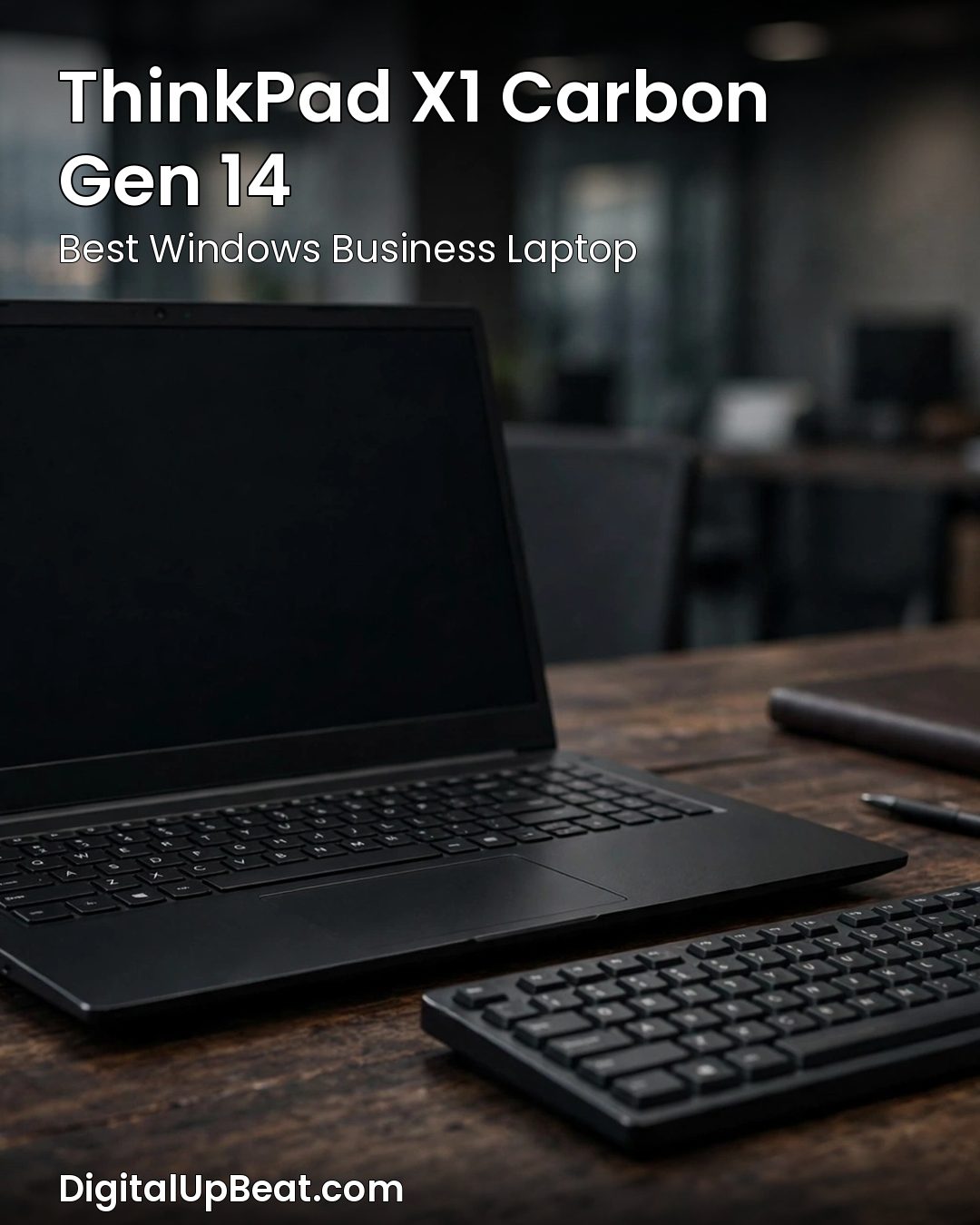
2. Lenovo ThinkPad X1 Carbon Gen 14 — Best Windows Business Laptop
If your business runs on Windows, the ThinkPad X1 Carbon Gen 14 is the benchmark every other Windows business laptop is judged against. It is a carbon-fibre machine remarkably light for a 14-inch laptop, with the best keyboard you will find on any laptop at any price, a bright display, and durability built for years of travel and conference rooms. The keyboard matters because it is the tool you touch for eight hours a day: real key travel, a precise feel, and the little red TrackPoint nub long-time ThinkPad users swear by.
At $2,249 to start, it is a premium purchase for people whose laptop is their primary work tool. It earns that price through build quality, support, and longevity — Lenovo’s business support is built for companies that need a machine fixed quickly, and the carbon-fibre body should reach the end of a three- or four-year refresh cycle still feeling like a professional tool.
Who it is for: Executives and professionals who live on a Windows laptop and want the best keyboard, the lightest premium build, and a machine built to last.
Pros:
- Outstanding keyboard — the best typing experience in this roundup
- Very light carbon-fibre build for a 14-inch laptop
- Business-grade durability, security, and support options
Cons:
- Premium starting price of $2,249
- Speakers are adequate rather than impressive
- Some configurations are expensive once you add RAM and storage
3. Dell XPS 14 (2026) — Best Battery Life
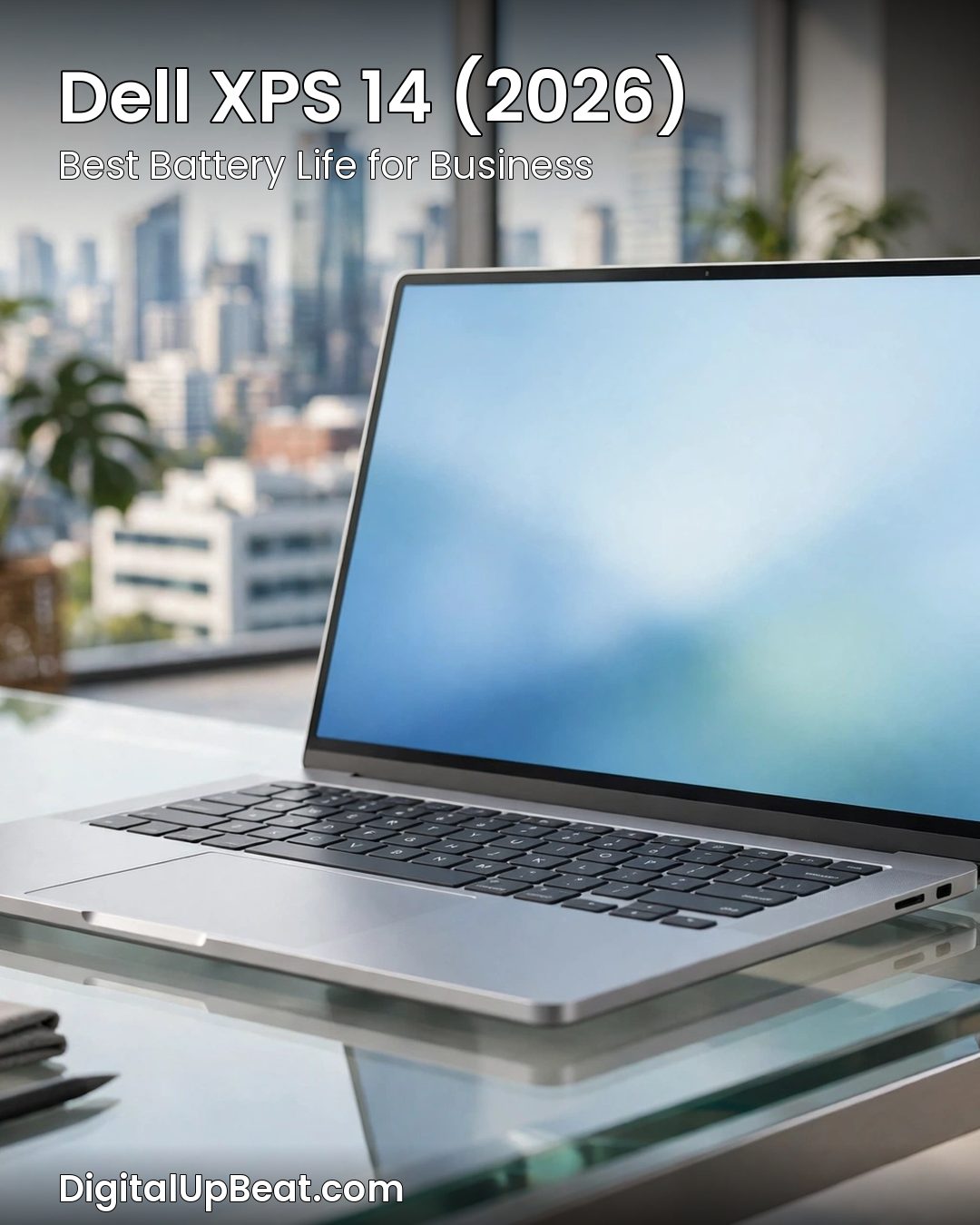
The Dell XPS 14 has long been the design-led choice in the Windows world, and the 2026 model keeps that reputation while answering the one question every business buyer asks first: how long does the battery last? This is the pick for the person who moves between offices, airports, and client sites and cannot plan the day around power outlets. A laptop that dies at 3 p.m. is not a productivity tool. Beyond battery life, it is a genuinely premium machine: aluminium and glass construction, a sharp, bright display with slim bezels, and a package that looks at home in a boardroom.
The trade-offs are real: ports are slimmer than on a Latitude or ThinkPad, so most desk setups will want a USB-C dock, and the keyboard is good rather than ThinkPad-great. But if your priority is a beautiful, long-lasting Windows laptop you can carry and use all day, the starting price of $1,999.99 buys one of the most complete packages in this guide.
Who it is for: Client-facing professionals and travellers who need maximum battery life in a premium Windows laptop.
Pros:
- Excellent battery life for full days away from a charger
- Premium aluminium design that looks right in any boardroom
- Sharp, bright display with slim bezels
Cons:
- Starting price of $1,999.99 is firmly premium
- Limited ports — most desk setups need a dock or hub
- Keyboard is good but not class-leading
4. Lenovo ThinkPad E14 Gen 7 — Best Budget Business Laptop
The ThinkPad E14 Gen 7 is the most important pick for small businesses, because it answers the question every small-business owner asks: can I get a real business laptop without paying a premium price? At $964 to start — less than half the price of the X1 Carbon — it carries the ThinkPad name for a reason: the same keyboard DNA, the same no-nonsense design, and the same focus on durability, in a more affordable package. The compromises are honest: it is heavier and thicker than the X1 Carbon, and the screen is good rather than spectacular. None of that matters for the work itself, because ordinary business work needs enough RAM, a fast SSD, and a machine that does not get in the way — not a flagship processor.
For a business buying five or ten laptops at once, the E14 changes the maths completely: the saving across a team pays for monitors, docks, or a proper backup system — things that improve productivity far more than a slightly faster chip. Buy it with 16GB of RAM if you can, keep the software lean, and it will serve for years.
Who it is for: Small businesses and budget buyers who want a genuine business laptop at the lowest sensible price.
Pros:
- Outstanding value — a real ThinkPad from $964
- Excellent keyboard and solid, durable build
- Ideal for buying in bulk for a small team
Cons:
- Heavier and thicker than premium ultrabooks
- Display is good rather than outstanding
- Base configurations may need a RAM upgrade for heavier multitasking
5. Dell Latitude 5550 — Best for Enterprise and Remote IT
The Dell Latitude 5550 is not the laptop you buy to impress a client. It is the laptop you buy when you are responsible for fifty of them. Latitudes are Dell’s workhorse business line, built for IT departments that need identical machines they can image, deploy, manage remotely, and repair quickly — and the 5550, with an Intel Core Ultra 5 processor, 32GB of DDR5 memory, Thunderbolt 4, and an 11-hour battery, is configured for serious, sustained work rather than showroom appeal. That 32GB of memory matters most: modern business work is browser-tab heavy, and that is the workload that makes an 8GB machine stutter and a 16GB machine work hard. Thunderbolt 4 lets a single cable connect a monitor, dock, keyboard, and network.
The other half of its appeal is invisible to the user and essential to IT: Dell’s enterprise support and remote management tools mean one standard image across the whole company. For a single buyer, a Latitude may feel less exciting than an XPS; for a company buying at scale, it is the rational choice, and the 11-hour battery makes it practical for the people carrying it.
Who it is for: IT managers and enterprises who need a standardised, manageable fleet laptop with room to grow.
Pros:
- 32GB of DDR5 memory handles heavy multitasking with ease
- Thunderbolt 4 for single-cable docking and fast peripherals
- Enterprise manageability, support, and fleet consistency
Cons:
- Plain, functional design — no premium flair
- Heavier than the ultrabooks in this guide
- Price depends heavily on configuration
6. HP EliteBook 840 G11 — Best Value HP Business Laptop
HP’s EliteBook line is the company’s answer to the ThinkPad and the Latitude, and the 840 G11 is the sweet spot: a proper business laptop at $1,249 to start, undercutting the premium flagships while giving up very little. With an Intel Core i5 processor, 16GB of RAM, and a 512GB SSD, the standard configuration is exactly the specification a business laptop should have in 2026. HP’s strength here is security: hardware-level protection against firmware attacks, a privacy screen option, and tools that let IT lock down or wipe a lost machine. For businesses handling client data or anything subject to compliance rules, those features are the reason to buy a business laptop instead of a consumer one. The 3-year warranty reinforces the point.
In everyday use, the EliteBook is a quiet achiever: a comfortable keyboard, a sensible 14-inch display, and a machine light enough to carry without complaint. It will not win a design award against the XPS 14 or out-type a ThinkPad, but it does everything a business laptop needs to do, with a warranty that removes the worry.
Who it is for: Businesses that want a secure, well-supported HP laptop with a 3-year warranty at a fair price.
Pros:
- Strong hardware security features for company data
- 3-year warranty included — real peace of mind
- Well-balanced specification: Core i5, 16GB RAM, 512GB SSD
Cons:
- Design is professional but unremarkable
- Not the lightest laptop in this guide
- Performance is solid rather than spectacular
7. Microsoft Surface Laptop for Business (8th Edition) — Best for Microsoft-Managed Fleets
If your company already lives in Microsoft’s world — Windows 11, Microsoft 365, Teams, Intune, and Azure — then the Surface Laptop for Business, 8th Edition, fits that world most naturally. It is designed by the same company that makes the operating system and the productivity software: a clean Windows 11 Pro installation without the trial software other manufacturers bundle, straightforward enrolment into Intune, and a design made for Teams calls. The touchscreen is genuinely useful for presenting and signing documents, and the keyboard and trackpad are among the best on any Windows laptop.
The trade-off is the same as on most premium ultrabooks: upgradability is limited, so the configuration you buy is largely the configuration you keep. That matters less in a managed fleet, where machines are replaced on a cycle, than for a sole trader who wants to upgrade one machine over time. For a Microsoft-centred business, or an executive who wants the cleanest Windows experience, it is a compelling choice.
Who it is for: Companies standardised on Microsoft 365 and Intune, and executives who want the cleanest Windows 11 experience.
Pros:
- Deep integration with Windows 11, Microsoft 365, and Intune
- Clean installation — no bundled trial software
- Excellent keyboard, trackpad, and touchscreen
Cons:
- Limited upgradability — choose the configuration carefully
- Port selection is modest for a business laptop
- Price depends heavily on configuration
8. ASUS ExpertBook P5 G2 — Best Feature Value
The ASUS ExpertBook P5 G2 is the dark horse of this roundup. ASUS is better known for gaming laptops than for business fleets, but the ExpertBook line is a serious business product, and the P5 G2 packs in more features per dollar than almost anything else here. At $2,629.99 to start, it is not a budget pick — the price reflects a fully loaded machine, with AI-ready hardware and business security features. The headline feature is the AI-ready hardware: a neural processing unit that accelerates on-device AI such as background blur and noise reduction on calls, live captions, and local assistants. A laptop bought in 2026 will still be in service in 2029, so hardware that runs the AI features of the next few years is a reasonable way to future-proof a purchase.
Beyond the AI hardware, the ExpertBook is a complete business laptop: a solid keyboard, a good display, and business-grade security. The main caveat is the ecosystem — ASUS’s business support is capable, but it lacks the decades of enterprise presence Lenovo, Dell, and HP enjoy. For a small or medium business buying on features and value, that is a minor concern — and the feature list is the reward.
Who it is for: Small and medium businesses that want the fullest feature set and will look beyond the traditional big three brands.
Pros:
- Very strong feature set for the price
- AI-ready hardware for Copilot+ and on-device AI features
- Business-grade security and a solid keyboard
Cons:
- Starting price of $2,629.99 is high — this is a fully loaded machine, not a bargain
- Less enterprise fleet history than Lenovo, Dell, or HP
- Some AI features are still maturing and may not matter to every business yet
How to Choose a Business Laptop in 2026
Choosing a business laptop is easier once you separate the specifications that change your working day from the ones that only change a benchmark score.
Processor and RAM
For ordinary business work, a modern mid-range processor is more than enough, and the processor brand matters far less than the amount of memory. In 2026, 16GB of RAM is the sensible minimum: the point at which heavy multitasking stops feeling tight. If you keep many applications open, or plan to keep the laptop for four years, 32GB is worth it. Do not buy a business laptop with 8GB of RAM in 2026 — it will feel slow within a year, and it cannot be upgraded on most modern machines.
Battery Life
Manufacturer battery claims are measured in ideal conditions, so treat them as a ranking rather than a promise. What matters is whether the laptop survives a working day of real use — video calls, screen at a comfortable brightness, Wi-Fi on — without hunting for a charger. A laptop that claims all-day battery will usually deliver a full working day; one that claims eight hours may not. If you work mostly at a desk, battery life matters less; if you travel or work from cafés and co-working spaces, put it near the top of your list.
Security and Manageability
This is the feature that separates a business laptop from a consumer laptop, and it is the one most buyers overlook. Business laptops offer hardware-level security — Windows Hello cameras and fingerprint readers, TPM chips, BIOS-level protection, remote wipe via Intune — that consumer laptops mostly lack. If your laptop will hold client data or financial records, these features are not optional extras. They also let an IT team manage a fleet: enrol machines, push updates, enforce encryption, and wipe a lost laptop remotely.
Keyboard and Display
You touch the keyboard and look at the display more than any other part of the laptop, so they deserve more weight than they usually get. A good business keyboard has real key travel and a precise feel — this is why the ThinkPad X1 Carbon’s keyboard is mentioned in almost every review of it. The display should be bright enough for use near a window and sharp enough for hours of reading. If you spend your day on video calls, the webcam and microphone matter too — see our guide to the best laptops for video conferencing.
Ports and Docking
Modern ultrabooks have fewer ports than the laptops they replace, and that is fine as long as you plan for it. Before you buy, list what you plug in daily: monitor, keyboard, mouse, headset, drive, network cable. If the answer is more than two things, you will want a USB-C dock, and you should check that the laptop supports Thunderbolt 4 or USB4 so a single cable can carry the display, the peripherals, and the charging. The Latitude 5550’s Thunderbolt 4 is the standard to look for. HDMI or USB-A ports save carrying an adapter, and USB-C charging lets you share chargers across the team.
Warranty and Support
A business laptop is a tool that earns money, and every day it is away for repair is a day of lost work. That is why the warranty deserves the same attention as the specification. A 3-year warranty, like the EliteBook 840 G11’s, is the right length for a business machine. Check whether it is on-site or return-to-base, how fast repairs are promised, and whether accidental damage cover is available. For a fleet, a vendor with a local service presence and a next-business-day option is worth paying for.
Two notes on software are worth adding. First, Copilot+ and AI PCs: a growing number of 2026 business laptops ship with a neural processing unit (NPU) for on-device AI — background blur, noise cancellation, live captions, and local assistants. Useful on calls, and more important over the laptop’s life — but not yet a reason to buy a machine you would otherwise reject. Treat AI hardware as a tie-breaker between two otherwise equal laptops. Second, Windows 11 Pro versus Home: choose Pro. It adds BitLocker encryption, Remote Desktop, group policy, and domain joining — features Home lacks that matter the moment a laptop holds company data.
Mac vs Windows for Business
The Mac versus Windows question is less dramatic than it used to be, because most business software now lives in the browser or in the cloud. If your team works in Google Workspace, Microsoft 365 on the web, Slack, a browser-based CRM, and video calls, the operating system barely matters — and the MacBook Air M5 is an excellent choice on its own merits, with a reputation for reliability, long software support, and strong resale value. Windows still wins clearly in two situations: Windows-only software, such as specialist accounting, legal, or engineering tools with no Mac version, and fleet management, where Windows with Intune, Active Directory, and group policy is the established way to manage dozens or hundreds of machines. Choose the operating system your software and IT setup already require, then pick the best laptop within it — and if you genuinely could go either way, the MacBook Air M5 is the simplest place to start.
What NOT to Buy in 2026
Knowing what to avoid is as useful as knowing what to buy. The first mistake is buying a consumer gaming laptop for office work. Gaming laptops are powerful, but they are heavy, loud, short on battery, and styled for a different audience — and they usually lack the warranty, security, and manageability features a business needs. The one exception is a genuinely demanding creative workload, where a powerful GPU is a real requirement.
The second mistake is buying a laptop with 8GB of RAM because it is cheap. In 2026, 8GB is not enough for comfortable business multitasking, and on most modern laptops it cannot be upgraded later — the saving is small, and the cost is a machine that feels slow for its entire working life. The third mistake is buying an end-of-life or heavily discounted older model without checking what you are giving up: whether it will still receive security updates for the whole time you plan to use it, whether its warranty is a full manufacturer warranty, and whether its RAM and storage meet the 2026 minimums above. A cheap laptop that stops receiving security updates in eighteen months is not a bargain; it is a liability.
Frequently Asked Questions
What is the best business laptop overall in 2026?
The Apple MacBook Air M5 is the best business laptop overall for most people in 2026: silent, light, and fast enough for ordinary business work, with a battery that lasts a full working day. The exception is Windows-only software — then the ThinkPad X1 Carbon Gen 14 is the best Windows business laptop.
What is the best budget business laptop?
The Lenovo ThinkPad E14 Gen 7 is the best budget business laptop, from $964. It is a genuine ThinkPad, with the keyboard and durability the name implies, at less than half the price of the X1 Carbon. Buy it with 16GB of RAM and it will handle ordinary business work for years.
ThinkPad vs Latitude vs EliteBook — which is best?
There is no single winner. The ThinkPad X1 Carbon has the best keyboard and the lightest build. The Dell Latitude 5550 is best for IT-managed fleets, with enterprise manageability and Thunderbolt 4 docking. The HP EliteBook 840 G11 offers the best value, with strong security and a 3-year warranty from $1,249.
How much RAM do I need in a business laptop?
16GB of RAM is the sensible minimum for a business laptop in 2026 — enough for a dozen browser tabs, a video call, and a spreadsheet at once. 8GB is no longer enough and cannot be upgraded on most modern laptops, so avoid it. 32GB is worth it if you keep many applications open.
Is a MacBook or a Windows laptop better for business?
It depends on your software. A MacBook suits most small businesses: the MacBook Air M5 is reliable and silent, and most business software now runs in the browser or the cloud. Windows is better for Windows-only software, or if an IT team manages a fleet — Windows with Intune is the established way to manage company machines at scale.
What is the best business laptop for working from home?
For working from home, choose a laptop with a great screen, a comfortable keyboard, and a good webcam. The MacBook Air M5 is the simplest all-round choice. On Windows, the Dell XPS 14 offers a beautiful display and long battery life, while the ThinkPad X1 Carbon has the best keyboard for long writing days.
Our Verdict
If you buy one laptop for business in 2026, buy the MacBook Air M5 — unless your work needs Windows, in which case buy the Lenovo ThinkPad X1 Carbon Gen 14. Those two cover most businesses. And if the budget is tight, the ThinkPad E14 Gen 7 delivers a real business laptop from $964, the best value in this guide. Next step: check which of your essential applications are Windows-only, set your budget, and choose the pick above that matches your role. For a broader view, our guide to the best laptop brands compares manufacturers, and our guide to the best laptops for video conferencing is the natural next read if your work involves video calls all day. Whichever laptop you choose, buy it with 16GB of RAM, Windows 11 Pro (or macOS), and a warranty that covers the whole time you plan to use it.

Jaeden Higgins is a tech review writer associated with DigitalUpbeat. He contributes content focused on PC hardware, laptops, graphics cards, and related tech topics, helping readers understand products through clear, practical reviews and buying advice.